SupaBird Schedule Retweets is a feature that allows users to automatically repost their existing X content to increase visibility and reach over time.
How to Schedule Retweets in SupaBird
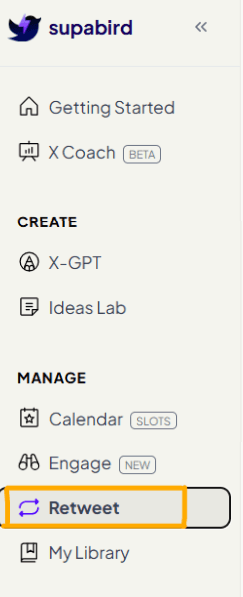
1. Open Retweet Section
Go to the left navigation bar and click Retweet.
This is where you can manage and schedule reposts of your existing content.
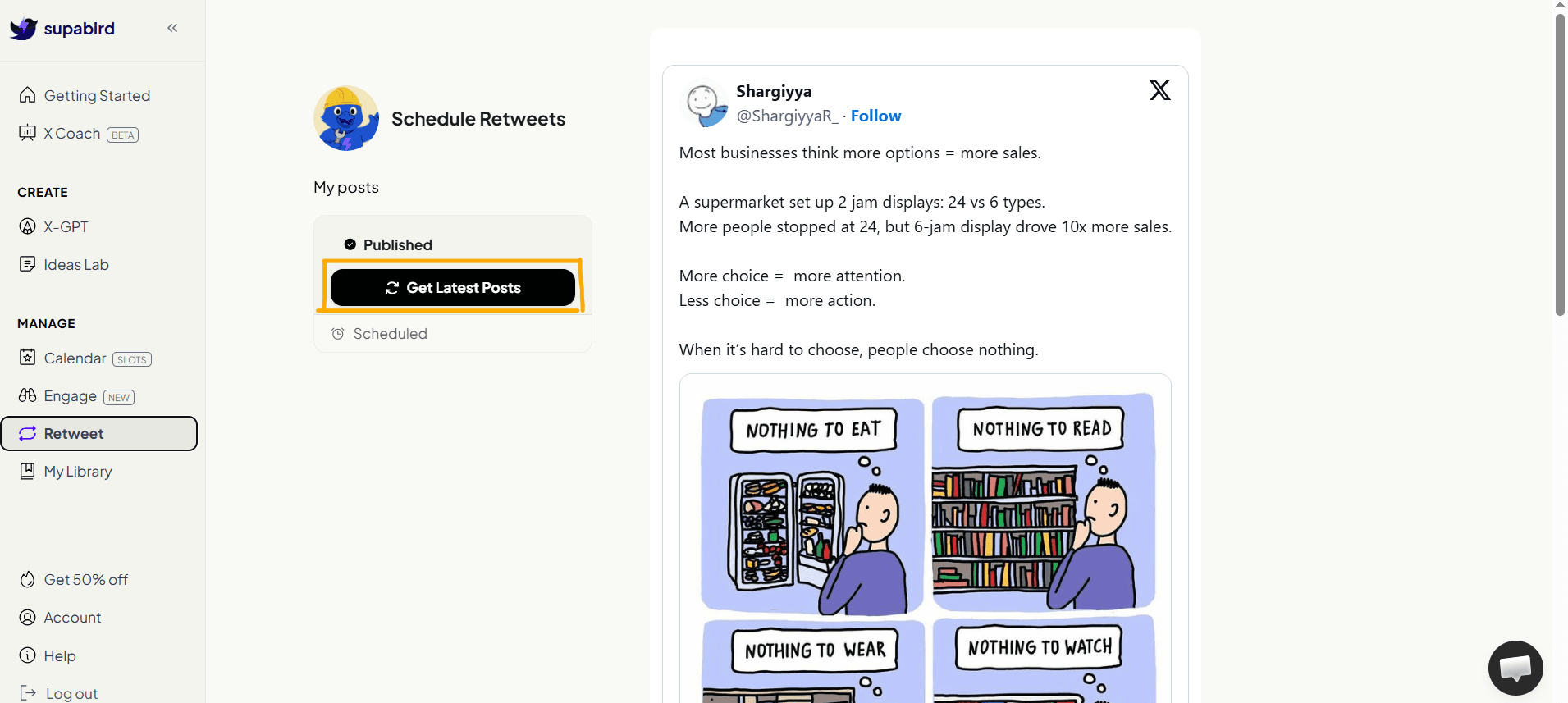
2. Load Your Posts
Click “Get Latest Posts” to fetch your recently published content.
SupaBird will display your posts in a clean interface.
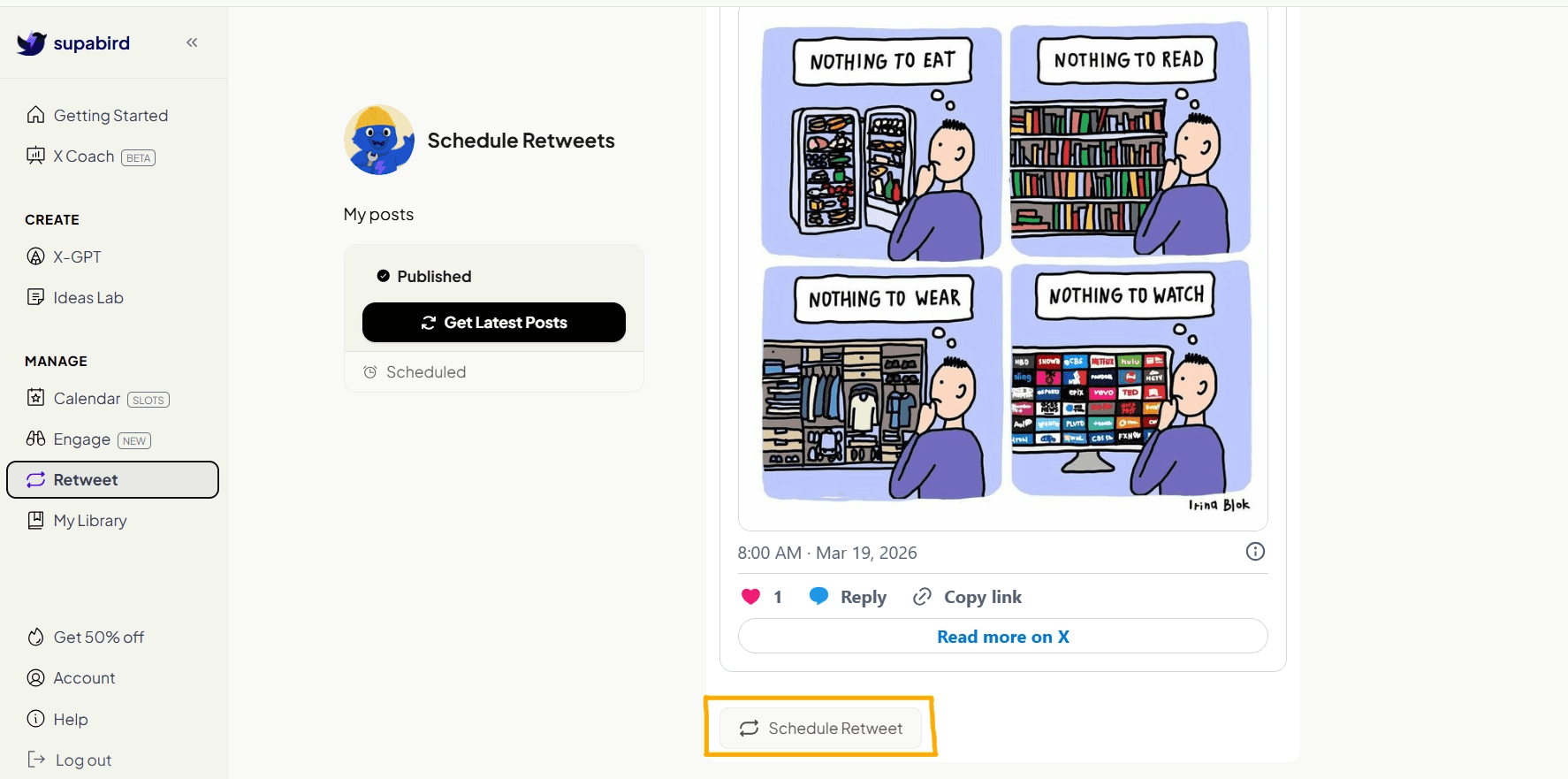
3. Choose a Post to Retweet
Browse your posts and select the ones you want to repost.
Focus on:
high-performing posts
evergreen content
valuable insights
Not every post needs a retweet, prioritize quality over quantity.
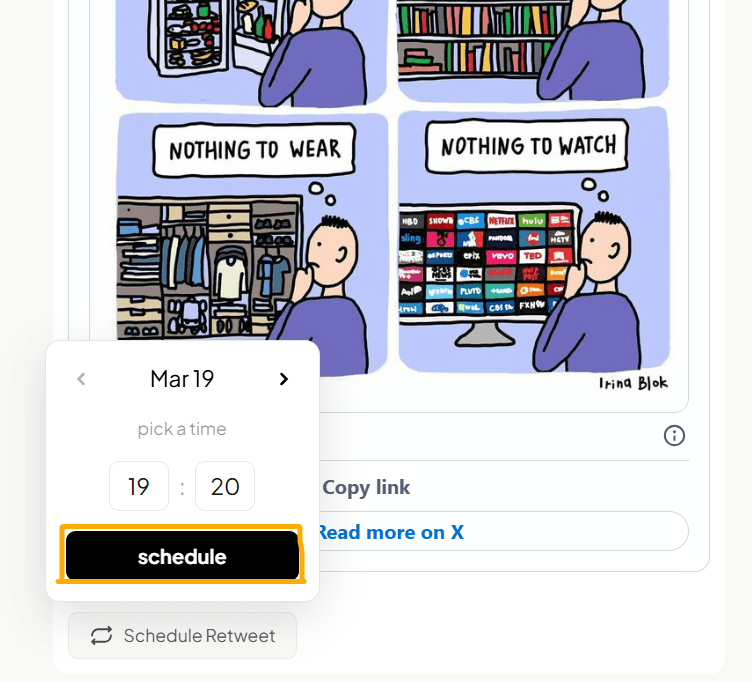
4. Schedule Retweets
Once selected, you can schedule when the post should be reposted.
This allows you to:
space out reposts
avoid spamming
reach different audiences
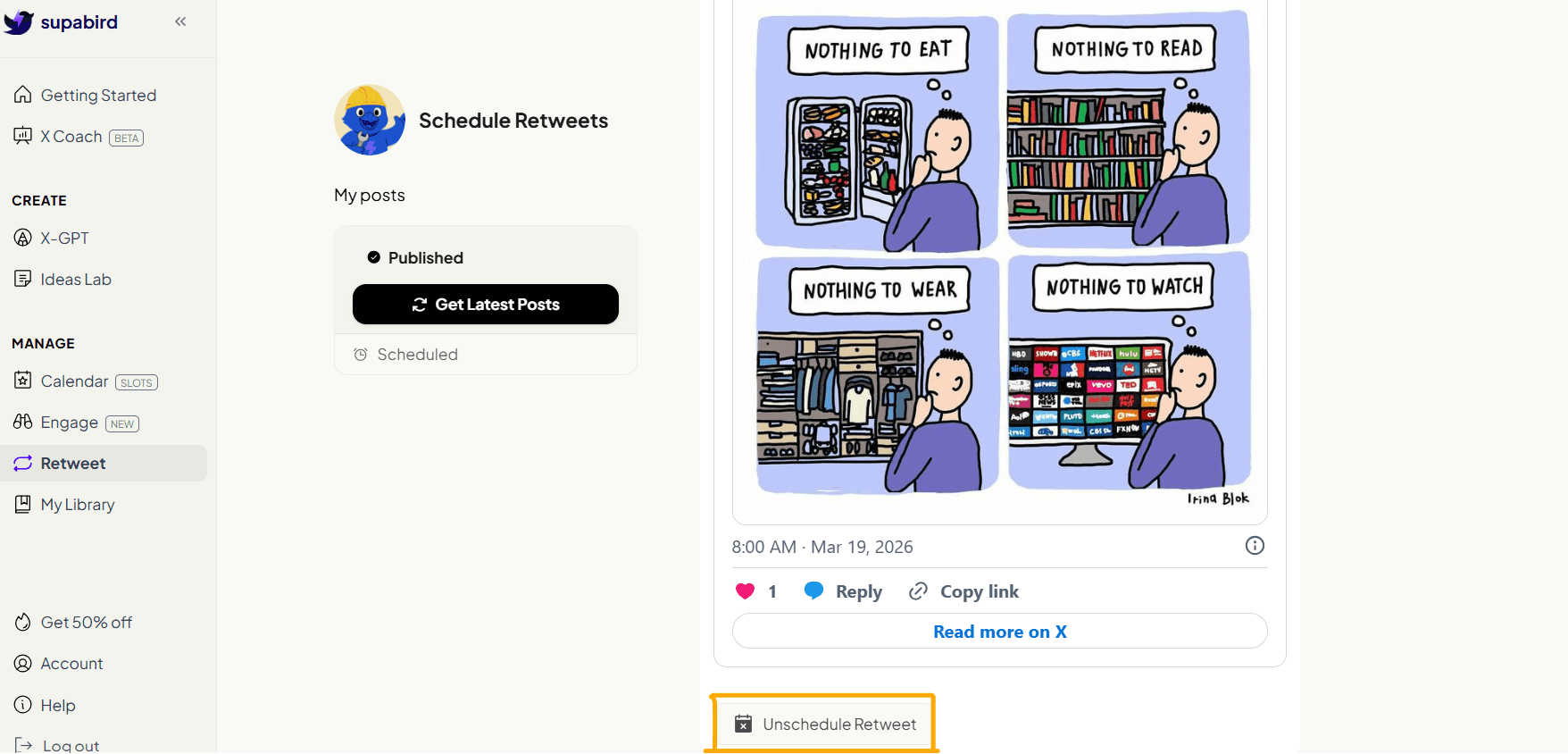
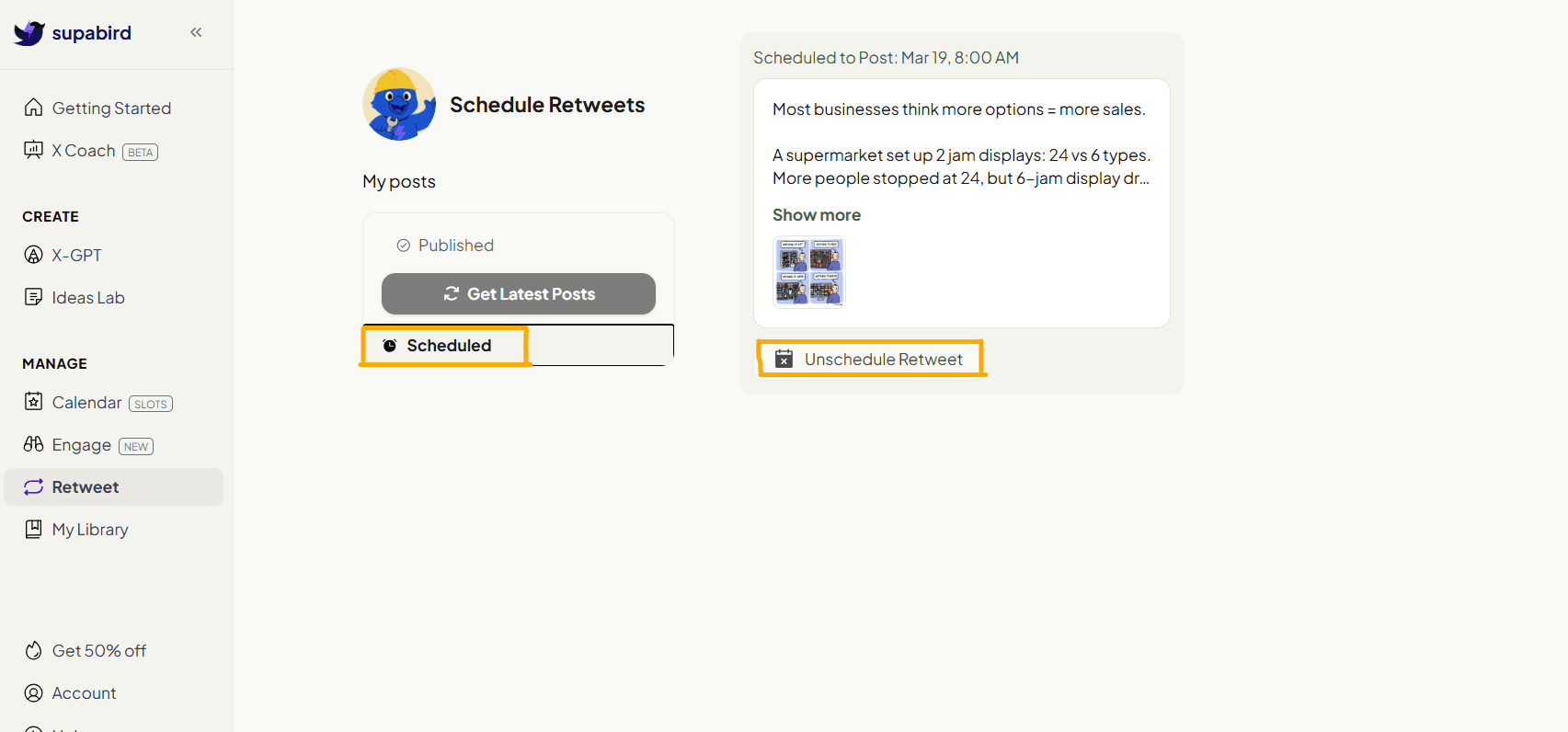
5. Unschedule Retweets Anytime
SupaBird allows users to unschedule retweets at any time, giving full control over content timing and repost strategy.
or
6. Track Your Scheduled Retweets
You can track your scheduled retweets in the calendar. Learn more about it here.
Why Scheduling Retweets Matters
On X, most posts don’t reach all your followers.
This means:
many people miss your content
timing affects visibility
even good posts underperform
Retweeting solves this by giving your content a second (or third) chance.
What Makes SupaBird Schedule Retweets Useful?
Instead of manually reposting content, SupaBird:
automates the process
helps you stay consistent
maximizes content reach
saves time
FAQ
1. Why should I retweet my own posts?
Because not all followers see your posts the first time, reposting increases visibility.
2. How often should I retweet my posts?
It depends, but spacing retweets over time helps avoid repetition and improves reach.
3. Can I schedule retweets in advance?
Yes, SupaBird allows you to plan and schedule reposts ahead of time.
4. Does retweeting improve engagement?
Yes, it gives your content more chances to be seen and interacted with.
5. Can I unschedule a retweet after scheduling it?
Yes, you can remove scheduled retweets anytime from the Scheduled section, giving you full flexibility.
6. Which posts should I retweet?
You should focus on:
high-performing posts
valuable insights
posts that didn’t reach enough people
7. Is scheduling retweets better than manual reposting?
Yes, scheduling helps you stay consistent, saves time, and ensures your content is reposted at optimal times.
8. Can I track my scheduled retweets?
Yes, you can view and manage all scheduled retweets inside the Calendar.