SupaBird My Library lets you find and manage your saved, scheduled, posted, and deleted posts in one centralized place.
What is SupaBird My Library?
My Library is a content management space inside SupaBird where you can:
save post ideas
organize drafts and templates
track scheduled and published content
How to Use SupaBird My Library
1. Open My Library
Go to the left navigation bar and click My Library.
This is where all your saved content is stored.
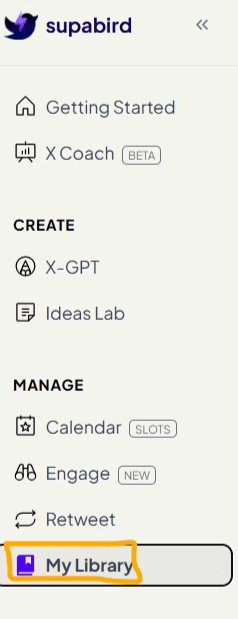
2. Navigate Between Sections
Inside My Library, you’ll see multiple tabs:
Saved – ideas and posts you saved for later
Scheduled – posts planned for future publishing
Posted – content already published
Trash Bin – deleted content
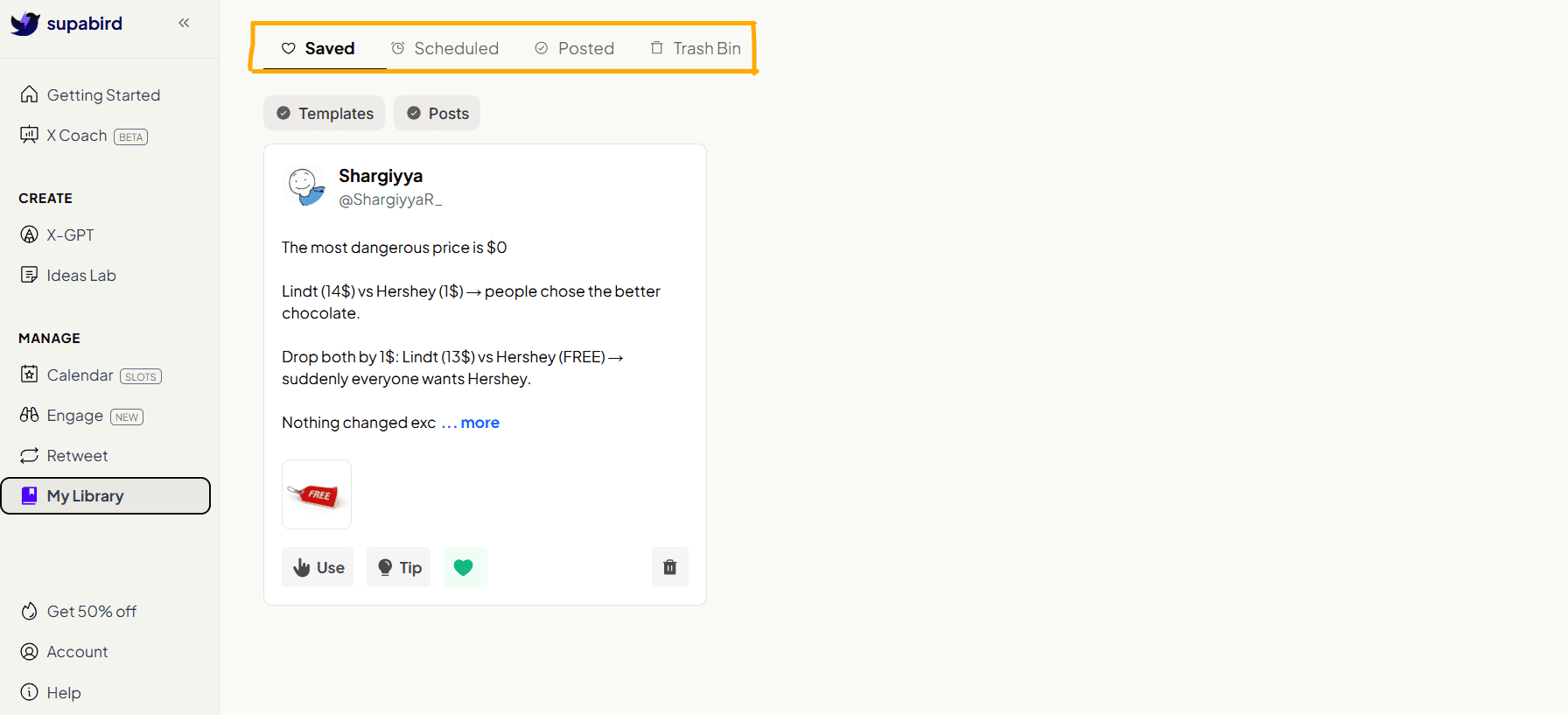
3. Turn Saved Ideas into Posts
When you click Use, the content is instantly transferred to the editor.
From there, you can:
make edits
add images
schedule
or publish instantly
You can also remove saved content if it’s no longer needed by clicking green heart icon.
4. Manage Your Scheduled Posts
SupaBird allows users to view, edit, and manage scheduled posts in one place, improving content planning and publishing consistency on X.
Inside My Library, you can switch to the Scheduled tab to view all posts planned for future publishing.
This section gives you a clear overview of what content is going live and when.
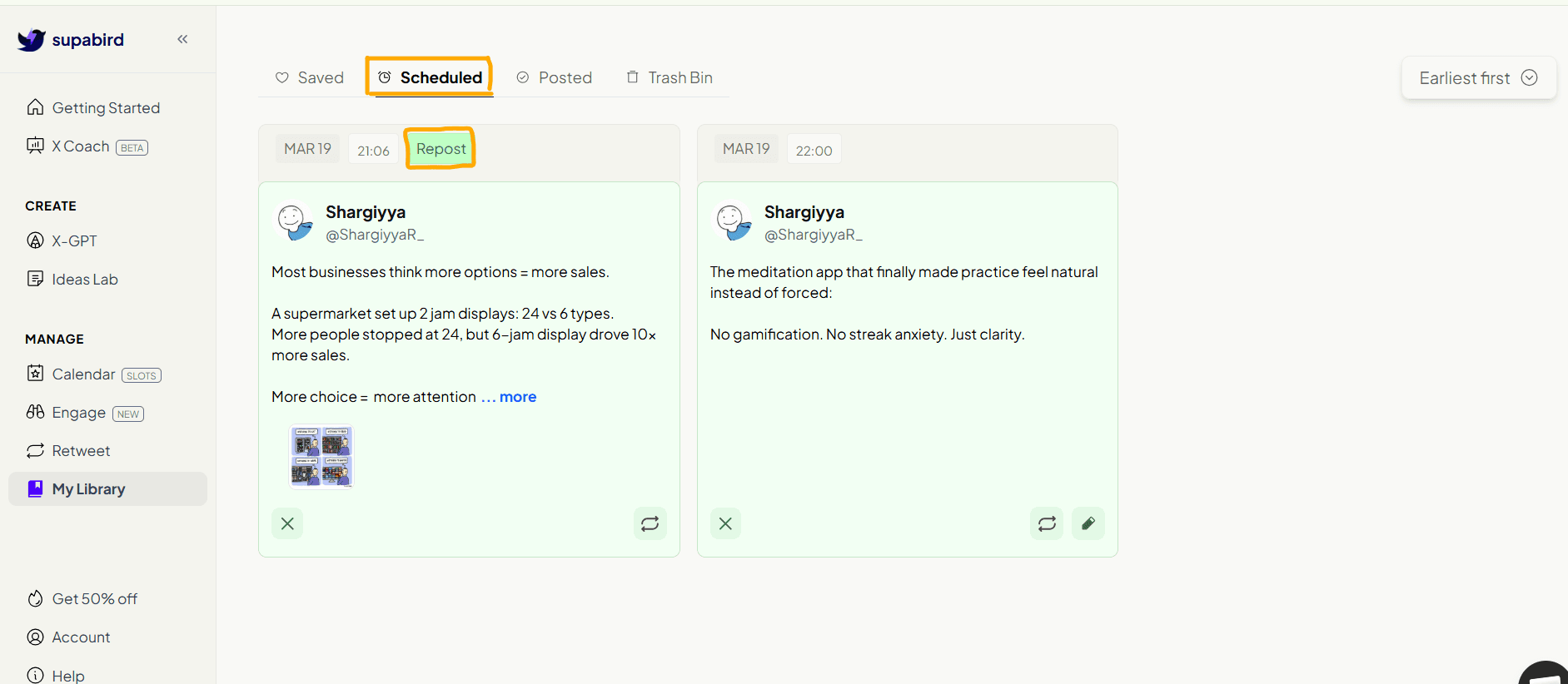
What You Can See in Scheduled
Each scheduled post includes:
date and time of publishing
post preview
repost label (if it’s a retweet)
attached media (if any)
This makes it easy to track your upcoming content at a glance.
What You Can Do
From the Scheduled tab, you can:
edit posts before they go live
reschedule content
remove or unschedule posts
review your content plan
5. View and Manage Your Posted Content
Inside My Library, the Posted tab allows you to see all the content that has already been published on X.
This gives you a clear history of your posts and helps you track what has been shared.
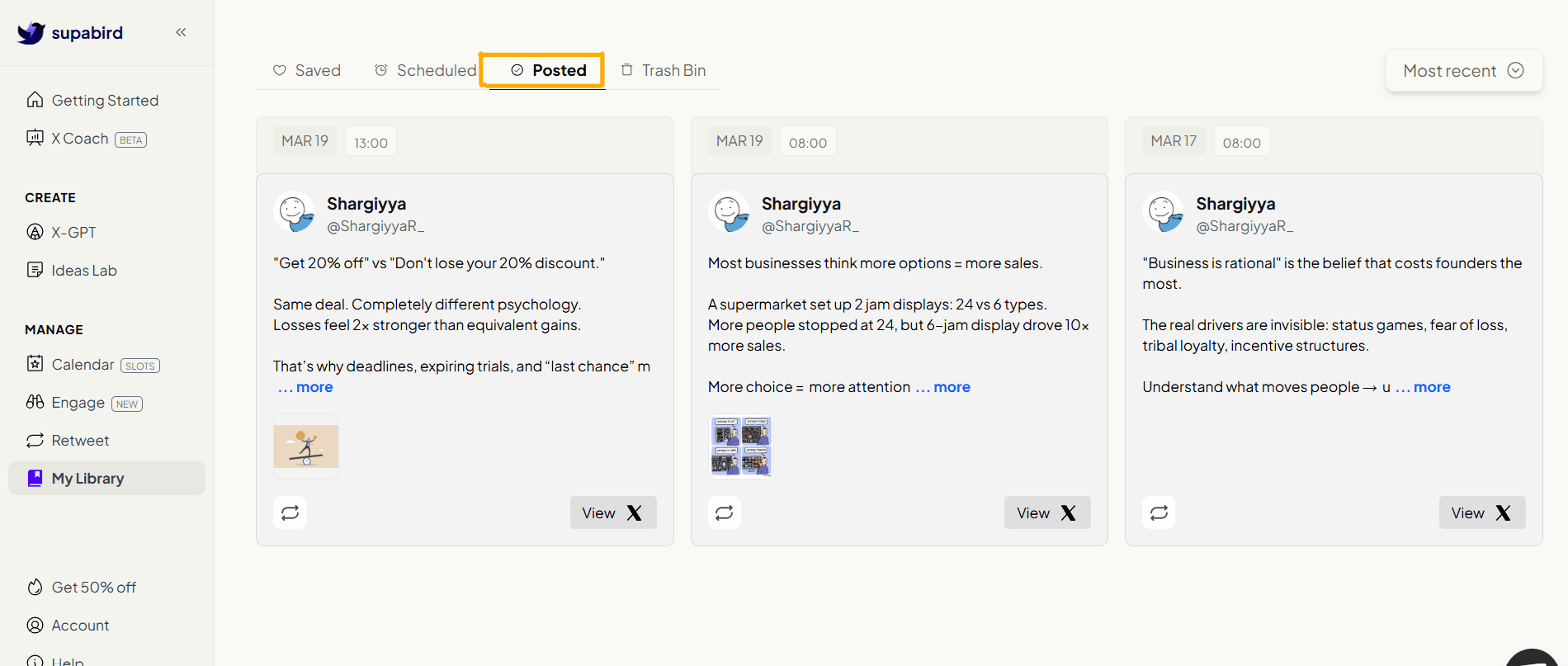
What You Can See in Posted
Each post includes:
publish date and time
full post preview
attached media (if any)
a direct “View on X” option
This makes it easy to revisit your content anytime.
Use Posted Content for Growth
Your best content shouldn’t be used only once.
With the Posted tab, you can:
find posts worth reposting
repurpose ideas into new content
improve existing posts
build on what already worked
6. Manage Deleted Content in Trash Bin
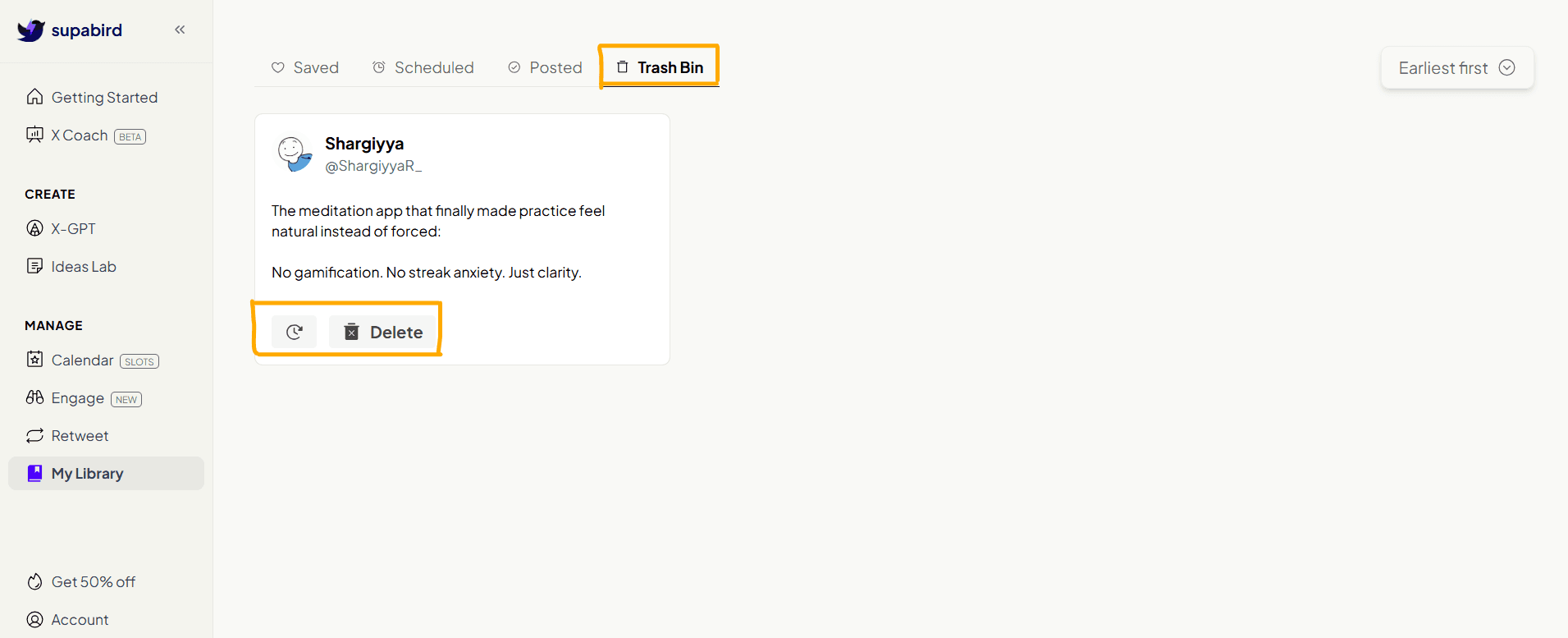
Inside My Library, the Trash Bin stores all posts that have been deleted.
This gives you a safety layer, ensuring that no content is permanently lost immediately.
What You Can Do
From the Trash Bin, you can:
restore deleted posts
permanently delete content
review removed ideas before final deletion
Why Trash Bin Matters
Content creation is iterative.
Sometimes you may:
delete something too quickly
change your mind
want to reuse an old idea
The Trash Bin ensures you always have a backup.
Organize Your Content Workflow
My Library helps you move content through stages:
Saved → Scheduled → Posted
This allows you to:
stay organized
avoid losing ideas
maintain consistent posting
build a content pipeline
FAQ
1. What is SupaBird My Library?
SupaBird My Library is a centralized content management feature that allows users to save, organize, track, and reuse their X posts in one place.
2. Can I edit scheduled posts?
Yes, you can edit, reschedule, or remove posts before they are published.
3. Can I recover deleted posts?
Yes, deleted posts are stored in the Trash Bin, where you can restore or permanently delete them.
4. How does My Library help with content consistency?
My Library helps you organize your ideas and plan content in advance, making it easier to post consistently on X.
5. Can I reuse old posts?
Yes, you can review your posted content and reuse or repurpose high-performing posts to increase reach.
6. Is My Library useful for content planning?
Yes, it allows you to build a structured content pipeline from idea to published post.
7. Why is content organization important for growth on X?
Organizing content helps maintain consistency, improve quality, and ensure that valuable ideas are not lost, which is essential for long-term growth on X.