
Most advice about automatically replying to tweets starts with the wrong tactic: find a popular keyword, fire a generic response into every matching conversation, and hope visibility turns into growth. That approach looks efficient, but it creates the exact behavior X treats as unsolicited automation. Sustainable reply automation is narrower and more useful. It helps you identify conversations where people have shown genuine interest, draft a relevant response quickly, and keep a person responsible for judgment.
The practical standard is simple. Automate discovery, prioritization, and drafting before you automate publishing. When a reply is timely, specific, and grounded in clear intent, it can open a real conversation. When it merely repeats a keyword, it becomes noise that can damage both reach and account safety.
Table of Contents
Why Automating Tweet Replies Accelerates Growth
Reply automation accelerates growth by reducing response delay, not by increasing output. A creator who tries to answer every relevant post manually will hit a capacity limit. Conversations appear during meetings, production work, and sleep, then lose momentum before the creator returns. A controlled workflow keeps promising opportunities visible while preserving human judgment over what gets published.
Replies introduce expertise to people who have not seen an account's original posts. They work for discovery only when the response earns attention independently. A precise clarification, useful example, or informed disagreement can prompt a profile visit. “Great post” offers no reason to continue.
Research on effective tweets found that replies were, on average, 11 times less effective than non-replies (the study on effective tweets). The same analysis of company responses found that interactive threads produced the strongest engagement, while only 12.2% of 9,122 tweets received user replies. The practical conclusion is selective participation. Automation should help an account enter conversations where a meaningful exchange is likely, rather than turn every keyword match into a publishing target.
A useful test case is a founder replying to five carefully selected posts from target ICP accounts with a specific teardown. That can create three profile visits per reply, while thirty generic keyword-matched replies may produce only 0.2 visits each. The exact result will vary, but the operating lesson is consistent: relevance and audience fit matter more than reply count.
Practical rule: If you could paste the response under five unrelated posts without changing it, it isn't ready to automate.
The difference between targeting and spraying
Keyword spraying begins with a term. A trustworthy system begins with relevance, author credibility, conversation context, and intent. It checks whether the post contains a question you can answer, a problem your product addresses, or an opinion where your experience adds useful evidence.
A large-scale analysis of more than 14 million multilingual tweets found that popularity and author trust mattered more for reply and quote engagement than text semantics alone (the multilingual engagement study). A trigger should therefore score the account and conversation, not just the matching phrase. One trusted, relevant author may offer a better opportunity than dozens of loosely related posts from accounts outside the niche.
Consent and context matter on adjacent platforms too. Teams designing community workflows can review guidance on how to automate comment replies on Facebook, particularly the distinction between responding to clear user intent and broadcasting unsolicited messages.
What the workflow should accomplish
Use automation to surface a suitable post, retain the early opportunity, and prepare an AI-assisted draft that a person can revise or reject. The human check should confirm that the reply answers the actual post, adds a distinct point, and does not imply a relationship or endorsement that does not exist. A broader discussion of how replying to tweets grows your account faster provides useful context for connecting replies with account growth.
The output should be more qualified conversations, stronger profile visits, and clearer signals about what your audience wants to discuss. If those outcomes do not improve, increase targeting quality or revise the draft process before increasing activity. That restraint protects visibility and reduces the risk that repetitive automation is treated as spam.
Selecting Automation Tools and Configuring Triggers
The tool matters less than the trigger design. A capable platform with poor targeting will produce irrelevant drafts faster. A modest tool with a carefully curated audience list can help you respond while a conversation is still active.
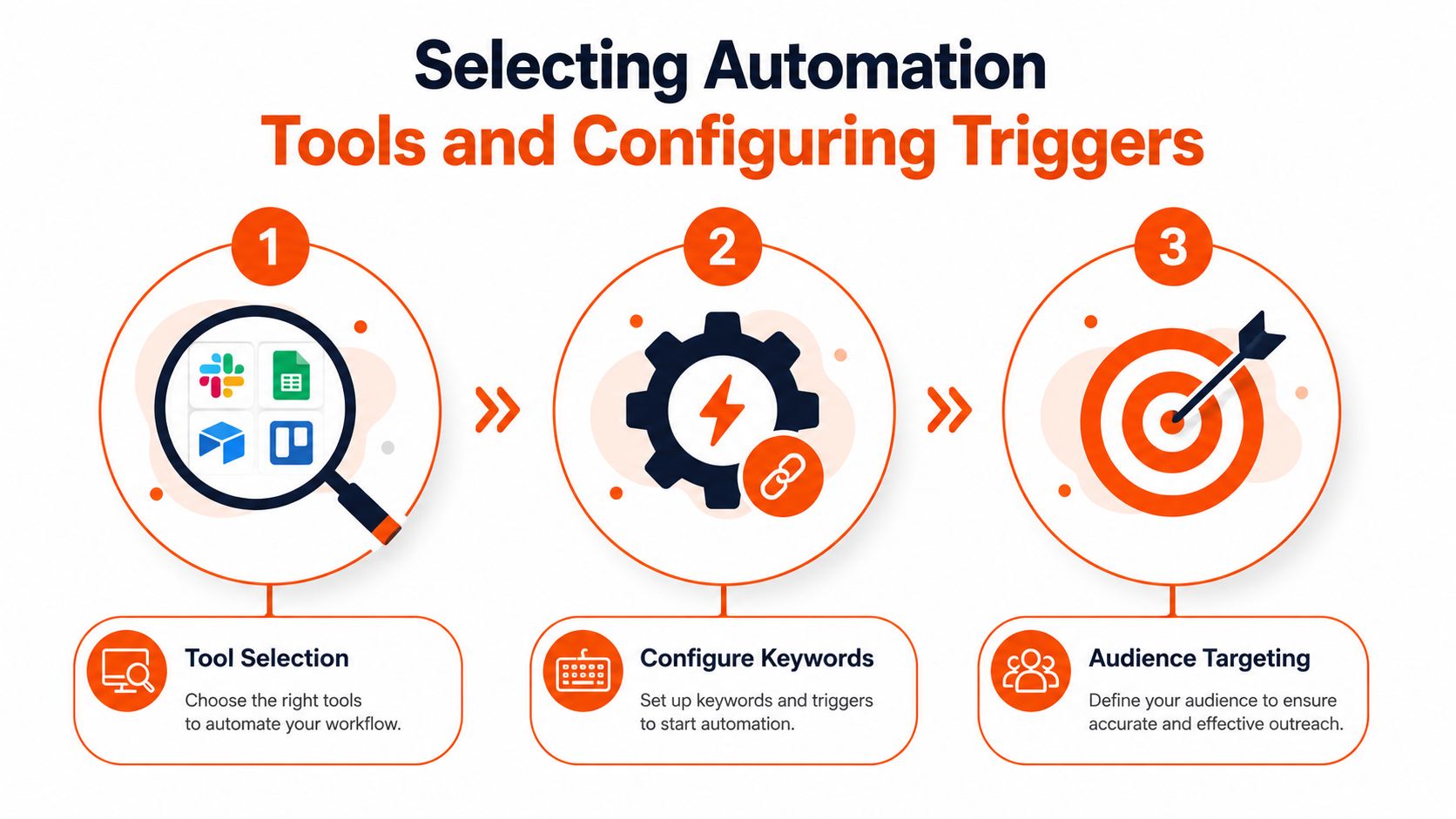
Choose the input before the software
Start by defining the people and situations you want to monitor. A founder promoting developer software might track selected founders, technical operators, and customers discussing a specific workflow. A consultant might monitor posts from practitioners whose audiences regularly ask for implementation advice. The list should be small enough that you understand the context around each account.
Then separate signals of intent from broad topical terms:
High-intent signals: A direct question, a request for recommendations, or a post describing a problem you can solve.
Context signals: A recurring topic, product category, event, or professional situation that fits your expertise.
Exclusion signals: Complaints requiring customer support, political arguments, sensitive personal issues, and posts where your response would feel opportunistic.
Account signals: The author's relevance to your audience, the quality of the conversation, and whether the post has enough context for a useful reply.
A system that only matches “SEO” or “AI” will produce an unmanageable stream. A system that combines topic relevance with a curated account list gives you fewer, better opportunities.
Prioritize the early window
Timing is a practical filter, not a reason to sacrifice quality. Independent X-growth analyses report that replies posted within the first 15 to 30 minutes of a target post can receive three to five times more visibility than later replies (the analysis of early X replies). The same source describes the first 10 to 15 minutes as a useful monitoring window for identifying posts with engagement potential.
Configure alerts so you can review a post soon after publication. Don't set the system to publish the first possible sentence. Set it to flag the opportunity, generate a draft, and give you enough context to decide whether the reply belongs there.
If you're evaluating broader workflows, this overview of social media marketing automation is useful for separating scheduling, monitoring, drafting, and publishing into distinct jobs.
A short demonstration can also help teams understand the intended flow before connecting accounts:
The most useful configuration is usually a review queue, not an unattended switch. Give each candidate a relevance score or category, show the source post, and require approval for anything that could be interpreted as promotional, critical, or sensitive.
Writing Reusable Reply Templates for Maximum Engagement
A template should reduce blank-page time, not remove thinking. The strongest reusable frameworks provide a structure while leaving space for the original post, the author's point, and your specific experience.
AI drafting can help with that first pass. Give it the source post, your intended point, your tone constraints, and the action you want the conversation to take. Then edit the output for accuracy and personality. A tool that produces a polished but generic sentence still leaves you with a poor reply.
Resources on how to write tweets with AI prompts can help you build clearer prompt patterns, but the prompt should always include context. “Reply to this post” is too vague. “Disagree with the assumption, add one practical example for SaaS founders, and end with a question that invites the author to explain their experience” produces a much more useful starting point.
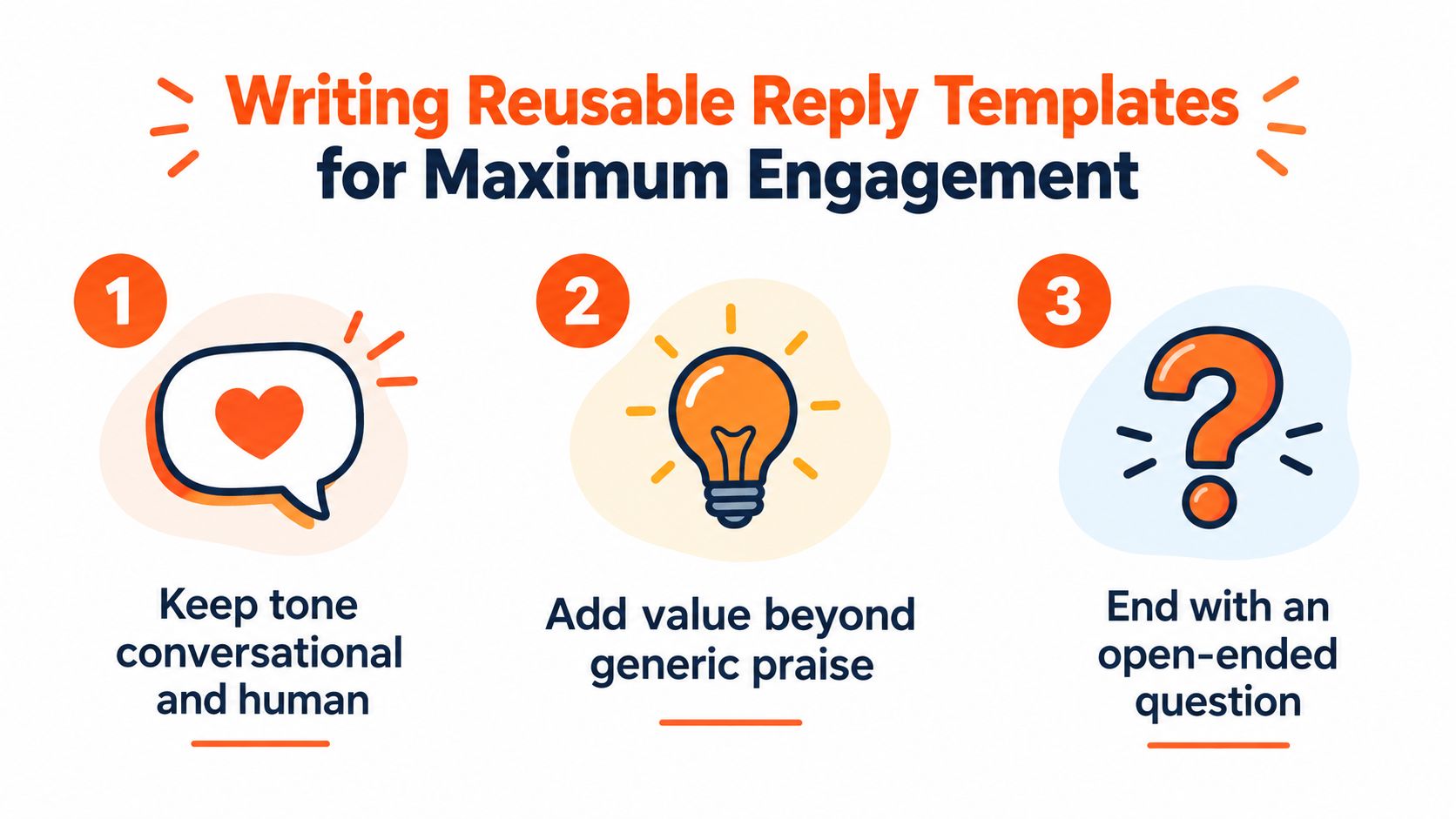
Three frameworks that survive customization
The informed counterpoint works when the original post makes a broad claim. A useful structure is: acknowledge the valid part, identify the boundary, and explain where your experience differs. Don't manufacture disagreement for attention. If the post is already accurate, use a refinement instead of a contrarian performance.
The value-add resource works when someone has identified a practical problem. Add a checklist, a diagnostic question, a relevant example, or a useful distinction. Avoid dropping a link without explanation. The reader should understand why the resource belongs in the conversation before deciding whether to click.
The clarifying question works when the original post is interesting but underspecified. Ask about the constraint that changes the answer, such as team size, buying stage, technical setup, or audience. A specific question is more likely to start a conversation than “What do you think?”
Build templates from modular parts:
Opening: Refer to the exact idea, not just the topic.
Contribution: Add an observation, example, correction, or useful question.
Voice control: Specify whether the response should be direct, warm, analytical, or playful.
Conversation cue: End with a question only when you genuinely want a response.
Exclusion rule: Remove claims you can't verify or support from your own knowledge.
Keep the human edit meaningful
Read the draft aloud. Bot-like replies often reveal themselves through inflated praise, perfect symmetry, vague abstractions, and unnecessary restatement. Replace “This is such an insightful perspective on the evolving” with the precise point you agree with.
Use AI for variation, compression, and angle generation. Keep the final decision with a person who can recognize sarcasm, hidden context, and reputational risk. Guidance on using templates for faster content creation is most useful when templates remain flexible rather than becoming fixed scripts.
Navigating X Automation Rules and Safety Limits
X draws a clear line between legitimate engagement and unsolicited automation. Automated replies are allowed when the recipient has opted in or clearly signaled intent, and X permits one automated reply per interaction. Unsolicited keyword-based reply automation isn't permitted, and X describes automated attempts to reach many users through replies or mentions as abuse of the feature (X's automation rules).
That rule changes the architecture. A workflow should not search a broad topic, select strangers, and publish a promotional response just because a keyword appeared. It should work from direct engagement, explicit permission, or a clear signal that the person wants a response.
Consent must be operational
X's developer guidelines require explicit consent before sending automated replies or Direct Messages. The same guidance says write actions, including automated replies, must follow the Automation Rules, and violations such as spammy or unsolicited replies can lead to enforcement action up to suspension of the application or account (X developer guidelines).
Don't treat consent as a vague assumption. Record how the person opted in, connect that permission to the interaction, and stop the workflow when the user opts out. For example, a startup could automate a response to comments from people who clicked a campaign and agreed to receive follow-up information. The system should preserve that consent and prevent any later response after withdrawal.
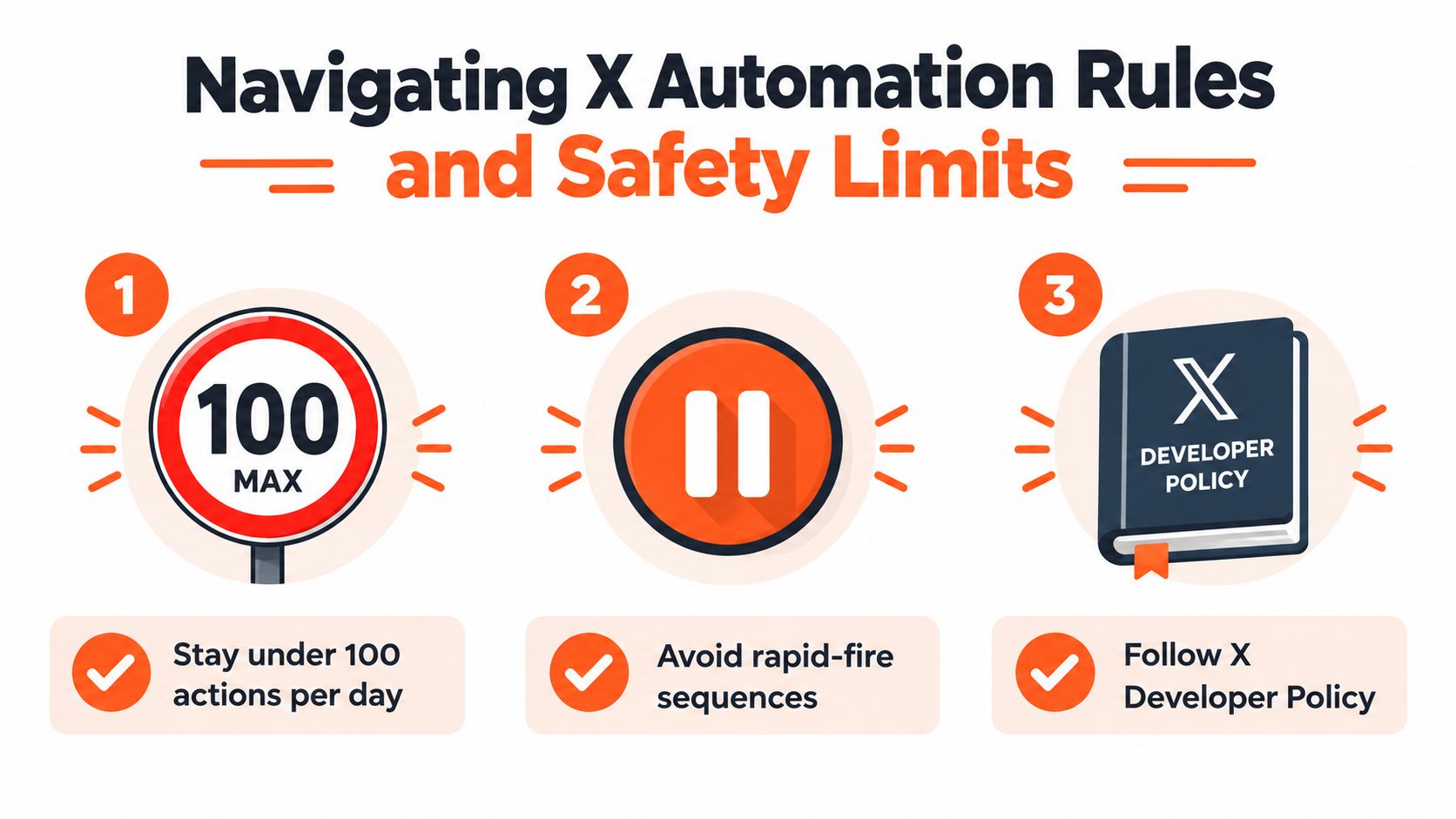
Add guardrails before adding volume
A safe workflow classifies each interaction before generating text. Separate ordinary questions from complaints, praise, spam, and ambiguous messages. Route complaints, sensitive topics, pricing disputes, and anything uncertain to a person rather than asking a language model to improvise in public.
Also prevent duplicate replies. Store the interaction identifier after processing, check it before sending, and make the record survive restarts or retries. A duplicated response makes the account look automated even when the first reply was appropriate.
The academic study of automated Twitter activity found that 11% of accounts that appeared to publish exclusively through the browser were automated accounts spoofing their update source (the analysis of automated Twitter activity). The finding illustrates why normal-looking behavior isn't enough. Platforms and users can still detect patterns through repetition, timing, and interaction quality.
For a broader warning about aggressive account automation, review the risks described in this guide to an auto-follow bot on Twitter. Following, liking, replying, and messaging should never be treated as interchangeable growth actions. Each behavior needs its own compliance review.
Monitoring Reply Performance and Adjusting Strategy
A reply can win attention and still fail to build an audience. Impressions and likes confirm visibility, but they do not show whether the response reached relevant people or gave them a reason to engage with your account.
Measure the path from reply to business or audience value. Track profile visits, follows, meaningful responses, qualified direct conversations, and clicks on relevant resources. A reply with many likes but no profile activity may be entertaining without supporting your goals. A thoughtful answer with modest public engagement may still reach the right prospects and start a useful relationship.
Reply Performance Metrics Matrix
Metric Type | Vanity Metric (Ignore) | Actionable Metric (Track) |
|---|---|---|
Visibility | Total impressions without context | Profile visits generated by replies |
Reactions | Raw likes or reposts | Follows from people who viewed the profile |
Activity | Number of replies sent | Meaningful responses from relevant accounts |
Efficiency | Drafts generated | Approved replies that required little or no editing |
Audience quality | Broad engagement volume | Qualified conversations and useful inbound questions |
Content learning | Total template usage | Performance by framework, topic, author, and intent |
Review results over a consistent period and change one variable at a time. Compare clarifying questions with value-add replies across similar conversations. Test concise drafts against more analytical drafts. Judge a template by repeated performance across comparable targets, not by one unusually successful reply.
Track approval quality as well as engagement. A high-performing draft that needs substantial rewriting may not scale safely. Record how often AI suggestions are accepted, edited, or rejected, then use those patterns to refine prompts, intent labels, and approval rules. Consent-based triggers and narrow audience definitions give you cleaner results than spraying keywords across unrelated conversations.
Read the response, not just the dashboard
Tone affects what happens after publication. A company-response analysis found that companies responded fastest to negative replies, followed by positive and neutral replies, and linked negative responses with weaker retweet performance for B2B posts. Treat that finding as a reason for human review, not as a case for faster automation. Complaints and sensitive subjects need context, restraint, and a clear escalation path.
Review replies that received no response, required heavy editing, or generated profile visits. If an audience stops responding to a trigger, pause it and inspect the match between the prompt, target conversation, and account positioning. Remove repetitive templates and low-quality opportunities. A smaller set of trusted triggers produces better learning and lowers the risk of public automation errors.
Scaling Your X Engagement Workflow
Reply automation works best as one component of a publishing system. Your original posts establish the ideas people can find, your replies demonstrate how you think in public, and your profile turns that attention into a next step. If any one of those pieces is weak, more automation only increases the amount of traffic being lost.
Keep a publishing calendar alongside the engagement queue. Schedule original posts for the audiences and time zones you care about, then reserve space for timely replies that can't be planned in advance. A creator with readers in Berlin, New York, London, and Mumbai should review when each audience is active rather than assuming one universal posting time.
Build a human review rhythm
Start with approval for every draft. Review the queue for repeated phrasing, unsupported claims, awkward tone, and missed context. Once a narrow category consistently requires minimal editing, you can consider a more efficient workflow for that category while keeping sensitive topics under human control.
Daily coaching makes the system improve faster than automation alone. Ask a mentor or coach to identify weak hooks, explain why a visual failed, and suggest a more direct angle. AI can produce alternatives, but a human with account context can tell you whether an idea fits your positioning and audience.
Connect replies to the profile experience
Before scaling, inspect the destination. Does the profile explain who you help? Do recent posts support the expertise shown in your replies? Is there a clear next action for someone who arrives from a conversation?
The strongest workflow creates a consistent loop:
Publish useful ideas that attract the right discussions.
Find relevant conversations where your contribution is welcome.
Draft with structure while preserving a human voice.
Review for context and compliance before publishing.
Measure qualified outcomes and remove weak triggers.
Improve the original content based on the questions people keep asking.
Sustainable growth doesn't come from replying to everyone. It comes from becoming recognizable for useful contributions, responding while the conversation is active, and building a system that protects trust as activity increases.
SupaBird combines an Engage workflow for surfacing relevant posts with AI-assisted reply drafting, while its content tools, scheduling calendar, and X Coach support consistent publishing and ongoing improvement. Visit SupaBird to explore a focused workflow for finding worthwhile conversations, drafting faster, and turning reply activity into a more durable X growth system.

The Reply Guy Strategy: A Growth Guide for X

Why New X Accounts Get Less Reach

ClimbX Review (2026): Features, Pricing, Pros and Cons

How Developer Startups Build a Brand on X Before Launch

30-Day Starting Plan for New X (Twitter) Accounts

How Often Should You Tweet for Maximum Growth?

What Should Your First 10 Tweets Be About?

How to Run X for Ten Clients: The Agency Workflow

How to write a bio that gets people to follow you
