
AI does not give teams an edge on social anymore. The edge comes from using it with a clear workflow, sharp editorial judgment, and a channel-specific strategy.
That is the key filter for social media AI tools in 2025. Plenty of products can draft a post, rewrite a hook, or suggest hashtags. Far fewer help a team publish consistently without flattening the brand voice or flooding the feed with generic content. In practice, the winners are the tools that remove manual drag from research, drafting, scheduling, and analysis while still leaving room for human taste.
This guide focuses on that distinction. Instead of running through a generic feature list, it groups 10 tools by primary use case: X growth tools, multi-platform schedulers, AI writing tools, and visual content tools. That structure makes the trade-offs easier to see. A creator trying to grow on X needs a different setup than a brand team managing approvals across five channels, and a good tool choice reflects that.
I have seen the same pattern repeatedly. Teams get better results when they choose software based on the job it needs to do first, then evaluate automation second. For X in particular, the right stack usually depends on whether the bottleneck is idea generation, thread writing, publishing cadence, engagement workflow, or reporting.
The breakdown below is built to help you make that call faster.
Table of Contents
1. SupaBird
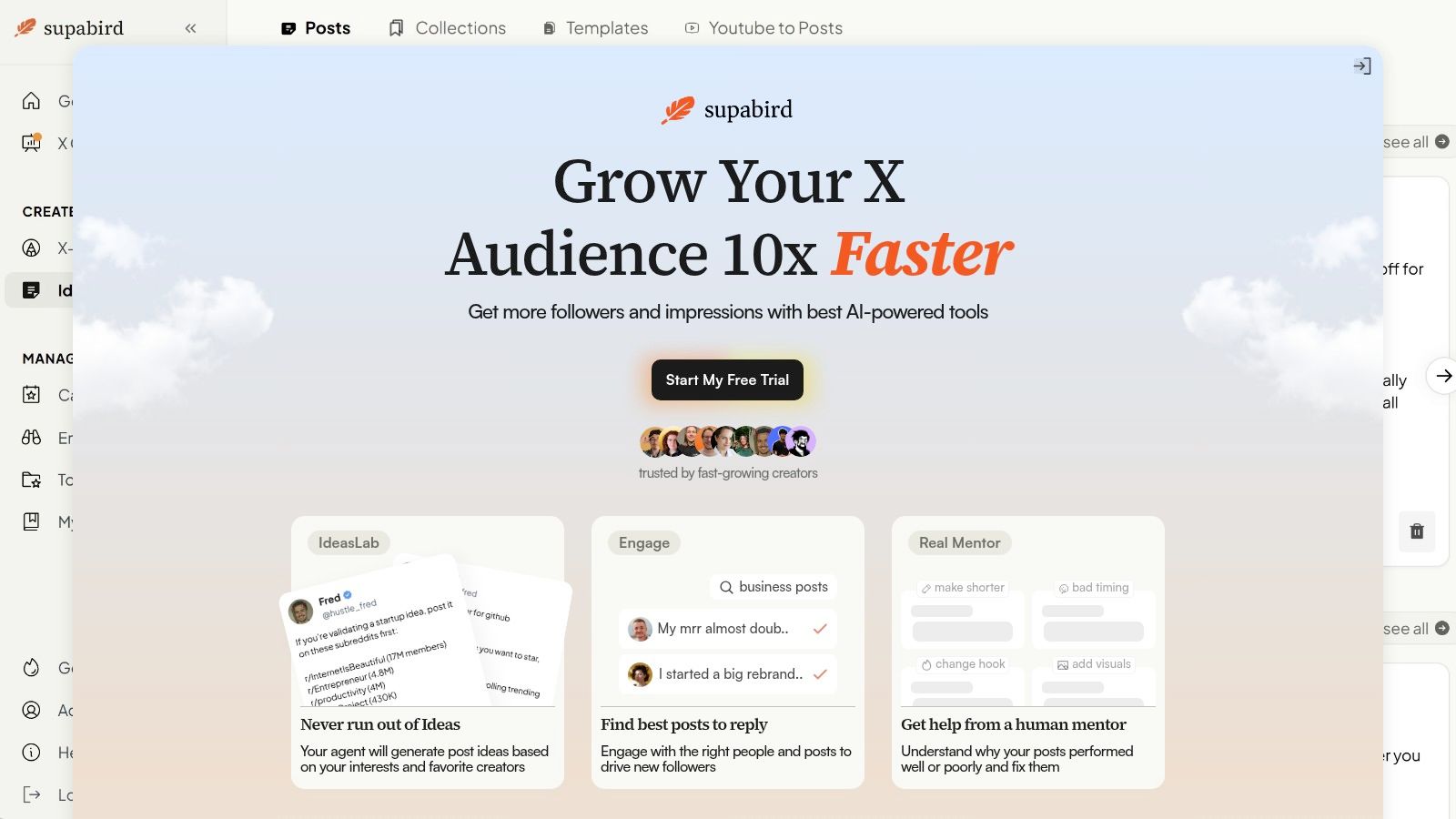
SupaBird is the strongest pick here for creators and operators who care specifically about X growth, not generic cross posting. It combines idea generation, engagement targeting, draft rewriting, scheduling, and coaching in one focused system. That matters because most social media AI tools solve only one part of the workflow, then leave the user to stitch together the rest manually.
The product is built around the actual jobs that drive X performance. Ideas Lab learns from favorite creators and helps generate angles worth posting. Engage surfaces high impact posts to reply to, which is critical because distribution on X often starts in conversations, not only on the timeline. X GPT then rewrites rough drafts into stronger formats, so weak hooks don't make it to publish.
Why SupaBird stands out for X growth
SupaBird also handles consistency better than most specialist writers. Its built in calendar recommends posting windows across cities including Berlin, New York, London, and Mumbai, and it supports scheduling weeks in advance. That setup is practical for founders, consultants, and marketers who need a reliable cadence without living inside X every hour.
The strongest differentiator is X Coach. Daily AI tips are paired with access to a real human mentor who explains why a post worked or flopped and recommends concrete edits such as shorter hooks, stronger visuals, or better timing. That hybrid model is more useful than pure automation because it turns content output into feedback and learning.
Practical rule: On X, AI should draft and organize. A human should still make the final call on angle, tone, and replies.
Best fit and trade offs
Users have produced more than 40,000 posts with SupaBird, which signals that it's designed for repeat use rather than one off idea prompts. It also includes viral templates, generous monthly idea quotas, and video to post transformations. Pricing is transparent on the site, with a free trial and cancel anytime terms, though plan details still need to be checked directly on SupaBird.
This tool fits X creators, indie hackers, solo founders, marketers, and consultants who want one operating system for follower growth. The trade off is clear. It's intentionally specialized for X, and parts of the experience depend on the platform's rules and API environment.
2. Tweet Hunter
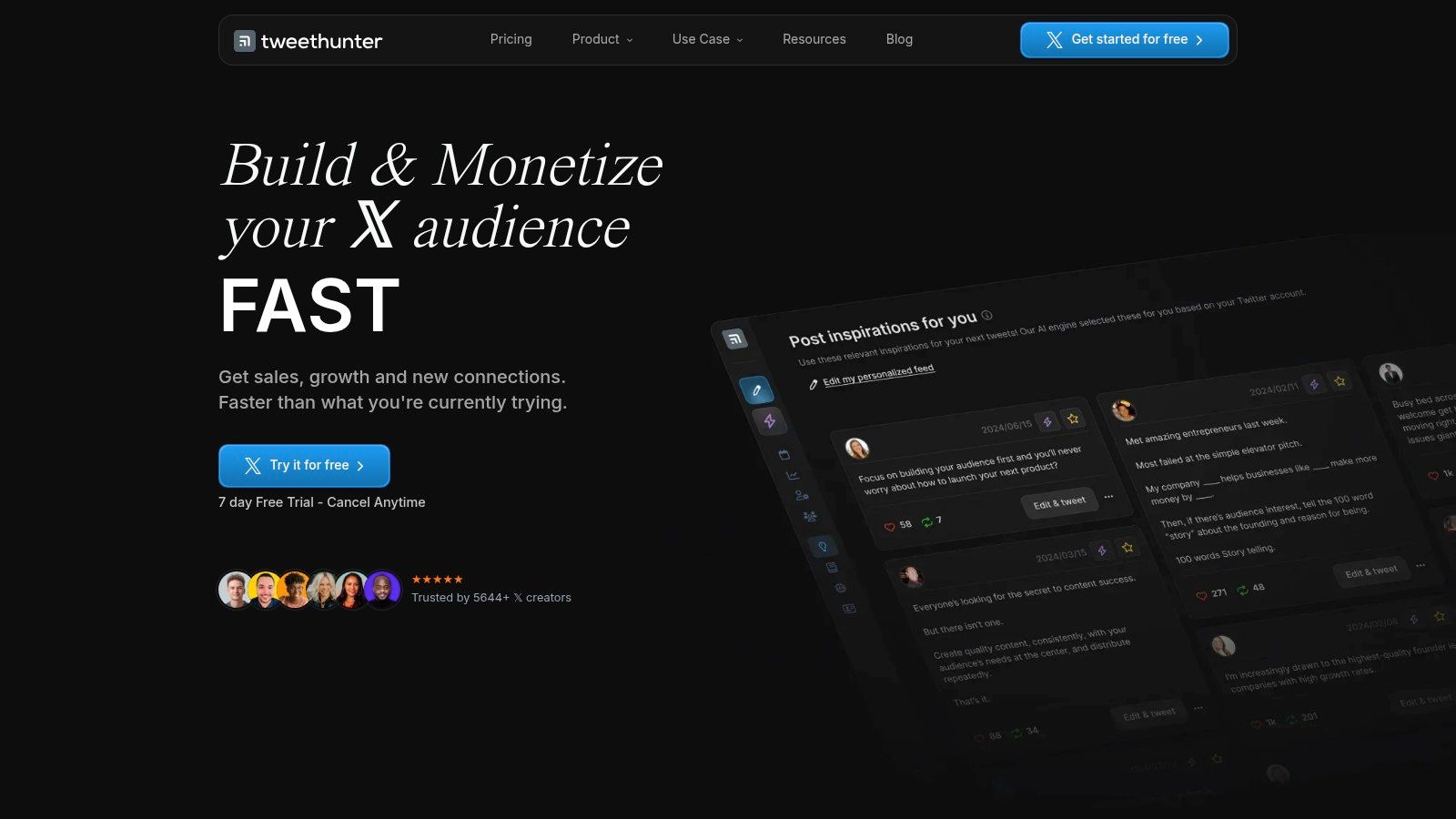
Tweet Hunter is one of the most recognizable X focused tools because it combines writing help, scheduling, analytics, and monetization oriented workflows in one place. For users who want to publish threads regularly and keep a structured posting habit, it covers the basics well.
Its AI writer is useful for turning rough ideas into tweet drafts and thread structures. It also gives inspiration from high performing posts, which helps when the problem isn't writing ability but starting from a blank page. Scheduling and analytics round out the stack, and the basic CRM layer is helpful for tracking audience interactions without adding another tool.
Where Tweet Hunter works best
Tweet Hunter works best for creators and founders who want an X only workspace and don't need multi network publishing. It also has educational material through Tweet Hunter University, which can help newer users understand common growth patterns and monetization tactics.
The downside is the same thing that makes it appealing. It's narrow by design. Teams that need stronger workflow coaching, or want a more integrated approach to ideation plus engagement targeting, should compare it against a more systemized option like this SupaBird vs Tweet Hunter breakdown for X creators.
Best for: Founders and creators whose entire audience strategy lives on X
Less ideal for: Teams that need multi platform publishing or heavier collaboration
Real trade off: Strong for drafting and scheduling, lighter on human guided improvement loops
3. Typefully
Typefully feels different from the more dashboard heavy tools in this list. Its appeal starts with the editor. The writing environment is clean, fast, and designed for creators who care about how a post reads before they care about reporting layers and operational complexity.
That focus makes it one of the better social media AI tools for individual creators and small teams posting across X, LinkedIn, Bluesky, Threads, and Mastodon. The AI writing assistant helps rewrite, expand, and brainstorm copy, and it aims to learn the user's voice over time. Cross posting is also handled well, with previews that make formatting problems easier to catch before publishing.
Why creators like the editor
Typefully is especially useful when a creator publishes variations of the same idea across multiple text first platforms. One rough draft can become a short X post, a longer LinkedIn version, and a platform specific rewrite without jumping between multiple interfaces. Comments, mentions, and shared drafts also make it workable for lean teams.
Raw AI copy often sounds acceptable in the editor and weak on the timeline. Tools like Typefully are most effective when they're used for iteration, not final judgment.
The main drawback is that it isn't trying to be an enterprise suite. Teams that need deeper listening, advanced reporting, or broad governance controls will outgrow it. Pricing details also aren't prominently surfaced, so buyers usually need to go through signup or checkout to confirm the exact structure on Typefully.
4. Hootsuite
Hootsuite belongs in a different category from the creator first tools. It's an all in one management suite for teams that need approvals, oversight, inbox management, reporting, and broad cross network execution. The AI layer, including OwlyWriter AI and OwlyGPT, is most useful when a team already has a complex workflow and wants to speed up content planning inside that system.
The broader AI in social media market is projected to grow from USD 2.20 billion in 2024 to USD 10.33 billion by 2029 at a 36.2% CAGR, according to AI in social media market forecasts. Tools like Hootsuite sit directly in that operational layer, where scheduling, engagement management, and optimization all converge.
Best for governed team workflows
OwlyWriter AI and OwlyGPT help teams generate captions, campaign ideas, and tone variations while staying inside the publishing workflow. Hootsuite also supports a unified inbox, approvals, governance, and paid boosting across major networks. For larger organizations, that combination is more practical than using separate writing and scheduling apps that don't share permissions or review states.
A strong use case is a multi stakeholder team where social managers need legal review, brand review, and publishing control in one chain. That's where enterprise software wins. It reduces tool switching and gives managers clearer oversight across channels. Teams exploring that model should also study how social media marketing automation workflows change approval speed and publishing discipline.
The trade off is cost and weight. Per seat pricing can stack up quickly, and solo creators usually won't use enough of the governance layer to justify the complexity. The platform itself is available at Hootsuite.
5. Sprout Social

Sprout Social is the premium analytics first option in this list. Its AI Assist isn't limited to drafting captions. It also supports alt text, subtitles, customer care workflows, and broader publishing support. For data driven teams, that breadth matters more than flashy prompt features.
The strongest fit is a brand that treats social as both a marketing channel and a customer interaction channel. Sprout combines publishing, listening, reporting, approvals, and CRM integrations in a way that helps teams connect content performance with operational follow through. That's more useful than a pure content generator when social also functions as support, reputation, and community management.
Best when reporting drives decisions
By 2025, optimizing content had become the leading AI use case, with 51% of marketing teams using AI to add SEO keywords, rework copy for different audiences, and improve content efficiency, according to social media marketing statistics from Sprinklr. Sprout aligns with that reality. It's best when a team is refining and distributing content with reporting discipline, not instead of trying to write faster.
A practical example is a brand running organic content and paid amplification together. Sprout's combined reporting makes it easier to spot which themes deserve more budget, which posts create support load, and which messages should be expanded into new campaign assets. Teams comparing suite level platforms can also review guidance on choosing the best social platform stack.
The main downside is price. Small teams and solo creators often won't need this level of reporting depth. For the right team, though, Sprout Social can replace several disconnected tools at once.
6. Buffer
Buffer is the easiest recommendation for users who want simple multi platform scheduling with a light AI layer. It doesn't try to be an enterprise command center, and that's a strength. Most small teams don't need dense dashboards. They need a queue, basic analytics, and an interface that doesn't slow publishing down.
The AI Assistant is best for caption ideas, repurposing, and tone cleanup. It's not a full creative strategy engine, and it doesn't pretend to be one. That makes Buffer a good fit for solo operators, agencies managing a handful of straightforward accounts, and brands that want content out on time without a lot of training overhead.
Best for simple multi platform publishing
A useful workflow with Buffer is to draft a core message once, then use the AI Assistant to adapt it into shorter or more platform appropriate versions before scheduling. That works well for product updates, event promotion, newsletter snippets, and regular educational content. The mobile apps and link in bio tools add convenience for creators who publish on the move.
Best for: Small teams that value simplicity and speed
Works well with: A separate idea generation system or content strategy process
Watch for: Basic analytics and limited listening compared with bigger suites
What works: Buffer is strongest when the content strategy already exists and the team needs a clean publishing engine to keep momentum.
The AI here is intentionally lightweight. Teams needing deeper discovery, listening, or performance coaching should add another layer or choose a different platform. For many users, though, Buffer plus a focused social media growth tool guide is enough to build a stable publishing habit.
7. Later
Later is the right choice when visuals drive the strategy. That includes Instagram, TikTok, Pinterest, and any workflow where media libraries, previews, link in bio assets, and content calendars matter as much as the caption itself. The platform's AI Content Assistant supports captioning and idea generation, but its primary value sits in visual planning.
For brands running creator style content calendars, that visual layer reduces friction. A team can see how posts line up, manage assets centrally, and plan campaigns that need consistency across image sets, short videos, and promotional sequences. Later also supports Instagram, TikTok, Pinterest, Facebook, LinkedIn, X, and YouTube, which makes it useful for brands with a heavy visual core but a broad distribution plan.
Best for visual content planning
The main trade off is how the AI is packaged. Some functionality is credit based rather than unlimited, and higher usage or more advanced features tend to become available on higher plans. That structure can work fine for moderate use, but it's worth checking if a team expects AI support on every draft.
A practical example is a product launch where the team needs teaser graphics, a countdown sequence, platform specific captions, and a clean landing path through link in bio. That's where Later's planning interface can save more time than a stronger writing tool with weaker visual organization. The platform is available at Later.
8. Jasper
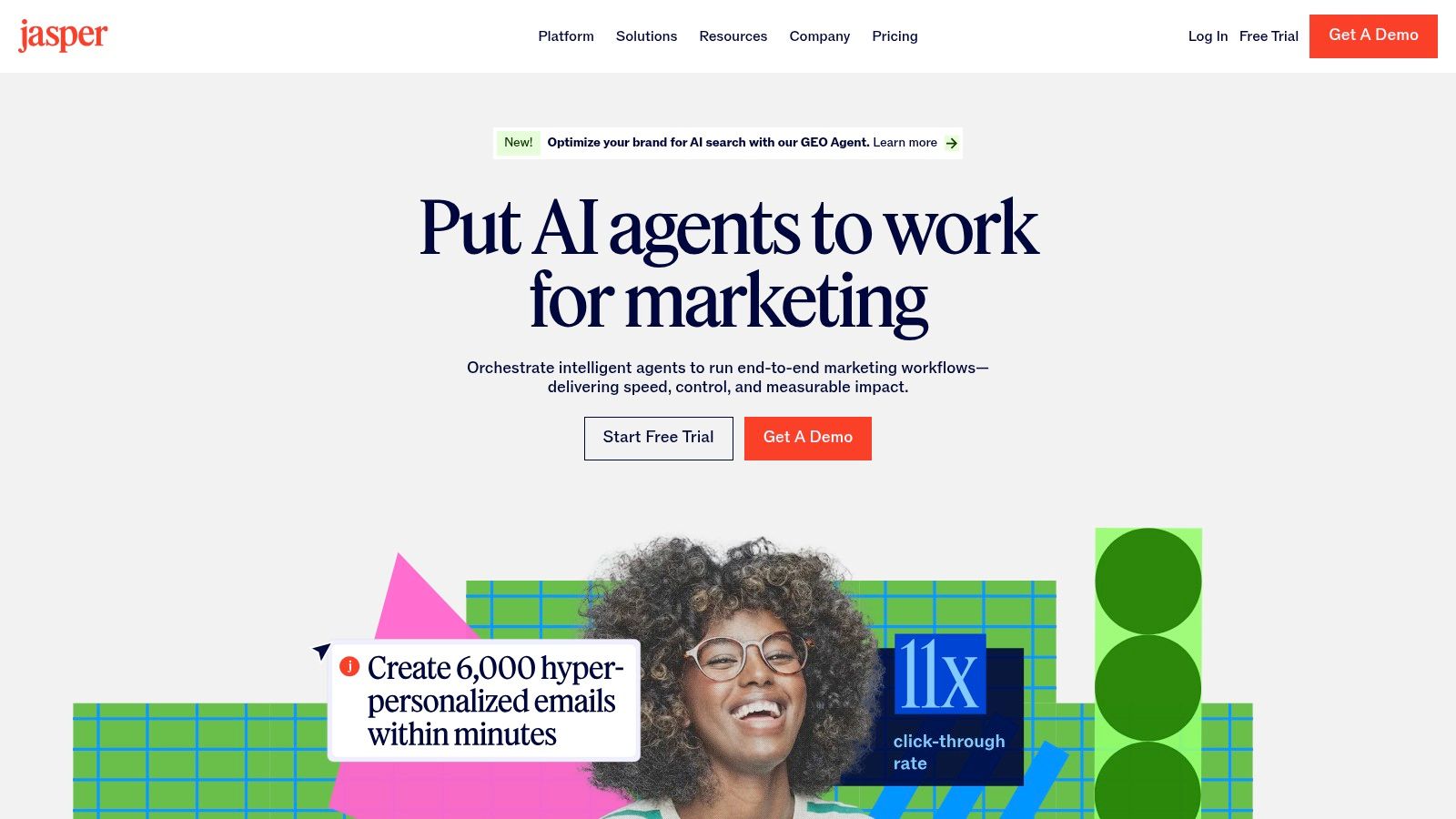
Jasper sits in the specialist AI writer category rather than the scheduler category. It's a better fit for teams that already have a publishing stack but need stronger control over voice, consistency, and asset production across campaigns. Social copy is only one use case. Jasper also supports ad copy, emails, and broader campaign writing.
That positioning makes sense for marketing teams where the core problem isn't posting to multiple networks. The problem is that different people write in different styles, and the brand starts sounding fragmented. Jasper's Brand Voice controls help solve that by giving teams a more consistent writing baseline across contributors.
Best for brand controlled copy production
Jasper is useful when a company needs social copy to match the same messaging system used in ads, product launches, and email campaigns. Teams can use templates to speed up variants and keep formatting aligned. Collaboration features also make it easier to move from rough drafts to approved copy without endless manual cleanup.
The trade off is straightforward. Jasper can be expensive compared with basic caption generators, and the value is highest when a team uses the workflows, templates, and collaboration structure. A solo creator who only needs a few weekly captions probably won't get full value from Jasper.
9. Copy.ai
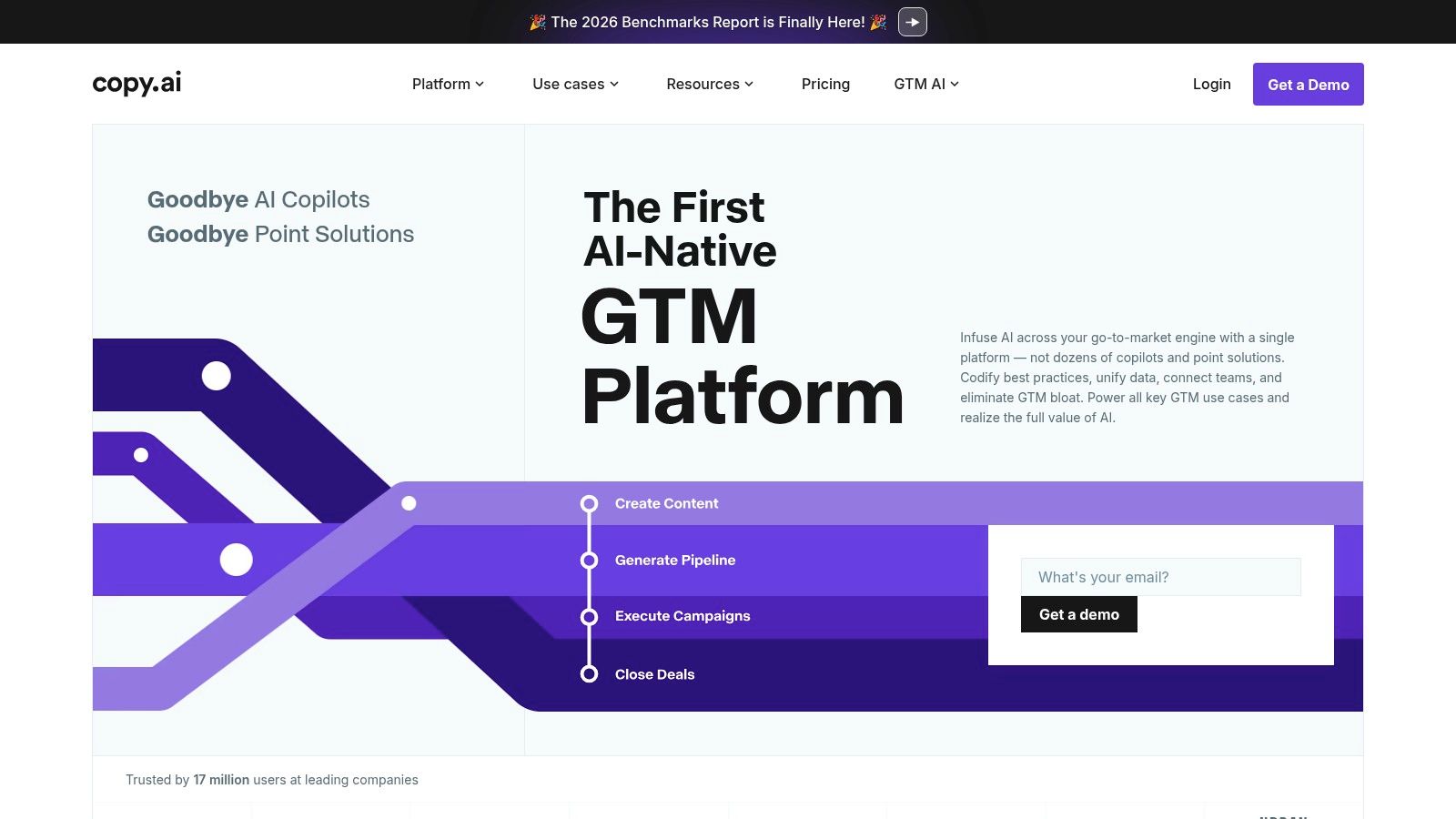
Copy.ai is strongest when the team thinks in workflows rather than single prompts. It supports chat, multi step automations, multiple model providers, and team or enterprise options with integrations. That makes it a practical fit for marketing teams producing lots of short form assets across campaigns.
Its value shows up when a process repeats. A team can build a workflow that takes campaign context, product positioning, and audience notes, then outputs social posts, ad variants, and supporting copy in one stream. That's more scalable than opening a blank chat every time and re explaining the same inputs.
Best for workflow based marketing output
One useful pattern is to use Copy.ai for campaign production upstream, then hand final assets into a scheduler or design platform downstream. That keeps Copy.ai in the lane where it performs best. It generates structured copy at scale without forcing it to become a full social management suite.
The downside is that it's less suited to long form editorial work than some alternatives, and the value depends on how heavily the team consumes workflow credits. For operators who want automation centered on short form marketing output, Copy.ai is a strong option.
10. Canva
Canva has become one of the most practical social media AI tools for teams where visuals do most of the persuasion. Magic Studio and Magic Write let users generate or edit images, video assets, and captions inside the same environment. That shortens the path from idea to publishable asset.
Often, social bottlenecks don't stem from copy. Many teams know what they want to say but can't turn the idea into a strong carousel, short promo video, or network specific creative fast enough. Canva removes a lot of that production friction through templates, resize tools, and a large asset library.
Best when visuals carry the post
Canva is especially effective for educational carousels, founder brand visuals, event promotions, and repurposed content snippets. A webinar clip can become a short video teaser, a quote card, and a caption draft without leaving the platform. That makes it useful for marketers who need end to end creative assembly, not just writing help.
Strong social performance often comes from a good visual and a clear hook working together. Canva handles the visual side faster than most writing first tools.
There are limits. AI allowances may be pooled on some plans, and the copy generation isn't as specialized as dedicated writing platforms. Still, for teams trying to accelerate creative throughput, Canva is one of the most practical options. It also pairs naturally with a stronger upstream ideation process, especially when the team needs help finding content ideas that can turn into visual posts.
Top 10 Social Media AI Tools: Feature Comparison
Product | Core features | UX & quality | Value proposition / USP | Ideal audience | Pricing notes |
|---|---|---|---|---|---|
SupaBird (Recommended) | Ideas Lab, Engage (reply surfacing), X‑GPT rewrites, global scheduling, X Coach (AI + human), video→post tools | Focused workflow; proven (40k+ posts); calendar recommends best times | All‑in‑one X growth assistant that generates ideas, targets engagement, and refines viral copy with human coaching | X creators, indie hackers, solo founders, marketers | Free trial; transparent pricing on site; cancel anytime |
Tweet Hunter | AI writer for tweets/threads, scheduling, analytics, engagement surfacing, education | Purpose‑built for X; strong ideation | Growth + monetization focus for X creators | Creators and founders prioritizing X growth/monetization | Can be pricier for advanced features |
Typefully | Voice‑learning writing assistant, cross‑posting, calendar, collaboration, pixel‑perfect previews | Clean, fast editor; good multi‑platform UX | Lightweight workspace for writing + cross‑posting without bloat | Individual creators, small teams | Pricing requires signup to view |
Hootsuite (OwlyWriter AI) | OwlyWriter/OwlyGPT, unified inbox, approvals, cross‑network publishing, governance | Mature enterprise UX; comprehensive workflows | Enterprise social management with AI across planning and copy | Organizations, large teams, agencies | Per‑seat pricing; can be expensive |
Sprout Social (AI Assist) | AI Assist, advanced analytics, listening, care workflows, approvals | Premium reporting and analytics depth | Deep data + AI across publishing, engagement, and care | Data‑driven teams, customer care teams, agencies | Higher per‑seat pricing |
Buffer (AI Assistant) | AI caption ideas/refinement, multi‑platform scheduling, queues, basic analytics | Intuitive, low‑friction UX; good onboarding | Simple multi‑network scheduling with helpful AI for captions | Solo creators, small teams | Free plan available; good SMB value |
Later (AI Content Assistant) | Visual calendar, media library, AI caption credits, platform support for visual networks | Visual‑first planning; strong media tools | Best for visual platforms (IG, TikTok, Pinterest) with media planning focus | Visual creators, brands on Instagram/TikTok | AI is credit‑based; higher tiers unlock more |
Jasper | Brand Voice controls, templates, collaboration, campaign assets | Team‑oriented UX; brand‑safe outputs | Scalable, consistent branded copy for marketing teams | Marketing teams and agencies | Pricier than basic caption AIs |
Copy.ai | Multi‑model chat, workflow automations, team/enterprise options, API | Flexible chat/workflow UX; scales with credits | Fast short‑form marketing copy at scale with automation | Marketing & sales teams, enterprises | Usage/credits affect value; enterprise plans available |
Canva (Magic Studio / Magic Write) | Magic Studio (visuals), Magic Write (captions), auto‑resize, templates, stock assets | Visual, beginner‑friendly; end‑to‑end creative UX | End‑to‑end visual asset + caption creation in one tool | Creators needing strong visual assets and templates | AI allowances vary by plan; some limits on usage |
How to Choose Your Social Media AI Tool
The right social media AI tool is the one that removes the bottleneck slowing content output and growth. Feature count matters far less than fit. A team that needs faster approvals should not buy the same product as a creator who needs better hooks for X, and a brand struggling with visual production should not start with a writing tool.
AI adoption in marketing is already mainstream, as noted earlier. That changes the buying criteria. The edge no longer comes from having AI in the stack. It comes from using the right category of tool for the job, then building a workflow around it that your team will follow.
Start by sorting tools by primary use case, not by pricing page claims.
If X growth is the goal, choose a focused tool built for that loop. That means idea generation, post rewriting, scheduling, engagement support, and feedback on what earns reach. SupaBird fits that category because it is designed around X workflows rather than broad social publishing. Tweet Hunter and Typefully also sit in this lane, but the right choice depends on whether you need growth guidance, writing support, or lightweight publishing.
If the job is cross platform management, choose an all in one operations tool. Hootsuite and Sprout Social are stronger when the primary problem is approvals, reporting, stakeholder visibility, and team coordination across several channels. These platforms usually ask for more setup time and budget, but they solve process problems that creator focused tools do not address.
If execution is already clear and the team just needs a reliable way to publish, a lightweight scheduler is usually enough. Buffer is a practical fit for lean teams that care about consistency more than advanced governance. Later is the better option when the content calendar is visual and the channel mix skews toward Instagram, TikTok, or Pinterest. Canva belongs in a different bucket. It is the right pick when design throughput is the constraint.
A simple framework helps:
Choose a focused X tool when follower growth, engagement, and posting cadence on X are the priority
Choose an all in one management suite when approvals, reporting, and multi platform coordination drive the decision
Choose a lightweight scheduler when strategy is already set and the main need is steady execution
Choose a specialist writing or design tool when copy quality or visual production is the slowest part of the workflow
Before committing, map the path from idea to publish and mark the point where work stalls. Then test one live campaign inside the shortlist tool. Look at output quality, speed to publish, ease of collaboration, and whether the team keeps using it after the first week. Those signals matter more than a long feature list.
SupaBird is a reasonable starting point for teams focused on X because it combines ideation, engagement discovery, rewriting, scheduling, and coaching in one workflow. Explore SupaBird to review the platform, compare pricing, and decide whether its X-first setup matches your publishing process.

How Developer Startups Build a Brand on X Before Launch

30-Day Starting Plan for New X (Twitter) Accounts

How Often Should You Tweet for Maximum Growth?

What Should Your First 10 Tweets Be About?

How to Run X for Ten Clients: The Agency Workflow

How to write a bio that gets people to follow you

Digital Product Launch Strategy

Best Twitter Growth Service for Creators in 2026
From X to Every Platform: Repurpose Without Flopping
