Top 10 Instagram Banner Maker Tools for 2026
Author:

A potential customer lands on an Instagram profile and sees a strong bio, decent posts, and then a messy visual system. Highlight covers don't match. Carousel design stops abruptly. The top of the grid looks accidental instead of intentional. That's often where the follow gets lost.
Professional Instagram banners fix that gap. Clean highlight covers, consistent story graphics, branded carousel covers, and well-built pinned grid banners make an account feel trustworthy fast. They also help guide attention, which matters because strong Instagram campaigns often land in the 1 to 3% conversion range and average a 4.2:1 ROAS when the creative and offer are aligned, according to Instagram ads performance benchmarks.
The good news is that a solid Instagram banner maker removes most of the heavy lifting. Non-designers can move quickly, small businesses can keep branding consistent, and larger teams can scale asset production without rebuilding every visual from scratch. For anyone also cleaning up source images before design, these AI tools for image enhancement are a useful companion stack.
The fastest way to choose isn't by asking which tool is “best.” It's by asking which workflow needs the fewest compromises. Solo creators usually need speed. Small businesses need reusable brand systems. Marketing teams need collaboration, approvals, localization, and bulk output.
Table of Contents
1. Canva

Canva is still the default pick for those who need an Instagram banner maker that works immediately. It's broad, template-heavy, and fast enough for solo creators, but it also has enough structure for small business teams that need shared assets and approvals. For someone building one idea into a post, story, highlight cover, and Reel thumbnail, Canva usually creates the least friction.
Its biggest advantage isn't design power. It's momentum. A creator can start with a single Instagram post template, swap in brand colors, then duplicate and resize the same creative into several placements without rebuilding the layout from zero.
Best fit and trade-offs
Canva works best for solo creators and small businesses that publish often and don't want a steep learning curve. It's especially useful when content needs to move from brainstorm to published asset in one sitting.
Best for fast repurposing: One concept can be adapted across multiple social sizes quickly.
Best for shared branding: Brand kits, shared templates, and commenting reduce handoff problems.
Main drawback: Premium templates and elements can push teams into the paid tier faster than expected.
Practical rule: Canva is strongest when the team already knows its visual style. It's weaker when the team expects the tool to invent a brand identity for them.
The built-in scheduler also helps teams that want fewer tools in the stack. That matters for small operators trying to simplify production, not just design. For creators thinking beyond Instagram, tools that support broader publishing workflows often pair well with guides on social media growth software.
For direct access, Canva's plans and feature breakdown live on the Canva pricing page.
2. Adobe Express
Adobe Express makes the most sense for people who already touch Adobe tools somewhere in the workflow. It's a social-first editor, but it inherits enough from the wider Adobe ecosystem to feel more connected than most lightweight design apps. That becomes useful when a banner starts in Photoshop, gets simplified in Express, then goes out through a scheduler.
This is a strong Instagram banner maker for teams that want polished templates without giving up too much control. It handles common banner work well, especially campaign graphics, story promos, and branded static posts.
Where Adobe Express wins
Adobe Express is a practical fit for small businesses and marketing teams that want cleaner asset flow between editing and publishing. It also suits creators who need more than drag-and-drop templates but don't want to stay inside Photoshop for every social asset.
Useful for mixed Adobe workflows: Assets move more naturally between Adobe tools.
Useful for social publishing: Resize, animation, and scheduling sit in the same environment.
Less ideal for beginners: The interface can feel busier than Canva's, especially on first use.
For teams comparing feature depth before choosing a tool, this breakdown of Adobe Express alternatives and feature comparisons is a practical companion.
Adobe Express is also a good choice when banner production overlaps with idea generation. A weak creative brief ruins even the cleanest template, which is why content planning methods like these ways to find better content ideas tend to improve output before the designer even opens the app.
Adobe's plans are listed on the Adobe Express pricing page.
3. VistaCreate formerly Crello
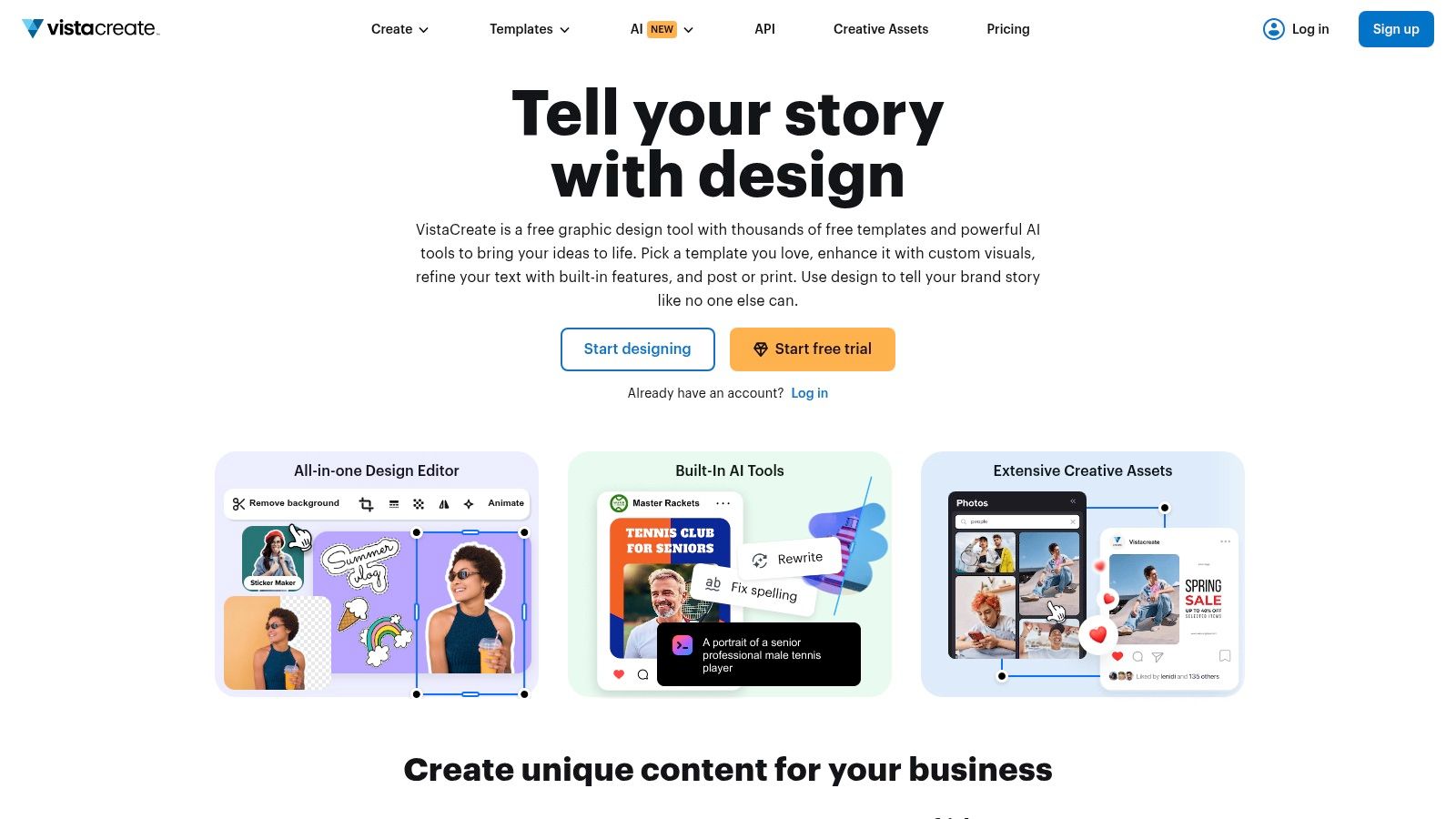
VistaCreate sits in a useful middle ground. It feels familiar to anyone who has used Canva, but it often appeals more to users who want a cleaner value proposition and a template library built for shipping social content fast. For Instagram banners, stories, and lightweight campaign assets, it's a strong small-business pick.
This tool works best when the job is straightforward. Promo graphic. Story announcement. Quick product banner. Highlight cover pack. It doesn't pretend to be a deep pro design suite, and that honesty is part of the appeal.
Why small teams like it
Small businesses usually don't need endless feature sprawl. They need branded output with minimal setup and enough variation to avoid visual repetition. VistaCreate handles that well because the editor is easy to learn and the available assets are broad enough for regular posting.
Its built-in scheduling is another practical advantage. Teams can move from design to queue without bouncing between too many separate tools. That reduces workflow drag, especially when one person is wearing both designer and social manager hats.
Clean execution matters more than visual complexity. VistaCreate is good at helping teams publish work that looks intentional without overdesigning it.
The main trade-off is ecosystem depth. Adobe and Canva tend to offer more integrations and wider community support. VistaCreate is better for operators who value speed and simplicity over a giant platform footprint.
For marketers who care about whether those visuals are earning attention, understanding what impressions mean on social media helps tie banner design back to distribution.
The product itself is available at VistaCreate.
4. Snappa

Snappa is the tool for people who don't want to think too hard about the tool. That's its value. The interface stays simple, the output is fast, and the learning curve is light enough for non-designers who just need static banners and posts on a repeatable schedule.
It isn't trying to be a full creative suite. It's trying to help a founder, assistant, or social manager make decent-looking assets quickly. For many Instagram workflows, that's enough.
What works and what doesn't
Snappa is strongest for recurring static formats. Quote graphics, promo tiles, quick announcements, simple story cards, and repurposed post banners are where it feels efficient. If a team needs advanced motion or more layered creative control, it starts to show its limits.
Works well for recurring templates: Weekly or monthly formats are easy to duplicate.
Works well for non-designers: The interface removes most common design friction.
Doesn't work as well for motion-heavy content: Larger platforms offer more animation and video options.
A lean workflow matters most when the publishing rhythm is already defined. That's why Snappa fits well inside a broader social media content strategy rather than as a standalone creative answer.
The tool's plans are on the Snappa pricing page.
5. PosterMyWall
PosterMyWall is unusually practical for promotional content. If the account publishes events, seasonal offers, announcements, or quick-turn sales graphics, it can be one of the fastest tools on this list. The interface leans hard into templates, which won't suit everyone, but it does shorten production time for repetitive marketing assets.
That makes it a good Instagram banner maker for local businesses, event-driven brands, restaurants, coaches, and teams running frequent campaigns with similar structure. A promo-heavy account often benefits more from speed than originality, and PosterMyWall understands that.
Best use case
PosterMyWall is a strong fit for small businesses that need volume without much setup. A business announcing classes, specials, launches, or limited-time offers can pick a template, swap text, update the image, and publish quickly.
Its AI helpers also make it more useful for non-designers than older template platforms used to be. The trade-off is layer control. Designers who care about precise visual systems may find it restrictive.
A practical example is a retail brand creating a repeating weekly sale format. In PosterMyWall, the team can lock in a promo structure and just update the image, date, and offer each cycle. That's not glamorous, but it's effective.
The plans and downloads model are on the PosterMyWall premium page.
6. PicMonkey
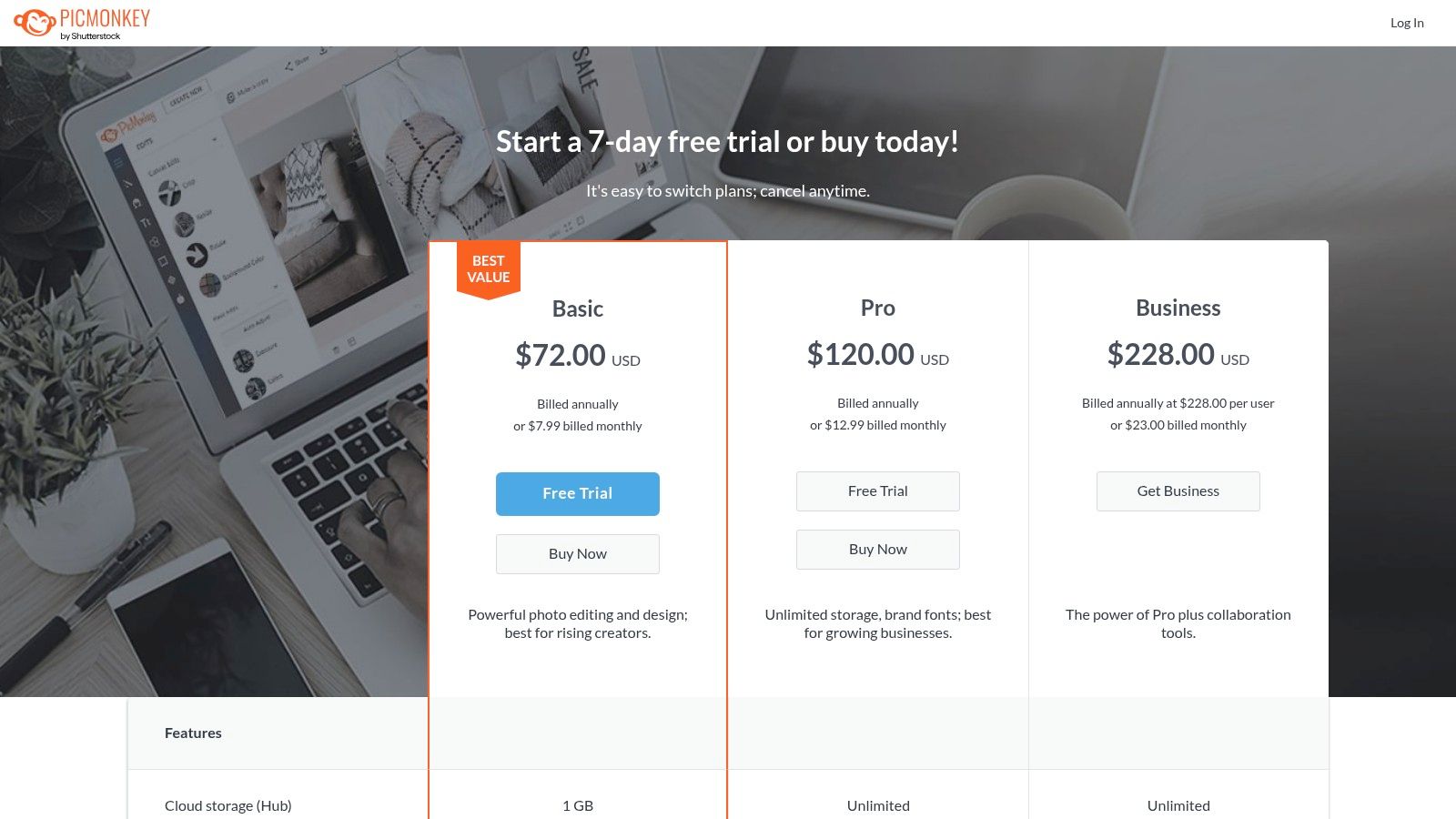
PicMonkey is a better banner tool than many people expect because it blends design and photo editing in one browser workflow. That matters for product-led brands, personal brands, and service businesses where the image does most of the selling. If the source photo needs cleanup before the banner layout starts, PicMonkey earns its place quickly.
This isn't the strongest option for highly collaborative teams. It's much better for users who need polished visual assets with a photo-first approach.
Where it stands out
PicMonkey works especially well for Instagram banners built around portraits, products, before-and-after visuals, or lifestyle shots. Retouching, overlays, text styling, and smart resizing make it easier to turn one core visual into several usable placements.
Strong banners often fail for one boring reason. The photo was weak before the text was added.
That's where PicMonkey has an edge over pure template tools. The user can improve the image, then design around it in the same system. For creators selling coaching, beauty, home, fashion, or physical products, that sequence makes sense.
Its limitation is motion. Brands that lean heavily on animated social creatives or video-first publishing may outgrow it. For static branded visuals, though, it remains a practical option.
Feature and plan details are on the PicMonkey pricing page.
7. Fotor
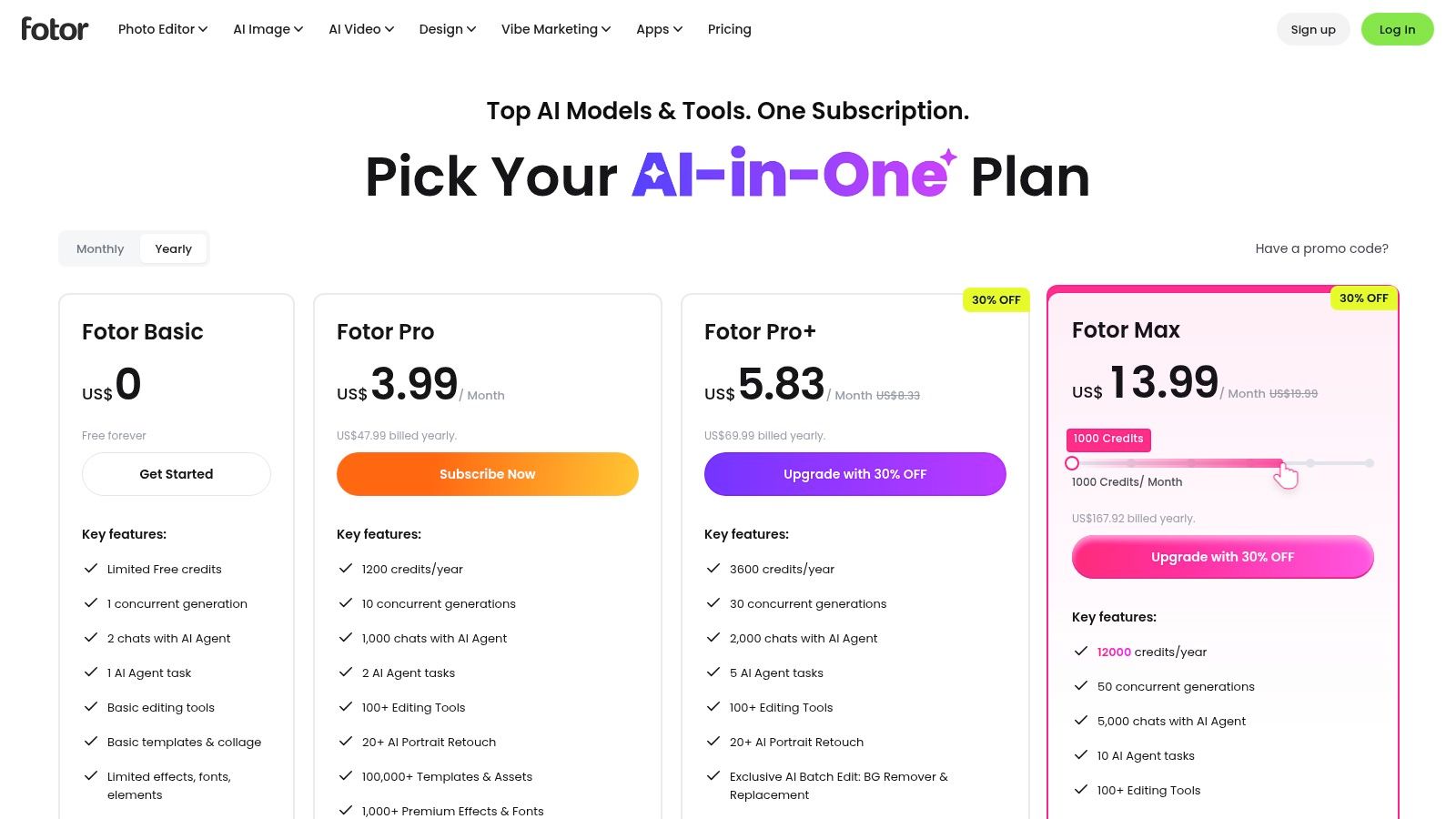
A common Instagram banner problem starts before the layout. The product photo has a distracting background, the portrait needs cleanup, or the subject does not separate cleanly enough to carry the message. Fotor is a practical pick for that kind of workflow.
For solo creators and small businesses, Fotor makes sense when image repair is part of the job, not a separate step. The appeal is speed. Clean up the photo, swap the background, remove small distractions, then build a simple promotional graphic in the same tool. Marketing teams with stricter brand systems will usually want more control over shared assets, approvals, and collaboration.
Best for edit first, then design
Fotor fits users who build banners from a hero image instead of from a template system. That usually means ecommerce sellers, beauty brands, coaches, and local service businesses using a face, product, or offer image as the main hook.
Its strengths are practical:
Best for solo creators: Retouching, cutouts, and background edits happen quickly without opening a separate editor.
Best for small businesses running promos: It handles the full path from image cleanup to a usable Instagram banner with less setup than more team-oriented platforms.
Less suited to marketing teams: Shared brand governance and structured review workflows are not its strongest area.
The trade-off is clear. Fotor is more useful for producing good image-led banners fast than for managing a repeatable design operation across a large team. If the goal is to publish polished offer graphics without spending half the time fixing the source image elsewhere, it does the job well.
Fotor's current plans are on the Fotor pricing page.
8. Placeit by Envato
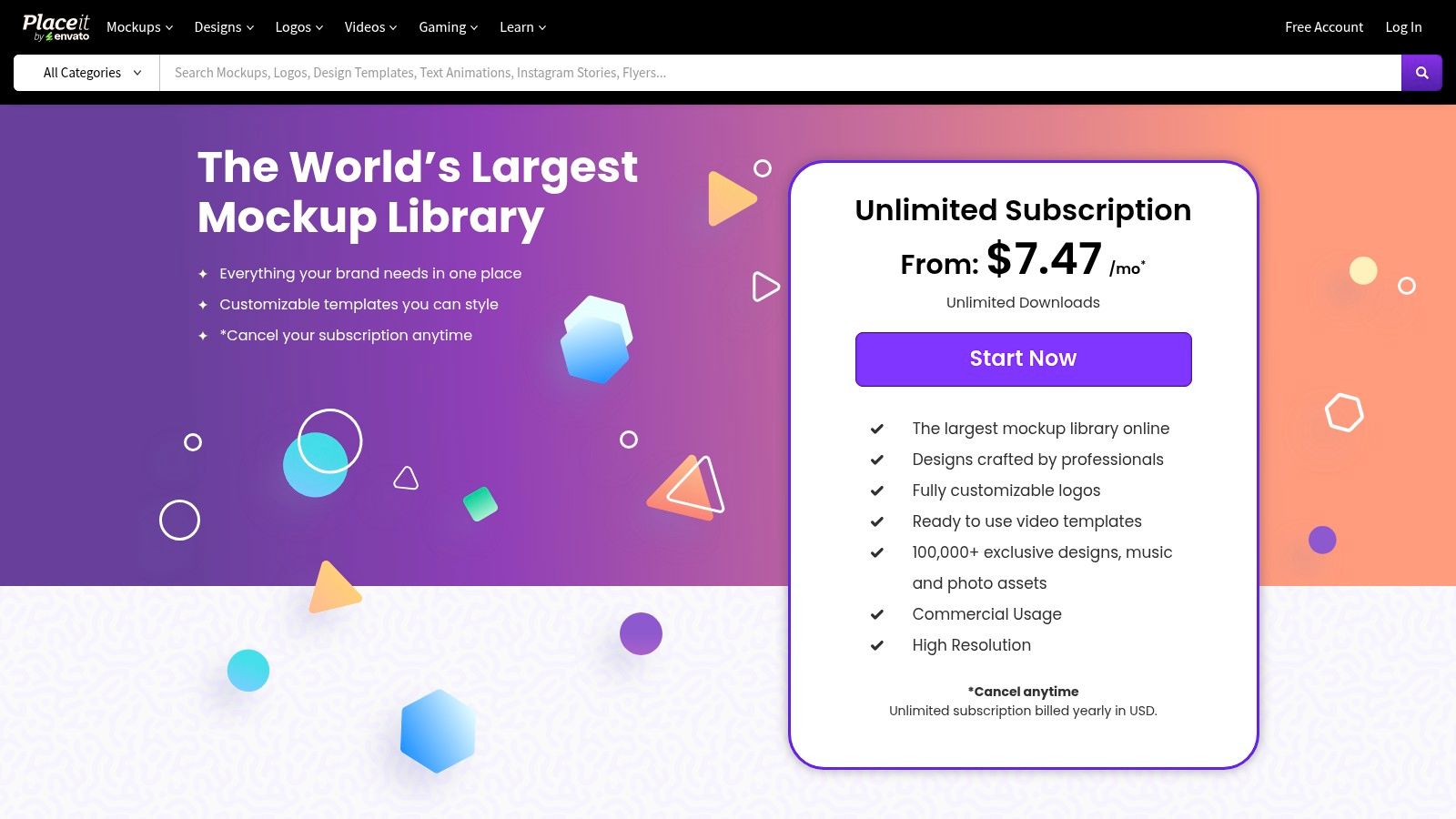
Placeit is built for speed, not precision. That's exactly why some teams love it. For launches, promo pushes, merch drops, or product-heavy campaigns, it can produce polished banner graphics and mockups far faster than full editors.
As an Instagram banner maker, it's especially effective when the banner needs context around the product. Device screens, apparel scenes, packaging mockups, and simple promo videos are all easy to build without advanced design skill.
When Placeit is the right call
Placeit is ideal for indie brands, ecommerce teams, and creators who need polished visuals around a product but don't want to build every composition from scratch. The mockup library does a lot of heavy lifting.
That convenience comes with a trade-off. Designers who want deep layer control, custom spacing systems, or highly original layouts can feel boxed in. Placeit works best when speed matters more than uniqueness.
A practical example is a merch creator launching a new drop. Instead of designing a graphic, exporting it, then placing it manually in product scenes, the creator can build both the social banner and the mockup-led visual inside one template-driven flow.
The subscription details are on the Placeit pricing page.
9. The Brief formerly Creatopy Bannersnack
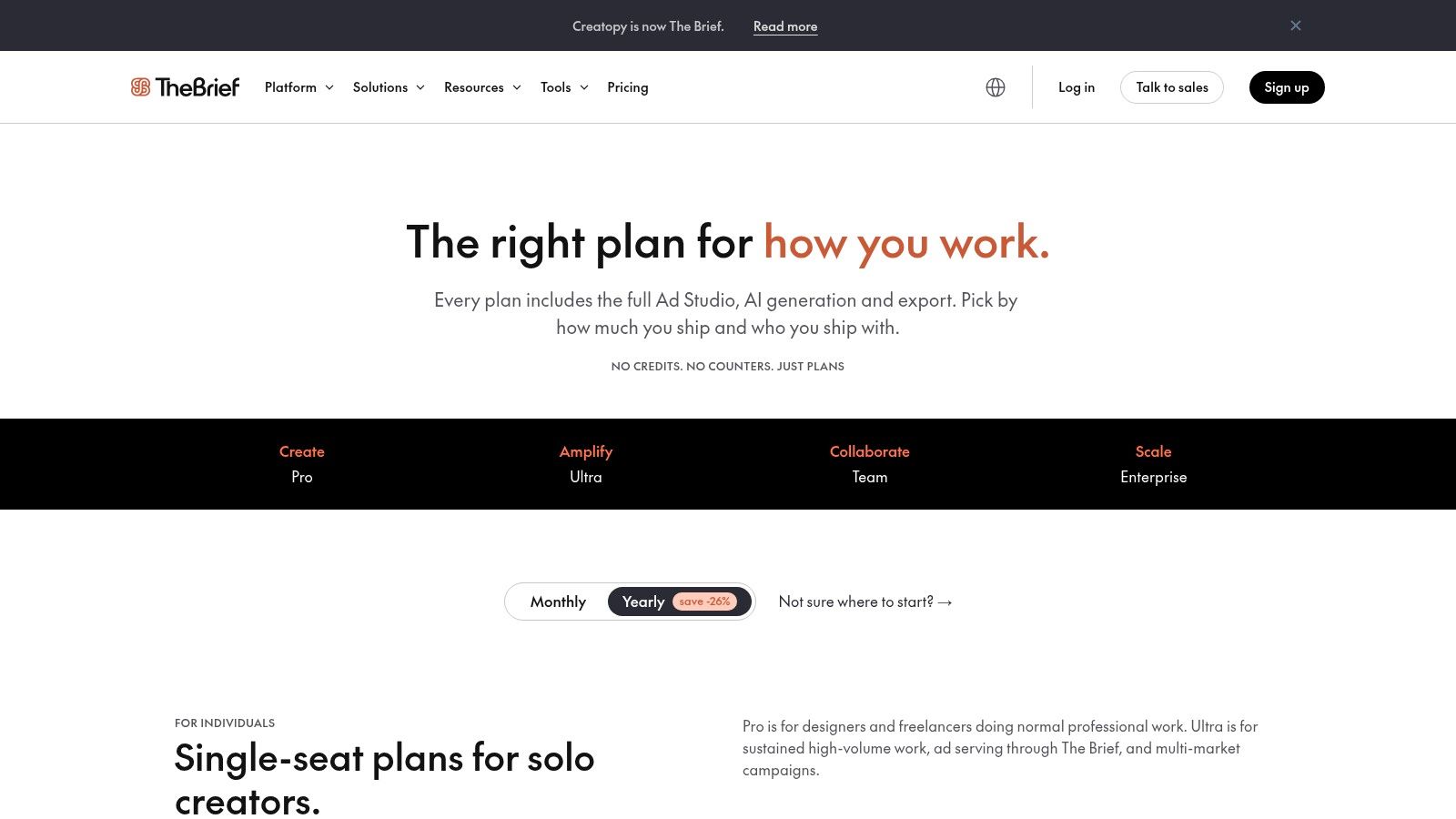
The Brief is the most operations-focused tool in this list. It's less of a casual design app and more of a campaign production system for teams building ad creatives across formats and markets. That makes it overkill for a solo creator, but very attractive for a marketing team handling localization, approvals, and multiple output types.
It also suits teams that don't just need Instagram assets. They need JPG, PNG, GIF, MP4, HTML5, and more, often from the same creative base.
Team use case
The Brief makes sense when banner production is part of a bigger ad pipeline. A team building static Instagram visuals, animated display units, and localized variants gets more value from this kind of platform than from a simple template editor.
Bulk creation matters here. Tools like DynaPictures and In Bulk Ads can connect Airtable or Google Sheets to no-code APIs for automated generation of large batches of visuals, according to Sintra's Instagram banner maker overview. The Brief fits that same high-throughput mindset better than most design-first tools.
This is the option for teams that treat creative like production, not decoration.
The downside is obvious. It demands more setup, and many solo users won't need its complexity. Teams that do need it usually know why before they sign up.
Current plans are listed on the The Brief pricing page.
10. Pixelied
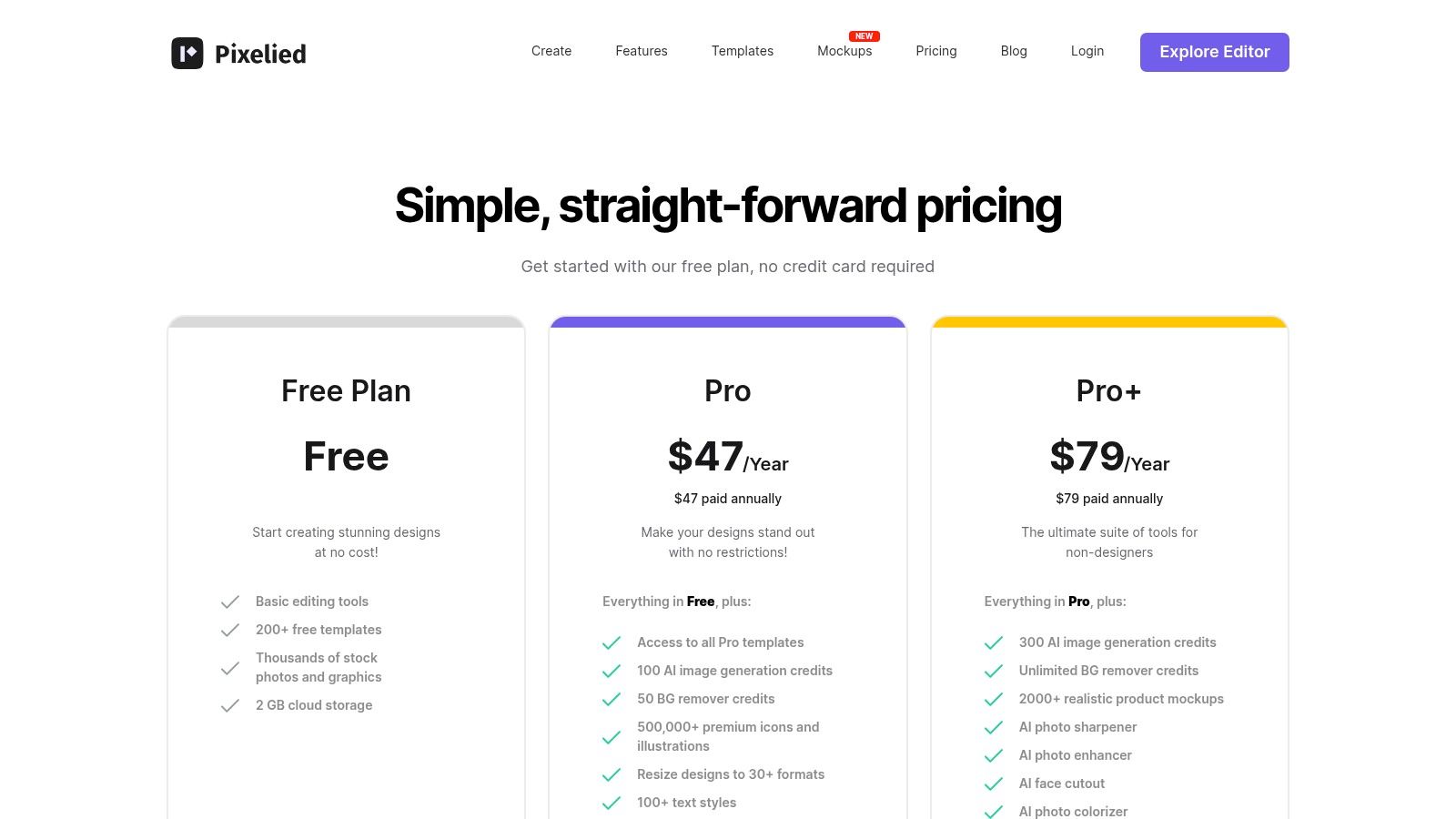
Pixelied is a good example of a tool that doesn't need to dominate the market to be useful. It's easy to learn, reasonably fast, and practical for indie operators who want branded social graphics without paying for a giant ecosystem they won't use.
That makes it one of the better low-friction choices for solo creators and lean teams. It won't outgun Canva or Adobe Express on breadth, but it often feels lighter and more focused.
Why Pixelied works for lean setups
Pixelied suits people who need straightforward production. Instagram post graphics, banner-style promos, light mockup use, quick resizes, simple presets, and AI-assisted cleanup are all in its sweet spot. The interface tends to stay out of the way.
A solo creator building recurring lead magnet promos, webinar banners, or offer graphics can get a lot done here without much setup. Paid tiers also add useful brand organization, which helps when the account is growing but still run by a small team.
The limitation is collaboration depth. Agencies and larger teams often need stronger review systems, asset governance, and handoff controls than Pixelied is built for.
The platform's plans are on the Pixelied pricing page.
Top 10 Instagram Banner Maker Comparison
Tool | Core features | UX & quality | Best for | Unique selling point | Pricing / value |
|---|---|---|---|---|---|
Canva | Massive template library, Magic Resize, Brand Kits, scheduler | Beginner-friendly, collaborative, broad ecosystem | Creators, teams repurposing content across platforms | Huge template/asset ecosystem and integrations | Free tier; premium assets require paid plans |
Adobe Express | 100K+ templates, one-click resize, animation, Firefly AI credits, scheduler | Adobe-grade assets; steeper for beginners but powerful for teams | Adobe users and teams moving assets to Photoshop/Illustrator | Tight Adobe workflow + generative AI credits (commercial use) | Free + Premium (Stock and AI credits on paid plans) |
VistaCreate | 100K+ templates, AI image tools, brand kits, scheduler | Clear Pro feature set; good value | Small teams and creators wanting ready-to-ship templates | Sticker maker, focused Instagram collections | Straightforward Pro plan; good value for templates |
Snappa | 6k+ templates, 5M+ stock assets, quick resize, social integrations | Fast, clean UI for non-designers | Rapid production of static banners and bulk posts | Speed and simplicity for recurring formats | Free tier with download limits; affordable paid plans |
PosterMyWall | Large template/video library, AI helpers, Content Planner, best-time posting | Template-first, quick promo output | Event/promotional creatives and short video promos | Unlimited HD downloads on Premium; Getty credits on paid plans | Premium includes credits/stock; watermark limits on free |
PicMonkey | Photo editing + design, Smart Resize, Brand Kit, cloud storage | Strong photo tools for portraits/products | Photo-driven Instagram banners and product imagery | Advanced retouching and layered photo tools | Tiered plans (Basic → Pro → Business) |
Fotor | Templates, portrait retouch, background/object removal, AI generation | Good edit-then-design flow; many AI models | Quick retouch + design workflows for social posts | Broad set of AI photo/edit tools and batch options | Tiered plans with storage/credits; regional pricing varies |
Placeit by Envato | Social templates, mockups, in-browser video templates, unlimited-download option | Extremely fast, template-first output | Mockups, product visuals, campaign promos | Massive mockup library and video promo templates | Subscription with unlimited-download option |
The Brief (Creatopy) | Ad Studio, animator, multi-format export (HTML5/MP4/GIF), localization | More complex; ad-ops friendly | Teams running multi-market ad campaigns and reps | Bulk sizes, localization, wide export & publishing tools | Best value on annual/team plans; solo may be overkill |
Pixelied | Instagram templates, brand presets, AI tools, mockups | Simple UI, fast performance | Indie makers and lean teams on a budget | Low-friction editor with product mockups | Competitive price-to-capability ratio; paid tiers unlock more mockups |
From Tool to Strategy Making Your Banners Work for You
A creator blocks out an afternoon to make an Instagram banner, picks a good-looking template, posts it, and still gets a weak result. The usual problem is not the editor. The problem is choosing a tool before choosing the job the banner needs to do.
Start with the workflow, not the feature list. Solo creators usually need speed, easy resizing, and reusable brand presets. Small businesses tend to need promo graphics, seasonal swaps, and a way to keep output consistent without hiring a designer for every post. Marketing teams need approvals, shared assets, localization, and fast versioning across campaigns. The right Instagram banner maker depends on which of those situations you are in.
Use case matters just as much. A pinned three-post banner has different requirements than a flash-sale graphic, a highlight cover set, or a product mockup post. Good tools reduce friction in the specific job you repeat every week. They save less time if they are strong in areas you rarely use.
Technical setup still matters. For a three-part pinned banner, the full canvas needs to be 3039 by 1350 pixels so it divides cleanly into three 1080 by 1350 posts, based on Ivory Mix's walkthrough of the pinned Instagram banner method. Miss that detail and the grid usually looks slightly misaligned, even if the design itself is solid.
Instagram's current grid behavior adds another trade-off. Older tutorials often assume tighter visual alignment than the app now preserves. Your Social Team explains in its 2025 Instagram grid size guidance that straight horizontal dividers, solid background blocks, and text bars that extend beyond crop edges hold up better than delicate border details. If a design depends on exact edge continuity, expect it to break first on different views.
This is why a decision framework beats a top-10 list. Canva, VistaCreate, and Adobe Express are broad, flexible choices for general content production. Snappa and Pixelied fit solo operators who want less setup and faster output. PosterMyWall works well for businesses pushing frequent promos and events. PicMonkey and Fotor make more sense when image cleanup is part of the job, especially for portraits or product photos. Placeit is strongest when mockups sell the offer. The Brief fits teams managing high-volume campaign production across markets.
Volume changes the decision again. A solo creator can afford to build by hand. A small business usually benefits from templates and brand kits. A marketing team producing many variants needs batch production, shared libraries, and approval controls because manual editing gets expensive fast.
Design rules stay simple. Clear hierarchy beats decoration. High contrast improves readability. One message and one call to action usually perform better than trying to fit every selling point into one banner.
Choose the tool that matches your production rhythm, your approval process, and the kinds of banners you publish repeatedly. That is what turns an Instagram banner maker from a nice editor into a working part of your content system.
Teams that also publish on video-heavy platforms may find tools beyond Instagram useful too, including this Captapi YouTube banner tool.
SupaBird helps creators, founders, and marketers turn scattered posting into a repeatable growth system on X. Its idea generation, engagement workflows, rewriting tools, scheduling support, and coaching make it a strong companion for anyone who wants the same consistency in content strategy that good banner tools bring to visual branding. See how SupaBird can tighten the rest of the publishing workflow.

The Reply Guy Strategy: A Growth Guide for X

Why New X Accounts Get Less Reach

ClimbX Review (2026): Features, Pricing, Pros and Cons

How Developer Startups Build a Brand on X Before Launch

30-Day Starting Plan for New X (Twitter) Accounts

How Often Should You Tweet for Maximum Growth?

What Should Your First 10 Tweets Be About?

How to Run X for Ten Clients: The Agency Workflow

How to write a bio that gets people to follow you
