97% of content marketers plan to use AI to support content marketing in 2026, and 74% already use it for ideation while 61% use it for outlining and 44% for drafting. If you publish mostly on X, SupaBird is the most focused all-in-one stack for idea generation, viral rewrites, engagement targeting, scheduling, and coaching.
You're probably staring at a weekly queue that never shrinks. A thread needs a stronger hook, a launch post needs a rewrite, a clip needs captions, and the whole thing still has to look human when it goes live. That's where the best ai content creator tools earn their keep, not by doing everything, but by taking one annoying layer off your plate at a time.
The market has clearly moved past toy demos. AI content tooling is now part of everyday creator workflows, and teams are building stacks rather than relying on a single subscription, while creators increasingly prefer AI built into existing platforms over standalone apps. That matters because the right stack saves more than typing time, it reduces tool sprawl, keeps your voice consistent, and gives you a repeatable path from idea to publish. Claude content strategy tips
For X-first creators, indie makers, marketers, and founders, the key question isn't which app has the longest feature list. It's which tool fits the exact job you need done this week, and which ones will still feel useful after the novelty fades. The list below is built around that weekly workflow.
Table of Contents
1. SupaBird
SupaBird is the closest thing to a full X growth system I've seen for creators who want repeatable output instead of random bursts of inspiration. Its Ideas Lab learns from the creators you already like, X-GPT rewrites rough thoughts into stronger post formats, and the Engage module points you toward posts worth replying to so you're not wasting time scrolling blindly. The built-in calendar also recommends posting times across cities like Berlin, New York, London, and Mumbai, which makes consistency easier when you're juggling launches, product work, and daily posting.

What makes it stand out is the mix of AI coaching and a real human mentor through X Coach. That's the part most tools skip, and it's often the part creators need most, because a faster draft still isn't useful if the hook is weak or the timing is off. SupaBird also supports cross-posting to X, Threads, LinkedIn, and Bluesky, plus a mobile app and templates that turn videos into posts, so the workflow stays practical when you're away from your desk.
Practical rule: use SupaBird for idea capture in the morning, engagement discovery in the afternoon, and scheduled publishing at night. That rhythm keeps the account active without forcing you to start from zero every day.
The trade-off is simple. It's built first for X, so if your content lives mostly on Instagram or TikTok, you won't get the same direct benefit. But for anyone serious about X growth, the site's free trial, cancel-anytime terms, and 7-day money-back guarantee make it easy to test the system before committing.
Best for: X-first creators, founders, and marketers who want a guided growth workflow
Watch out for: AI still needs review, especially if your voice is already sharp and distinctive
Website: supabird.io
2. Tweet Hunter
Tweet Hunter feels like it was built by people who ship on X every day. The AI tweet and thread writer is useful, but the core value is the surrounding system: a 12M+ viral tweet library, CRM-style lists for relationships, evergreen queues, auto-DMs, auto-plug and retweet tools, plus scheduling that fits the way social teams work. If your job is to keep the account active, test hooks, and keep conversations moving, it's hard to ignore.
Best Tweet Hunter alternatives in 2026
The upside is speed. You can pull inspiration, draft, queue, and automate without bouncing between five tabs, which is exactly what most solo operators want. The downside is also obvious, automation can get noisy fast if you lean on it too hard, and that's where good judgment matters more than the tool itself.
Where it fits in a weekly workflow
Use it when you want to turn one good idea into several post variations, then queue the winners for later. The scheduling and evergreen features are especially handy if you're building a content bank from product notes, customer wins, or founder observations.
Keep the automation light. The more a post reads like a system, the less it sounds like a person.
Best for: X growth, relationship building, and frequent posting
Watch out for: over-automation and a platform feel that's strongly X-first
Website: tweethunter.io
3. Typefully
Typefully is what I recommend when the problem isn't ideas, it's friction. The editor stays clean, the AI Writing Assistant helps rewrite and polish without pulling you out of the drafting flow, and the whole product is built around getting threads and short posts ready fast. It also supports X, LinkedIn, and Threads, which makes it a nice middle ground for creators who don't want a heavyweight social suite.
Best Typefully alternatives in 2026
The biggest strength is the writing experience itself. You can draft, iterate, add alt text, and schedule in one place, and that matters because most creators don't need a complex dashboard to do better work. They need fewer clicks and a better place to think.
Best use case
Typefully works best for solo creators who already know what they want to say and just need help sharpening it. It's less about automation and more about clean execution, which is a good trade if your biggest bottleneck is finishing posts, not discovering them.
The limit is depth. If you want strong analytics or a broader automation layer, it won't feel as powerful as the heavier suites. Once you go beyond the included AI limits, the extra usage model can also add friction, so it's best for people who value a tidy workflow over an everything-bucket.
Best for: solo writers, founders, and operators who want a focused composer
Watch out for: limited advanced automation and metered AI usage beyond included limits
Website: typefully.com
4. Buffer With AI Assistant
Buffer is still one of the easiest ways to manage multiple channels without letting the calendar become a mess. The AI Assistant lives inside the composer, so you can rewrite, adjust tone, and tailor copy for each network without leaving the post draft. That channel-aware setup is where Buffer still wins for a lot of teams, especially if you're juggling X, LinkedIn, and a few other profiles at once.
Best Twitter scheduling tools in 2026
What I like most is the practical pricing structure. Buffer's per-channel approach makes it easier to start small and add only what you need, which is helpful if you're trying to keep subscription fatigue under control. The platform also gives you analytics and a community inbox, so it's not just a dumb scheduler.
Good fit, bad fit
Buffer is a strong choice if your content team wants reliable publishing and decent measurement more than deep AI generation. If you want a true multi-network workhorse with predictable scheduling, it earns its spot.
The trade-off is that its AI layer is lighter than dedicated writing tools. That's fine for rewrites and translations, but if you want aggressive ideation or performance-based copy scoring, you'll probably pair it with something else.
Best for: creators and small teams posting across multiple networks
Watch out for: lighter AI depth than creator-specific writing tools
Website: buffer.com
5. Jasper
Jasper is for teams that care about brand control. Its Brand Voice and Style Guides help keep outputs consistent, while the broader content pipelines and agents make it a stronger fit for repeatable marketing work than for casual post drafting. If your X posts have to match landing pages, email campaigns, and sales assets, Jasper starts to make sense fast.

The reason many teams buy Jasper isn't just writing speed. It's governance. You can build a system that keeps campaign copy aligned across channels, which is useful when several people touch the same message and nobody wants the brand voice drifting every other week.
When Jasper is worth the complexity
It's a good fit when “good enough” copy isn't good enough. That usually means a marketing team, not a solo founder, and a workflow where social posts are part of a larger launch machine.
The downside is that it's more complex than lightweight creator tools. If you only need a quick tweet writer, Jasper can feel like bringing a studio kitchen to make toast.
AI-powered content generation explained
Best for: brand-governed teams and integrated campaigns
Watch out for: complexity and pricing that can climb compared with creator-first apps
Website: jasper.ai
6. Copy.ai
Copy.ai is strongest when content sits inside a go-to-market workflow. The Chat plan gives you unlimited words in chat with included seats, and the platform expands into automation with workflows, brand voice, tables, and actions. That makes it useful if your content job isn't just “write a post,” but “write the post, route the task, and reuse the process next time.”
That workflow focus is the selling point. If you're coordinating social, email, and blog content across a small team, Copy.ai gives you enough structure to scale without rebuilding the same prompt every week. It's also one of the better tools if you want access to multiple model providers in one place.
Where it breaks down
The complexity is real. Workflow credits and tier structure add mental overhead, and if all you want is an X thread writer, Copy.ai is more system than you need.
Still, for teams that care about process and reuse, the platform is strong. It rewards people who think in systems, not one-off prompts.
Best for: small teams and growth teams running reusable content workflows
Watch out for: workflow complexity and unnecessary depth for simple posting
Website: copy.ai
7. Anyword
Anyword is what I'd reach for when the team wants fewer opinions and more evidence. Its predictive scoring gives you a sense of which copy variants are likely to perform better before you publish, which is useful for ads, emails, social posts, and blog headlines. That kind of feedback is especially helpful when you're torn between two decent drafts and need a cleaner decision.
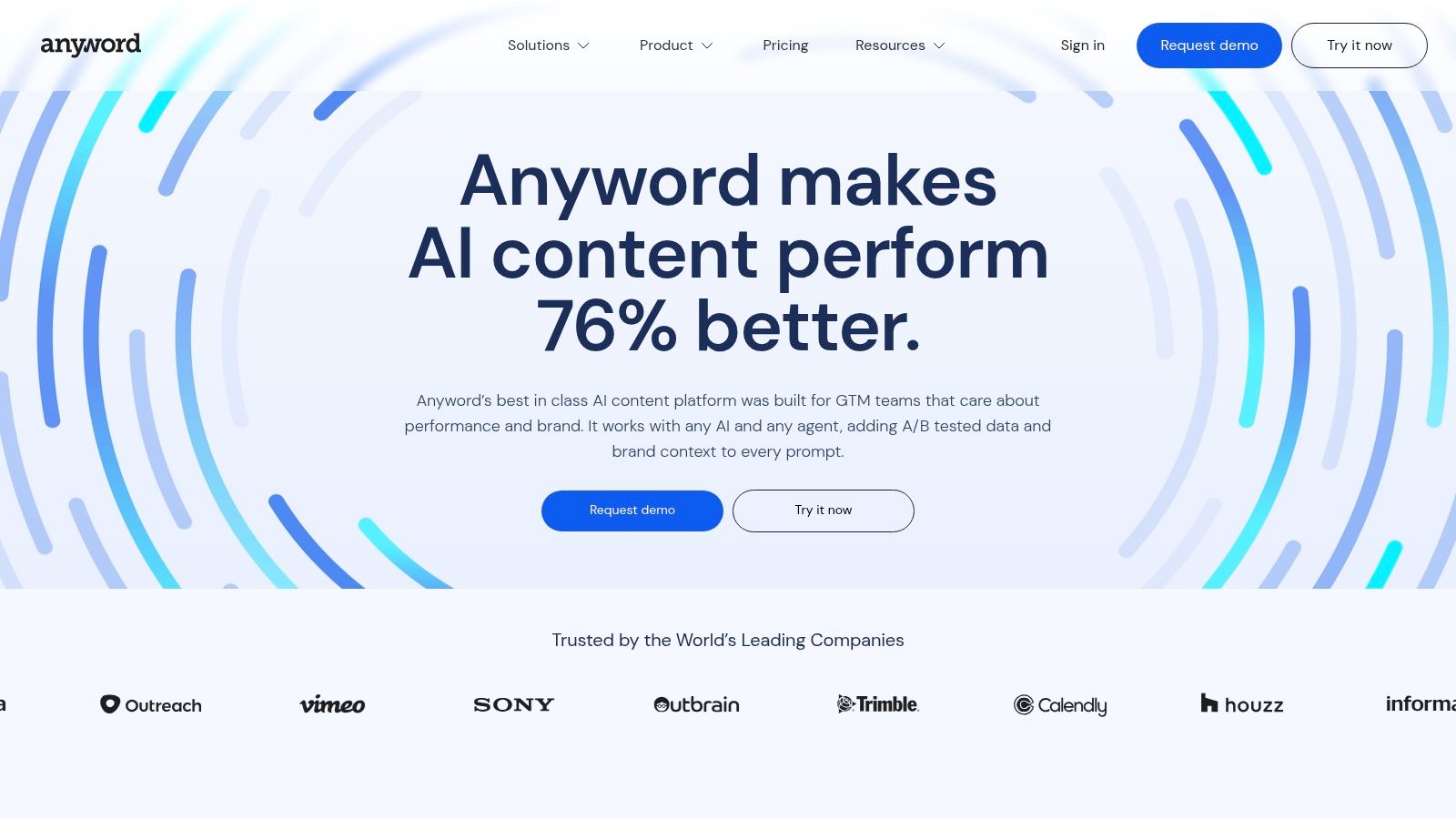
The platform fits teams that want performance writing rather than generic generation. Unlimited words on paid plans also makes it easier to test multiple angles without feeling like every edit is costing you more.
Use it for variants, not vanity
Anyword is best when you already have a message and need to choose the stronger delivery. It's less about inspiration and more about comparing options with a sharper lens.
The trade-off is that the interface covers a lot of ground, so there's a learning curve. Prediction quotas and data-row limits also vary by tier, which means you need to know your usage pattern before you commit.
Best for: teams optimizing copy decisions before launch
Watch out for: tier complexity and a broader interface than casual creators may want
Website: anyword.com
8. Writesonic AI Search Visibility Platform
Writesonic has moved hard toward AI search visibility, which makes it a very different kind of content tool. Instead of focusing on quick social drafting, it tracks brand mentions across AI answer engines and supports the work needed to improve how often you show up there. If your growth strategy depends on being cited by AI systems, that shift matters.
Writesonic AI Search Visibility Platform
The useful part is that monitoring and content production live together. You can identify visibility gaps, then act on them with articles and workflow support instead of exporting the problem into another tool. That makes it more of a search operations platform than a classic writing assistant.
Best fit for answer-engine strategy
This is for teams that care about GEO and AI search, not just traditional social publishing. It's a strong choice if your content engine includes educational articles, supporting pages, and visibility monitoring across AI environments.
The limitation is obvious. If you're trying to crank out a fast X post, it's the wrong hammer. It's more strategic than tactical, which is exactly why it belongs on this list.
Best for: search-led brands and teams tracking AI answer visibility
Watch out for: higher starting prices and a workflow built for search, not quick social drafting
Website: writesonic.com
9. Canva Magic Studio and AI Pass
Canva is still the easiest way to turn rough ideas into something publishable fast. Magic Write, Magic Resize, Magic Animate, Translate, text-to-speech, and AI image and video tools make it far more than a simple design app. For creators who need carousels, quote cards, thumbnails, and lightweight video assets on a schedule, it removes a lot of production friction.
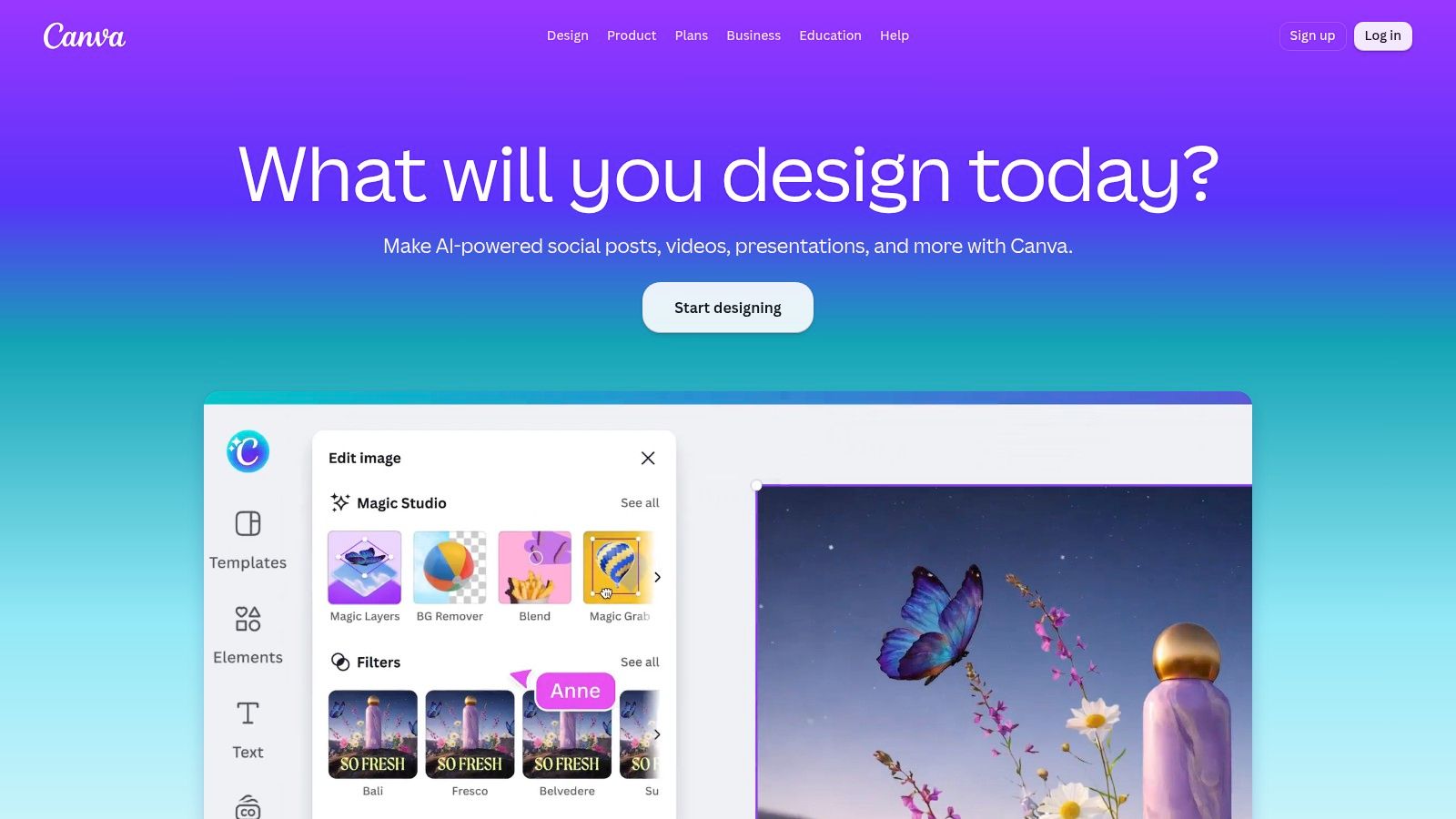
The key advantage is brand consistency. Brand kits, scheduling inside paid plans, and an all-in-one workspace mean you can move from idea to asset to publish without jumping between design and social tools all afternoon.
Strongest use case
Canva is perfect for creators who post a lot of visual content but don't want a full design workflow. It's especially strong when you need one polished visual every day, not a gallery of hyper-advanced edits.
The downside is allowance management. Some AI features sit behind usage limits or the AI Pass add-on, so heavy users should keep an eye on what they're consuming.
Best for: branded social visuals, simple video, and scheduled publishing
Watch out for: AI allowances and the fact that specialist editors still go deeper
Website: canva.com
10. Kapwing
Kapwing is the tool I'd pick when repurposing long-form video into short clips is part of the job. The browser-based editor handles auto-subtitles, dubbing, text-to-speech, transcript editing, and repurposing through Repurpose Studio, which makes it a strong fit for turning podcasts, webinars, and talks into X-native clips. If your content engine already produces spoken material, Kapwing squeezes more value out of it.
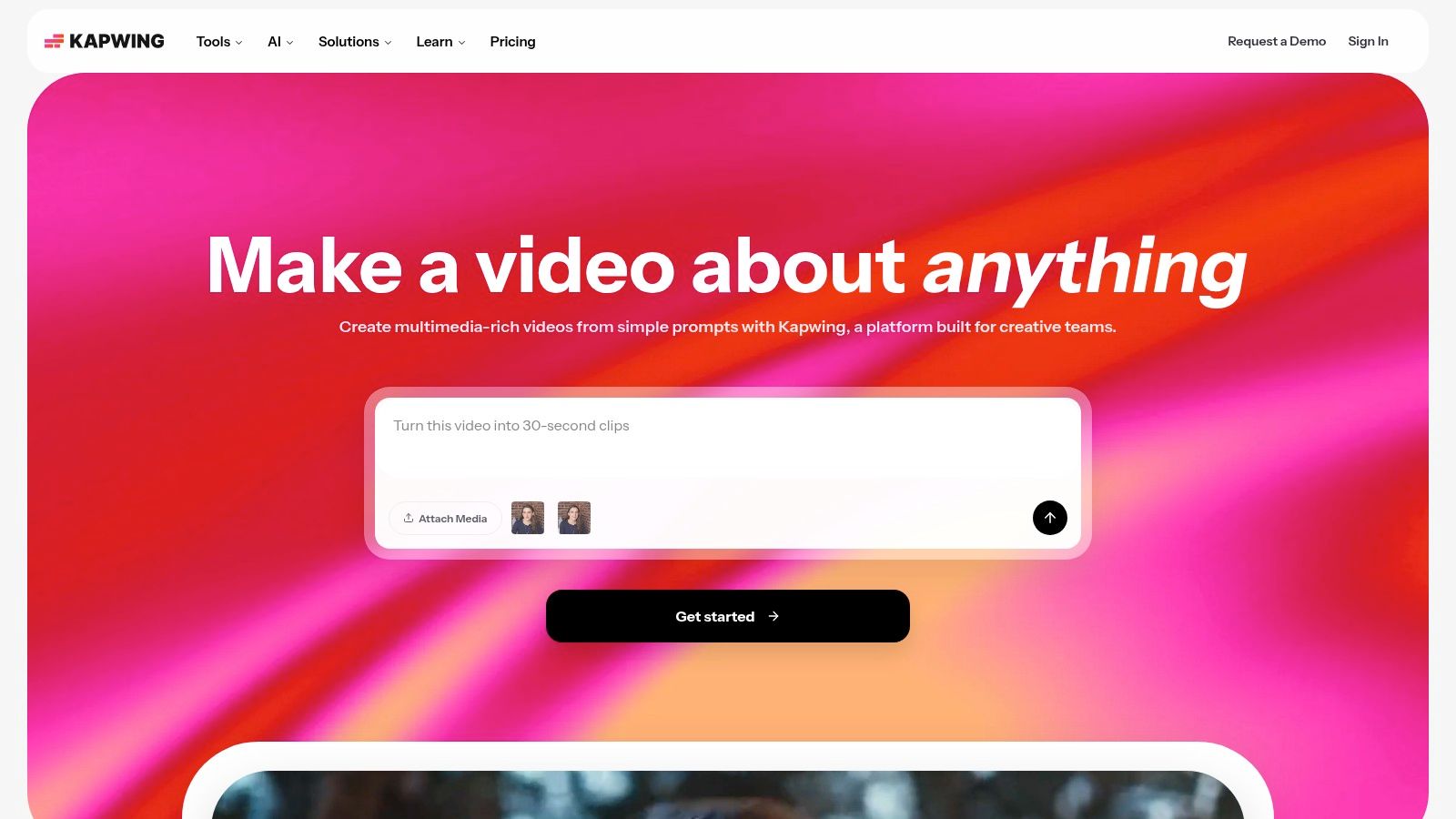
What I like is how little setup it needs. Open the browser, drop in the file, and start cutting. For teams that want social clips fast, that simplicity matters more than exotic editing depth.
Best for clip-first repurposing
Kapwing shines when speed beats polish. It's ideal for short-form social output, especially if you want captions, speaker focus, and clean export without teaching every teammate a pro editor.
The trade-off is the credit model. Heavy users need to understand how AI minutes and usage limits affect the workflow, and advanced color or audio work is still simpler than what professional NLEs offer.
Best for: repurposing podcasts, webinars, and interviews into short social clips
Watch out for: credit management and lighter pro editing depth
Website: kapwing.com
Top 10 AI Content Creator Tools Comparison
Tool | Core features | Best for | Unique selling point | UX & key metrics | Pricing & trial |
|---|---|---|---|---|---|
SupaBird (Recommended) | Ideas Lab, Engage feed, X‑GPT rewrites, scheduling calendar, X Coach (AI + human) | Creators, founders, marketers focused on X growth | End‑to‑end X growth system + human mentor; cross‑posting & high idea quotas | 40k+ posts created (site), 4.8 rating, data‑driven timing | Free trial; monthly ≈ $39, annual ≈ $99; cancel anytime, 7‑day money‑back |
Tweet Hunter | AI tweet/thread writer, 12M+ viral library, CRM, automation, scheduling | X‑focused creators and social pros | Native X workflow with strong automation (auto‑DMs, evergreen) | Large inspiration library; clear tiers; built for daily tweeting | 7‑day free trial; tiered pricing |
Typefully | Minimalist composer, AI Writing Assistant, thread support, scheduler | Solo creators who value speed & clarity | Distraction‑free drafting with inline AI edits | Simple analytics; smooth UX; free option + metered extra AI | Free tier; paid plans + metered “Extra AI” |
Buffer (with AI) | Multi‑network scheduler, AI assistant, analytics, API | Small teams and multi‑platform creators | Reliable multi‑platform scheduling + per‑channel pricing | Long‑standing tool; solid analytics; team features | Free / Essentials / Team tiers; AI included but lighter |
Jasper | Brand Voice, agents, content pipelines, governance | Teams/agencies needing on‑brand scale | Strong brand governance and repeatable content pipelines | Enterprise features; steeper learning curve | Tiered enterprise pricing; higher cost for scale |
Copy.ai | Chat with unlimited words, multi‑model access, workflow credits | Small teams scaling go‑to‑market content | Generous entry plan and automation/workflow scaling | Good team features; workflow credit model adds complexity | Free tier; Growth/Scale plans with workflow credits |
Anyword | Predictive performance scores, real‑time predictions, analytics | Performance marketers (ads, social, emails) | Quantitative prediction of expected engagement | Helpful scoring to pick variants; quotas vary by tier | Paid tiers; prediction quotas & limits apply |
Writesonic | AI search/GEO visibility, agentic workflows, site audits | Brands prioritizing AI answer‑engine visibility | Focus on AI "answer engine" visibility beyond SEO | Bundles monitoring + production; higher starting price | Paid plans; pricing higher than creator tools |
Canva (Magic Studio) | Magic Write, design templates, Magic Resize/Animate, scheduler | Visual creators, social teams, brand kits | One workspace for design → publish with massive templates | Easy brand consistency; wide adoption; some AI limits | Free / Pro / Business; optional AI Pass add‑on |
Kapwing | Repurpose Studio, auto‑subtitles, TTS, transcript editing | Video creators repurposing long form into social clips | Fast browser clip workflows and transcript‑based editing | Generous credits on paid plans; simple UX | Free tier; paid plans with credits/AI minutes |
Build Your 2026 Creator Stack in One Afternoon
You don't need all ten tools, you need the layer you're weakest at. Most X-first creators move fastest with SupaBird for idea-to-publish, Typefully for polished threads, and Kapwing for video repurposing, then add Buffer when LinkedIn and Threads need to live on the same calendar. If brand control or copy scoring becomes the bottleneck, that's when Jasper or Anyword earns a place in the stack.
A simple setup is enough. Use one tool for ideas and rewrites, one for scheduling, one for visual or video repurposing, and one analytics layer. Connect them with native integrations or a Zapier bridge, run the workflow for two weeks, and then check which app you opened every day. The best ai content creator tools in 2026 aren't the ones with the most tabs, they're the ones that keep the queue full and help you ship without fighting your own process.
The wider market data points in the same direction. Content marketers have moved from experimenting with AI to making it part of daily work, and creator surveys show strong use for writing, brainstorming, research, and editing, with human review still staying in the loop. That's the pattern to copy: AI handles the repetitive layer, you keep judgment, voice, and final quality control.
If you want a focused X workflow that combines ideas, rewrites, engagement, and scheduling in one place, start with SupaBird. It's built for creators who want a repeatable system, not another scattered tab open in the background.

ClimbX Review (2026): Features, Pricing, Pros and Cons

How Developer Startups Build a Brand on X Before Launch

30-Day Starting Plan for New X (Twitter) Accounts

How Often Should You Tweet for Maximum Growth?

What Should Your First 10 Tweets Be About?

How to Run X for Ten Clients: The Agency Workflow

How to write a bio that gets people to follow you

Digital Product Launch Strategy

Best Twitter Growth Service for Creators in 2026