
Posting consistently on X can still feel like running into a wall. The posts are going out, replies are happening, and the content is useful, yet impressions flatten and follower growth stalls. The problem usually isn't effort. It's that the signals that explain what's working are scattered across post performance, audience behavior, timing, and profile conversion.
That's where Twitter analytics tools stop being nice-to-have dashboards and become workflow tools. X's native analytics has long served as the baseline because it exposes core account data like impressions, engagements, profile visits, mentions, and follower growth in a 28-day view, which gives marketers a standard starting point before they add outside software, as noted in Mailchimp's guide to using Twitter analytics. The actual decision isn't whether to track analytics. It's which tool helps turn those signals into better posts, better timing, and better growth decisions.
The list below focuses on that practical question. Not just who has the biggest feature list, but which tools help with specific jobs like spotting winning formats, tracking hashtag campaigns, understanding audience clusters, or building client-ready reports.
Table of Contents
1. SupaBird
SupaBird is built for a specific job that most analytics tools neglect: turning data into better content. While other platforms show what happened, SupaBird helps creators, founders, and marketers act on that information through idea generation, reply discovery, rewriting, and scheduling in one workflow.
This matters because the gap between analytics and action is where most growth stalls. An account owner can see that certain posts performed well, but without a system to generate fresh ideas, identify timely conversations, or rework drafts into winning formats, the data stays in the dashboard. SupaBird closes that loop by connecting performance signals directly to content creation.
What it helps with
SupaBird is especially effective at turning performance patterns into repeatable content workflows:
Idea generation: The Ideas Lab takes successful topics and suggests angles and hooks that align with what already performs.
Reply discovery: Instead of guessing what to post, users can find conversations where their expertise adds value and engage where the audience already exists.
Post rewriting: X-GPT can rework drafts into formats that historically earn stronger reach, engagement, or profile conversion.
Scheduling: The built-in scheduler ensures that better content goes out at the right time.
A practical workflow might look like this:
Review the last 30 days of X Analytics to identify top posts.
Feed those winners into SupaBird's Ideas Lab to generate fresh variations.
Draft a batch of new posts with improved hooks and formats.
Schedule them deliberately across the week.
Monitor results and repeat.
Where it falls short
SupaBird isn't a replacement for deep competitive intelligence, audience segmentation, or enterprise listening. It's focused on one thing: helping account owners produce better X content, faster. For a team that needs broad social listening, cross-network reporting, or consumer research infrastructure, a more comprehensive tool would be a better fit.
SupaBird works best when paired with native data, not instead of it.
For most creators and small teams, though, the practical benefit is clear: analytics becomes a growth engine rather than a passive report.
Website: SupaBird
2. Typefully

Typefully is one of the better fits for creators who don't want a bulky social suite. It combines drafting, scheduling, and analytics in a way that keeps the feedback loop tight. A post idea can go from draft to scheduled thread to performance review without switching tools.
That tight loop is the primary selling point. For creator-led accounts, the goal usually isn't an executive report. It's figuring out whether short takes, story threads, list posts, or contrarian hooks are pulling better impressions, engagement, and profile conversion.
What it helps with
Typefully is especially good at post-level iteration. The dashboard is easier to read than many enterprise tools, and the CSV export option is useful for anyone who wants to tag posts manually by format or topic.
A practical workflow looks like this:
Draft three variations: Write the same idea as a short post, a thread opener, and a sharper hook.
Schedule deliberately: Space them across different days or time windows.
Review conversion signals: Don't just watch engagement. Check whether profile visits or follows moved too.
That's where Typefully earns its place. It connects writing decisions to outcomes quickly enough that creators apply the data.
For readers comparing creator-first workflows, this SupaBird vs. Typefully comparison is useful context.
Posts don't fail only because the idea was weak. Many fail because the framing didn't earn the first click or pause.
Trade-offs
Typefully isn't the right pick for a large brand team doing cross-network reporting, sentiment analysis, or broad social listening. It's focused, and that focus is an advantage for individual creators but a limitation for teams that need a shared command center.
For pure X content iteration, though, it's one of the sharper tools in the market.
Website: Typefully
3. SchedPilot
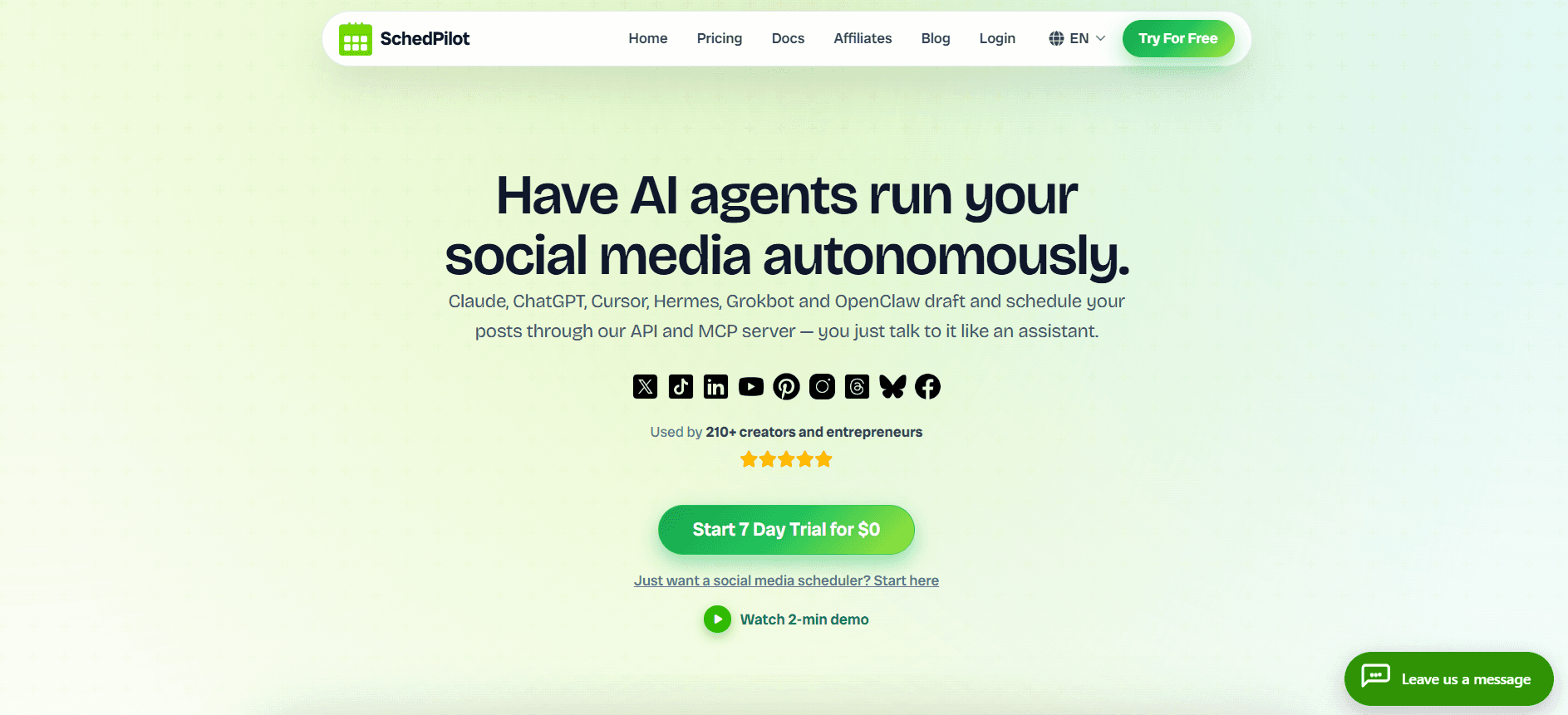
SchedPilot is a social media management tool built for AI agents. Claude, Codex, Hermes, and other agents connect to it through an MCP server or API, check how recent X posts performed, draft the next batch, and schedule it. Everything waits in one calendar for a human to approve, so nothing goes out that the account owner hasn't seen.
For a small agency or solo creator managing 50-100 accounts, that turns the weekly review into something an agent handles. The performance data gets read, the winners get identified, and next week's posts get drafted in each client's voice, without anyone opening a dashboard.
It supports twitter, linkedin, yt, tiktok, instagram, bluesky, pinterest and others.
Where it saves the most time
The pitch is less about the tech and more about what stops being manual:
Monday content planning across every client account
Reading last week's social media analytics and deciding what to repeat
Turning a blog post or release into a thread
Sending clients a monthly report
And it's cheaper if you will a more affordable alternative to Buffer. SchedPilot covers the same ground as Buffer (calendar, analytics, client workspaces, roles and approvals) at a lower price, with a 7-day trial at $0 rather than a $99/month entry plan. For a two-person shop running 15 or 20 client accounts, that's a real saving each month, and the agency features aren't locked behind an enterprise tier.
What it doesn't do
It isn't a listening tool. No hashtag tracking, no audience segmentation, no competitor benchmarking. The analytics cover reach, engagement, clicks, and follower growth per post and per account, which is enough for client reporting but not for campaign research. It's also a younger product than most names here.
For agencies and creators who want Claude, Hermes, Openclaw or Codex to run their social media posting instead of doing it by hand, though, it's the most affordable way to get there.
Website: SchedPilot
4. TweetBinder (by Audiense)

TweetBinder is for campaigns, not daily creator optimization. That distinction matters. If the work involves product launches, events, branded hashtags, webinars, communities, or cashtag tracking, TweetBinder is much easier to justify than a general scheduling tool.
Its core strength is measurement around conversations rather than just owned posts. That makes it useful when performance depends on who joined the discussion, which hashtag carried traction, and how activity built over time.
Best fit for campaign tracking
A launch team can use TweetBinder to track a campaign hashtag before, during, and after an event. The exports and report structure are built for that kind of work. A community manager can also use it to identify active contributors or influencer participation around a conversation cluster.
This is the type of tool that earns value when reporting needs are specific:
Event recap reports: Useful after live spaces, webinars, or launches.
Hashtag tracking: Better than native analytics when reach is distributed across many accounts.
Community visibility: Helps show who amplified the conversation.
As social analytics matured, the category expanded beyond simple tweet counts into tools that cover historical trends, competitive context, geographic distribution, and related campaign signals, as outlined in Sprout Social's guide to Twitter analytics tools. TweetBinder fits that broader shift well.
Main drawback
Its tweet-volume model won't suit every team. Anyone using it needs to manage reporting scope and usage carefully. It also isn't meant to replace a full publishing stack or multi-network management suite.
For campaign measurement on X, though, it's one of the clearest specialist picks.
Website: TweetBinder by Audiense
5. Audiense Connect
Most creators look at post metrics first. Audiense Connect is more useful when the question is who the audience is, how followers cluster, and which segments deserve different content or targeting. That makes it one of the stronger audience-intelligence options tied to X.
For marketers running both organic and paid programs, standard Twitter analytics tools often fall short in this regard. They'll show performance outcomes, but not always enough audience structure to inform targeting decisions.
When audience intelligence matters
Audiense Connect helps when the account has already found some traction and now needs to refine relevance. A SaaS brand, for example, might discover that one follower cluster leans toward founders while another leans toward marketers. Those two groups won't respond to the same language or offers.
That can change the content plan in practical ways:
Separate topic tracks: Founder pain points in one stream, tactical how-to content in another.
Better paid alignment: Organic engagement can guide ad audience construction.
Cleaner influencer targeting: Segment discovery helps identify adjacent communities.
Working rule: If engagement is decent but growth feels messy, the problem may be audience fit rather than post quality.
Honest trade-offs
Audiense Connect isn't a casual purchase, and it isn't a beginner dashboard. Teams need some patience to get value from segmentation and filtering. It also won't replace a creator-first scheduler for daily drafting and posting.
But for audience analysis on X, it serves a different job than most tools on this list. That specialization is exactly why it's useful.
Website: Audiense Connect
6. Fedica (formerly Tweepsmap)
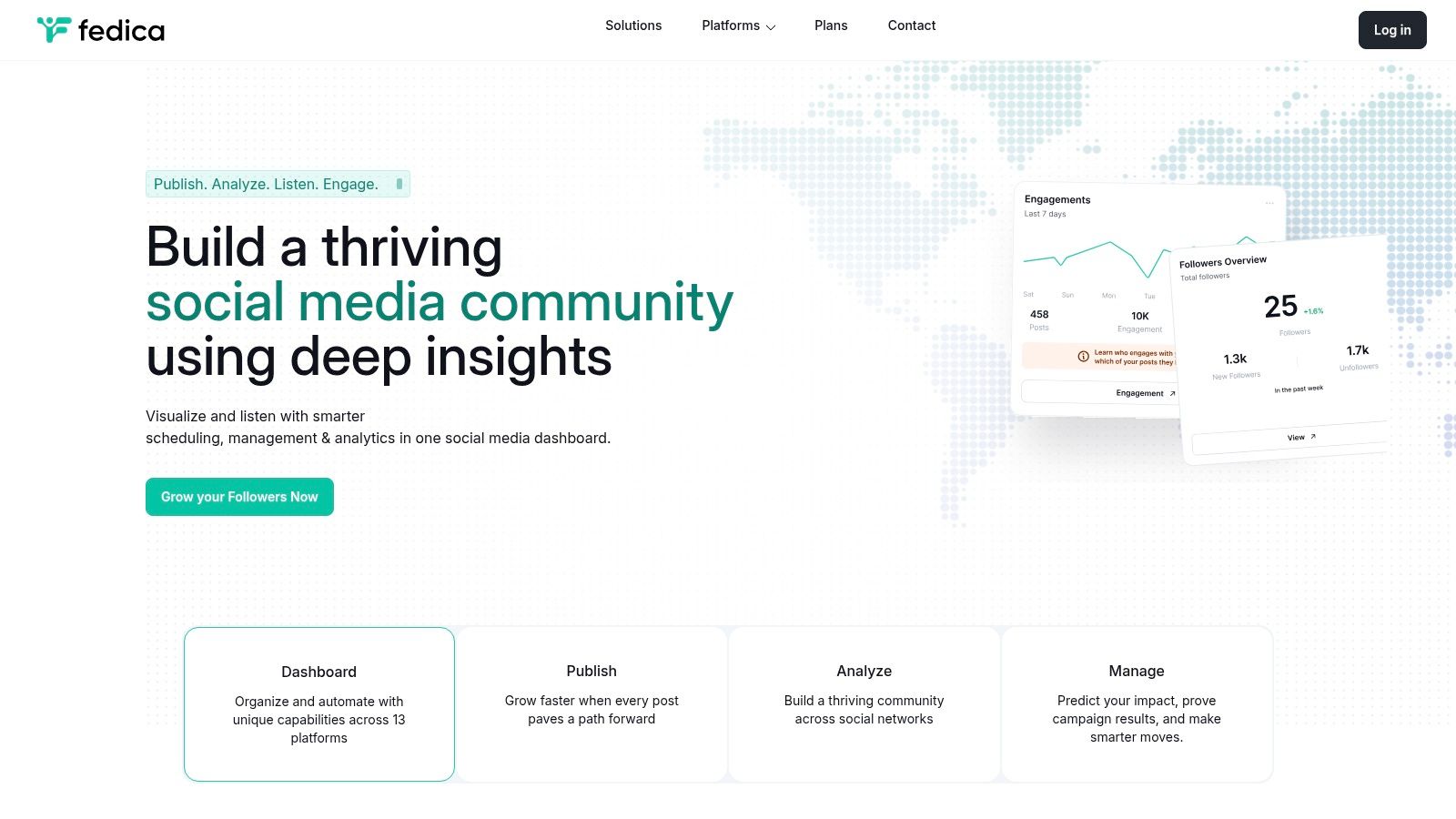
Fedica stands out because it makes geography and audience distribution more visible than many creator tools do. For accounts with followers spread across cities, countries, or time zones, that's not cosmetic data. It affects publishing windows, campaign timing, and what local references resonate.
The platform also combines analytics with scheduling and engagement support, which makes it more practical than a pure reporting layer.
Where Fedica shines
A consultant with clients in London, New York, and Berlin might see good content underperform because it goes live at the wrong hour for the intended audience. Fedica's mapping and distribution views help solve that kind of problem.
The most useful approach is to compare three things together:
Audience location: Where the follower base is concentrated.
Posting windows: When posts are being published.
Engagement response: Which times generate stronger interaction from target regions.
This kind of data has become more important as practitioners increasingly rely on follower demographics, hashtag reach, and post-type performance to shape targeting and content strategy, a shift highlighted in Talkwalker's overview of Twitter analytics tools.
Limits to expect
Fedica is functional more than polished. The interface isn't as sleek as some creator tools, and it isn't the deepest option for enterprise listening or competitor intelligence. But if the job is understanding where the audience is and adjusting timing around that, few tools make that easier.
It's a strong fit for educators, consultants, newsletters, and globally distributed founder brands.
Website: Fedica
7. Keyhole

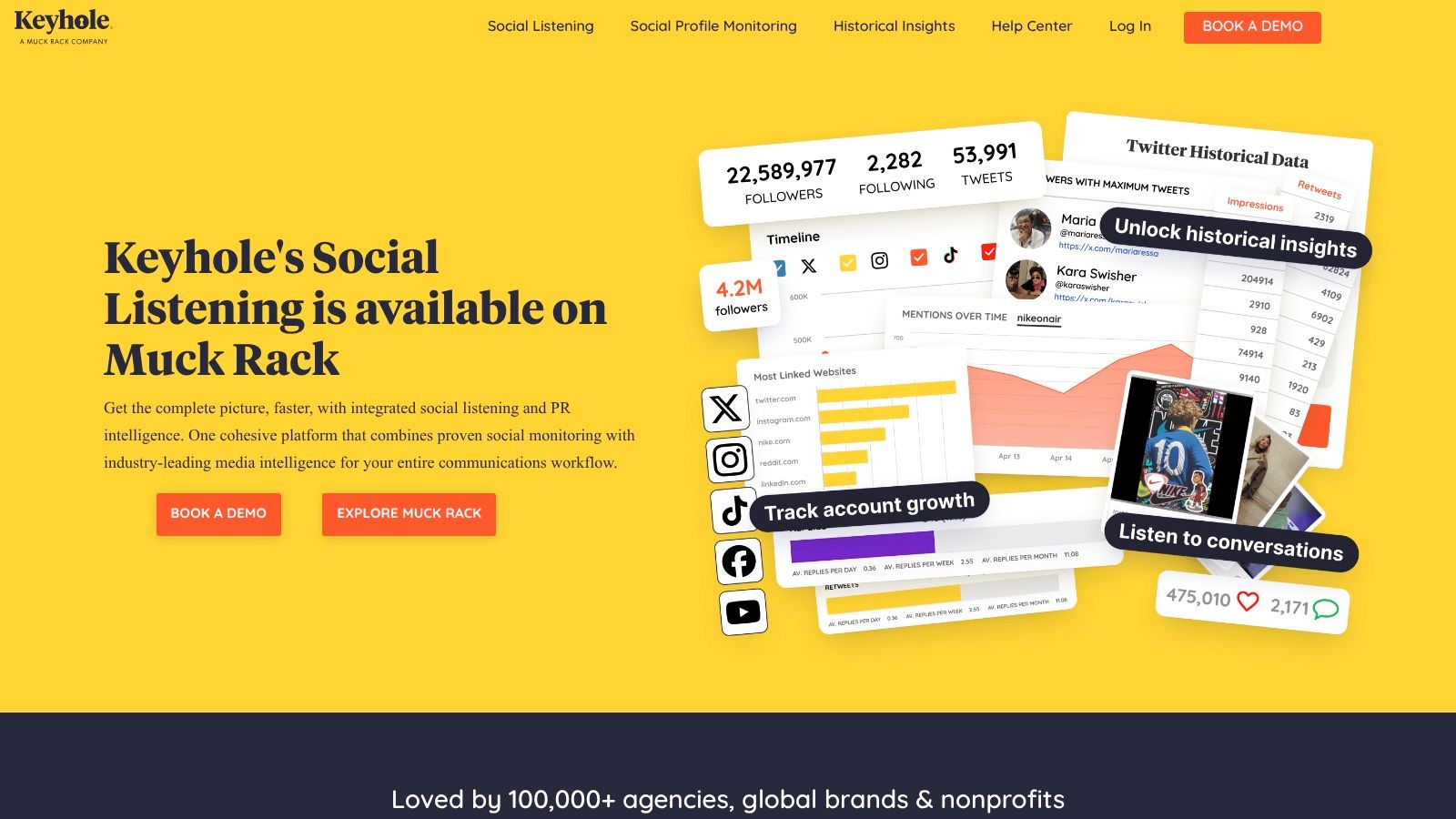
Keyhole sits in the middle ground between pure analytics and broader listening. That makes it useful for brands that don't just want to know how their own X account performed, but also want to monitor topics, hashtags, and influencer activity around a campaign.
This is often the right type of tool when a team has moved beyond “Which post did well?” and into “What conversation are people having around this campaign, and who's moving it?”
Practical use on X
A product marketing team can use Keyhole to monitor a launch hashtag, track creator participation, and report on profile growth alongside campaign chatter. That's more helpful than a standard dashboard when the campaign depends on multiple voices and earned attention.
Some of the most useful outputs are straightforward:
Hashtag tracking: Understand whether the campaign discussion is growing or fading.
Influencer views: See which contributors are creating traction.
Cross-platform reporting: Useful when X is only one piece of a wider rollout.
What to watch out for
Keyhole can be more tool than an individual creator needs. If the account owner mainly wants to improve hooks, posting time, and profile conversion, a creator-centric option will feel faster. Pricing visibility can also be a concern for teams trying to compare options quickly.
Still, for brands that need listening plus analytics in one place, Keyhole is a credible choice.
Website: Keyhole
8. Metricool
Metricool is a strong value pick for freelancers, agencies, and small teams that need more than native data but don't want enterprise overhead. It combines scheduling, reporting, and multi-platform dashboards in a way that's practical for client work.
Its appeal is less about one standout X-only feature and more about balance. The reporting is usable, competitor views are helpful, and the platform can support repeatable review cycles across multiple accounts.
Why agencies like it
Agency workflows usually depend on consistency. The team needs to pull reports, compare periods, review competitor movement, and send something client-ready without rebuilding the same deck every month. Metricool is good at that level of operational work.
For X specifically, it helps answer routine management questions:
Which posts drove results this month
Whether performance improved or declined against the prior period
How one account compares with others in the same niche
A practical way to extend that into action is to pair reporting with coaching or content refinement. For teams that want that kind of follow-through, SupaBird's X Coach workflow shows one approach to turning performance reviews into posting improvements.
Real trade-offs
Some X features may depend on plan level, and Metricool isn't the most specialized option for advanced listening. But for people managing several clients or channels, specialization isn't always the point. Reliability and breadth matter more.
Metricool is often the right answer when the budget is real and the workload is real.
Website: Metricool pricing
9. Sprout Social
Sprout Social is one of the clearest enterprise answers in this category. It's built for teams that need publishing, approvals, shared inboxes, analytics, exports, and stakeholder-ready reports in one system. For X, that means it's less about quick creator iteration and more about operational depth.
Its market presence reflects that scale. Sprout Social, Hootsuite, and Buffer together account for over 35% of the enterprise social media management tool market, according to the verified data provided in the brief. That doesn't make Sprout the right choice for everyone, but it does explain why larger teams keep it on the shortlist.
Best for structured reporting
Sprout is valuable when multiple people need to work from the same dataset and reporting language. A social manager can track paid and organic reporting across networks, while leadership gets cleaner summaries and custom dashboards.
For X teams, that usually means using Sprout for:
Cross-network reporting: Useful when X performance needs context next to LinkedIn, Instagram, or Facebook.
Team workflows: Approvals and collaboration matter for brand accounts.
Deeper trend review: Historical comparisons help explain whether a result was a one-off or a repeatable pattern.
For teams evaluating broader growth workflows around analysis and execution, this overview of social media growth tools adds useful context.
The best enterprise analytics platform isn't the one with the most charts. It's the one the team can use every week without exporting everything into a spreadsheet.
Why it won't fit everyone
Sprout is expensive relative to creator-focused tools, and some features are gated by plan. Solo operators often won't use enough of the platform to justify it. But for brands with reporting discipline and multiple stakeholders, it earns its reputation.
Website: Sprout Social analytics
10. Brandwatch Consumer Research (with Social Media Management)

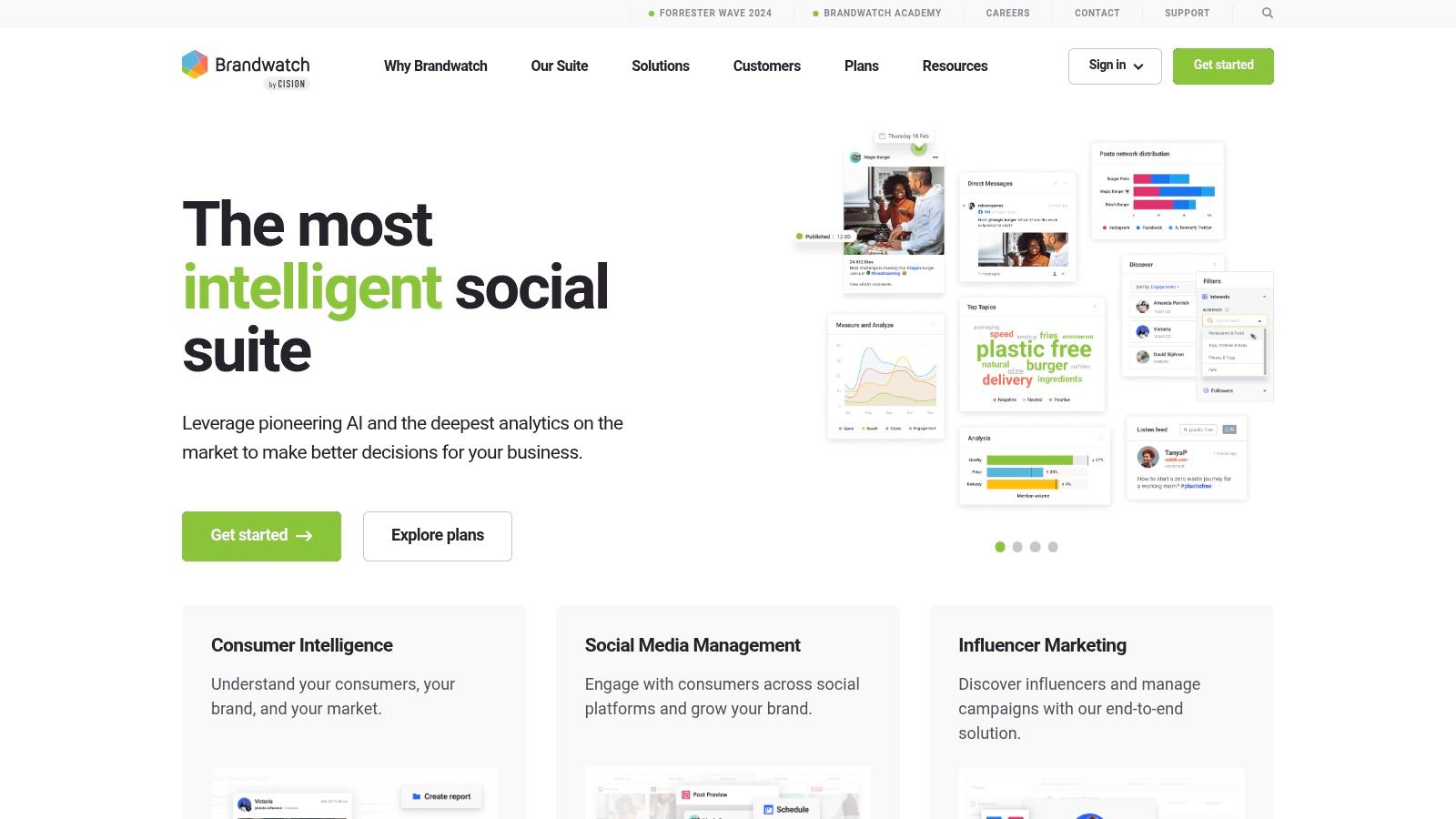
Brandwatch is for teams that need to understand conversations at scale, not just measure their own account output. That difference is important. If the goal is consumer research, topic mining, brand perception, historical retrieval, and competitive context, Brandwatch plays in a different tier from creator dashboards.
Social data becomes research infrastructure. Marketing teams can build queries around product categories, competitor names, campaign themes, or customer pain points and then use those findings to shape both content and strategy.
When Brandwatch makes sense
Brandwatch is most useful when owned-account metrics are only one input. A larger team might use it to understand how audiences talk about a category before building a campaign on X. Another team might track how conversation shifts after a launch, then compare that with account-level engagement.
A few strong use cases stand out:
Conversation mining: Pull recurring objections, themes, and language patterns.
Historical retrieval: Useful for trend reviews and campaign retrospectives.
Competitive context: Measure owned performance against the wider category discussion.
The market's biggest gap isn't more feature lists. It's matching tools to the job that needs doing, whether that's follower growth, reply discovery, campaign tracking, or audience clustering, as argued in Iconosquare's discussion of Twitter analytics tool selection.
11. ilo

ilo takes the opposite approach from all-in-one suites. It keeps the analytics view light, direct, and focused on what many creators need every day: a sortable tweet table, visible growth trends, and enough context to decide what to post more often.
That simplicity makes it appealing for solopreneurs who don't want to learn a dense dashboard. A creator can open ilo, sort recent posts by impressions, likes, replies, or other engagement signals, and spot patterns without much setup.
Why simple can be better
Some Twitter analytics tools bury useful decisions under too many filters. ilo doesn't. If the account owner wants to know whether quote-style posts outperform threads, or whether morning posts outperform evening ones, the answer is often visible quickly.
Its embeddable counters and API angle are also useful for builders who want live account stats on a personal site, portfolio, or public dashboard. That's a niche feature, but for indie hackers it's practical.
A good use case is a founder building in public:
Sort top posts by replies: Identify which topics triggered conversation.
Sort top posts by impressions: Separate broad-reach topics from niche engagement topics.
Review timing trends: Look for recurring windows where updates perform best.
Where it runs out of room
ilo isn't trying to be a campaign analytics platform or a listening tool. There's no broad competitor framework, no enterprise reporting layer, and no deep audience segmentation. For a solo account, that's often fine. For an agency or brand team, it's limiting.
It works best when the goal is fast clarity. Not when the goal is full social intelligence.
Website: ilo
The catch
Brandwatch requires budget, setup time, and people who know how to structure useful queries. A creator trying to improve hooks and posting cadence will get lost in it. A consumer insights or brand team, though, can get real value from that depth.
Website: Brandwatch
Top 11 Twitter Analytics Tools, Feature Comparison
Tool | Core features | Key benefit / USP | Best for | Data & UX & Pricing |
|---|---|---|---|---|
X Analytics (native) | Post & account metrics, native video analytics, impressions/engagement | First-party source of truth for your own account metrics | Any creator or team needing baseline measurements | Accurate post-level data; UI varies by account. Free. |
Typefully | Drafting, scheduling, X analytics, AI-assisted writing, CSV export | Creator-first workflow that ties writing to performance | Creators iterating on hooks, threads and publishing cadence | Fast, readable dashboards; exportable charts. Subscription (paid tiers). |
ilo | Tweet table, growth & posting-time trends, embeddable counters, simple exports | Lightweight, no-friction daily tweet performance insights | Solo creators and solopreneurs who want quick answers | Clean UI, minimal learning curve; narrow scope. Subscription (affordable). |
TweetBinder (by Audiense) | Hashtag/campaign reports, influencer panels, historical exports | Campaign-grade hashtag and event measurement at scale | Event marketers and campaign analysts | Report-focused UX; manage tweet-volume balances. Volume-metered pricing. |
Audiense Connect | Follower intelligence, audience segmentation, custom audiences | Deep follower-level insights for targeting and ad alignment | Marketers and paid-media teams needing audience segmentation | Powerful, steeper learning curve; premium product. Contact sales / enterprise pricing. |
Fedica (formerly Tweepsmap) | Follower mapping, geographic distribution, scheduling & engagement | Unique geographic follower maps and timezone planning | Creators needing geo-based posting strategy | Functional UI with practical maps; good for timing. Subscription-based. |
Keyhole | Hashtag/topic tracking, influencer analytics, cross-network dashboards | Mature hashtag and campaign tracking plus listening | Brands and agencies monitoring campaigns and influencers | Cross-network reports; pricing scales with volume (not fully transparent). |
Metricool | Scheduling, X analytics (paid tiers), competitor tracking, dashboards | Strong reporting depth for the price; client-ready reports | Freelancers, agencies, SMBs needing multi-client dashboards | Good value; some features gated by plan. Tiered subscription. |
Sprout Social | Enterprise publishing, deep analytics, team workflows, AI insights | Comprehensive reporting and team collaboration for orgs | Teams and enterprises requiring rigorous dashboards | Powerful dashboards and connectors; premium UX. Enterprise / subscription pricing. |
Brandwatch Consumer Research | Large-scale listening, historical retrieval, enterprise reporting | Deepest conversation mining and consumer intelligence | Enterprise research teams and competitive analysts | Very powerful but complex; expensive and requires configuration. Enterprise pricing. |
SchedPilot | AI agents, scheduling, analytics, calendar, approvals, MCP/API | Automates social media management with AI; more affordable than Buffer | Small agencies, creators | Analytics + unified calendar; 7-day free trial, lower-cost pricing |
Turn Your Analytics into Action Today
Having access to better dashboards doesn't automatically create growth. The useful part happens after the review, when an account owner turns patterns into the next batch of posts. That's where many teams stall. They gather data, notice a few winners, and then go back to posting on instinct.
A better workflow is simple and repeatable. First, review the last 90 days and identify the top 5 to 10 posts by impressions, engagement rate, and profile clicks. Then analyze those posts one by one. Look at the hook, the format, the audience pain point, the level of specificity, and whether the post asked for a response or delivered information.
The next step is the one that delivers results. Build a short pattern library from those winners. If short contrarian posts drive impressions, create more of them. If threads earn stronger profile visits, use them for deeper authority content. If audience response spikes around one topic cluster, turn that into a weekly content pillar instead of treating it like a one-off hit.
This is also why tool selection matters. Some Twitter analytics tools are best for reporting. Others are better for listening, timing, segmentation, or campaign tracking. The right choice depends on the job. Native X Analytics is still the right baseline. After that, a creator might add Typefully or ilo for content iteration, while a team might need Sprout Social, Keyhole, or Brandwatch for broader reporting and market context.
For accounts that want to connect analysis directly to ideation and rewriting, SupaBird is one option that fits naturally into that loop. Successful topics can be fed into its Ideas Lab, and drafts can be reworked with X-GPT into formats better aligned with what already performs. That keeps analytics from becoming a dead-end report.
The key is consistency. Review, analyze, act, then repeat. That cycle matters more than picking the “perfect” dashboard. One well-used tool will usually outperform a stack of neglected ones.
Teams also shouldn't treat analytics as separate from monetization or business outcomes. Better post selection, sharper hooks, and smarter timing support reach, and reach creates more chances to convert attention into leads, subscribers, or sales. For readers thinking beyond growth alone, AdCrafty's guide to earning money with Twitter is a useful next read.
SupaBird helps creators, founders, and marketers turn X analytics into action with idea generation, reply discovery, rewriting, scheduling, and coaching in one workflow. For anyone who wants a practical growth system instead of another passive dashboard, SupaBird is worth exploring.

30-Day Starting Plan for New X (Twitter) Accounts

How Often Should You Tweet for Maximum Growth?

What Should Your First 10 Tweets Be About?

How to Run X for Ten Clients: The Agency Workflow

How to write a bio that gets people to follow you

Digital Product Launch Strategy

Best Twitter Growth Service for Creators in 2026
From X to Every Platform: Repurpose Without Flopping

How to Get Cited by Grok: Winning X’s AI Search in 2026
