10 Social Media Engagement Questions That Spark Replies
Author:

Engagement on X rarely comes from adding “What do you think?” to the end of a post. It comes from giving people a clear reason to answer, whether they're choosing between two trade-offs, completing a sentence, diagnosing a problem, or challenging an opinion. That distinction matters because X operates in a comparatively tight engagement environment. One 2026 cross-platform benchmark placed X's median engagement rate at 1.11%, the lowest among the major networks it tracked, with a 9.0% year-over-year decline. Its definition included likes, replies, reposts, and quote posts divided by followers, so reply quality matters more than publishing volume alone (2026 engagement benchmark).
This roundup gives you ten social media engagement questions built around the behavior you want to invite: decision-making, contribution, critique, reflection, prediction, or pushback. Each format includes wording you can adapt for X, the audience context to add, a practical timing approach, a follow-up move, and a metric to watch. You can use SupaBird's Ideas Lab, Engage, X-GPT, scheduling calendar, and X Coach to support that workflow. If you're also developing visual content, a trend-driven video maker overview can help you turn a strong prompt into a more scroll-stopping asset.
Table of Contents
1. The “What Would You Do?” Scenario Question
Scenario questions work because they ask people to apply their knowledge instead of merely announcing an opinion. Give the audience a real constraint, then ask for a decision. A SaaS founder might write, “You're launching a product with no budget for ads. What's your first move to get 100 users?” That framing invites guerrilla tactics, partnerships, community-building, and direct outreach.
A marketing manager could ask, “Your client wants viral content but won't let you be controversial. How do you make boring B2B interesting?” A coach might use, “If you could only use three content pillars for the next 90 days, which would you pick and why?” Each question gives responders a problem they recognize and enough boundaries to avoid vague answers.
Make the constraints answerable
Don't overload the prompt with background. State the situation, include the decision the person must make, and use “What would you do?” to make the response personal. The best scenarios create several defensible answers, not one obvious solution.
Post when your audience has enough attention to explain its reasoning, ideally during an active local window identified in your scheduling data. After the first replies arrive, pin or quote the strongest two or three responses in a follow-up thread and explain what you learned. In SupaBird's Engage module, study relevant posts that attracted substantial reply activity and reverse-engineer their constraints, not just their wording.
Track replies, reposts, and meaningful follow-up exchanges. A large reply count is useful, but thoughtful answers reveal whether the prompt is building authority.

2. The “Unpopular Opinion” Contrarian Hook
Contrarian questions attract people who want to defend an idea, challenge an assumption, or add context. They only work when the opinion has a reason behind it. “Most productivity apps are solving the wrong problem. You don't need more tools, you need fewer decisions. Do you agree?” gives the audience something specific to evaluate.
A startup founder might post, “Your MVP shouldn't have a co-founder. Work solo first, prove traction, then recruit. What's the strongest argument against this?” A marketing manager could write, “Engagement metrics are a vanity trap. Focus on conversions or revenue. Where does that view break down?” The second question is stronger than a generic “Thoughts?” because it names the point of tension.
Challenge ideas, not people
Add a brief because clause or a piece of personal experience. Don't manufacture outrage, misrepresent opposing views, or attack a group of people for attention. A respectful counterargument gives you more room to continue the conversation and protects your credibility.
Respond to disagreement with curiosity. Ask, “What am I missing?” or “When has the opposite worked for you?” That follow-up converts a one-off argument into a useful thread. Use how to write stronger hooks as a reference when tightening the opening claim, then use SupaBird's Ideas Lab to examine which controversial posts from creators you follow produced sustained discussion.
Schedule the post when you can stay present for the early conversation. Measure reply quality, quote posts, profile visits, and qualified profile activity, not just likes. A hot take that earns attention from the wrong audience can create noise without building trust.
3. The “Fill in the Blank” or Mad Libs Format
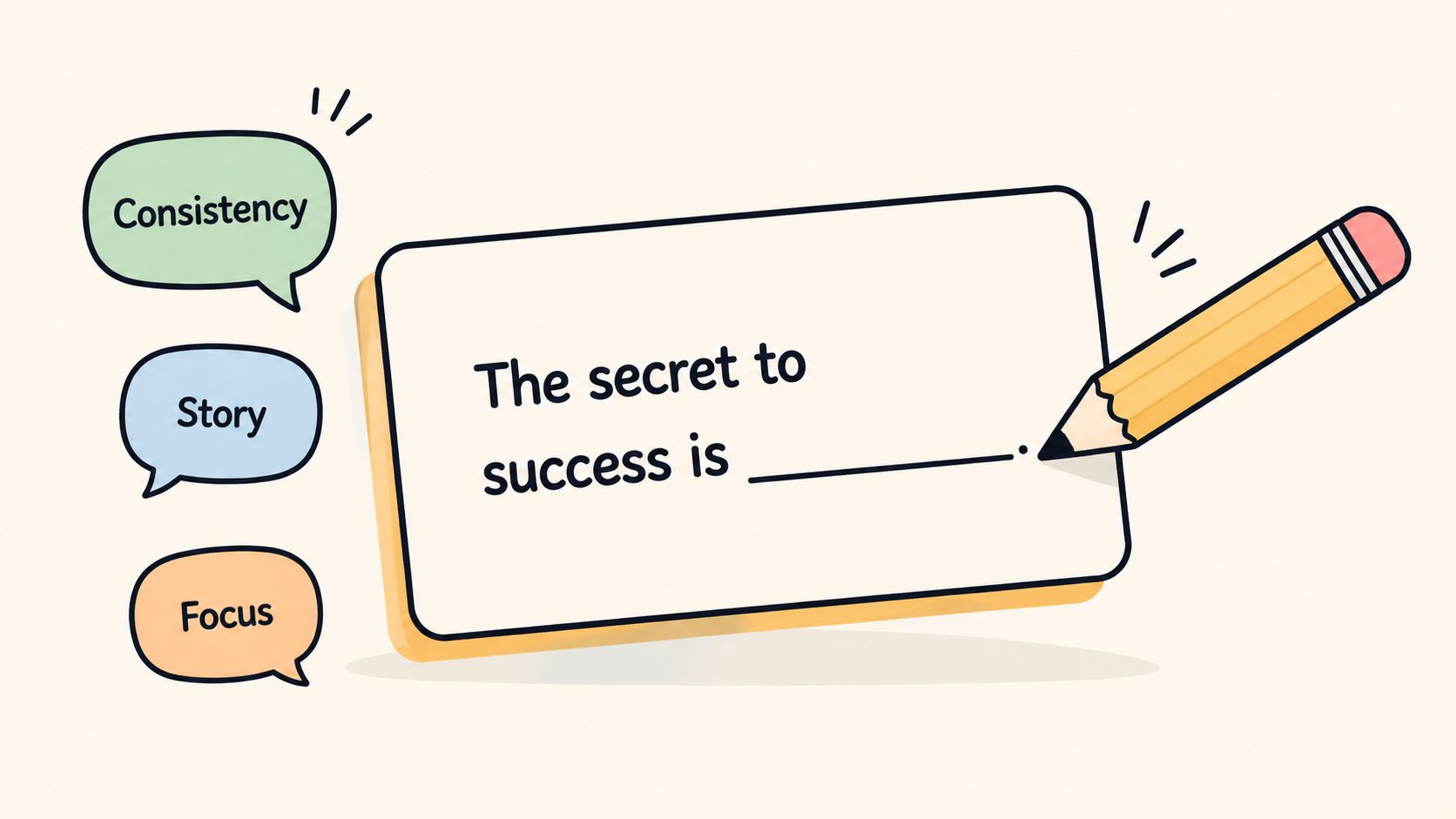
Fill-in-the-blank prompts reduce the effort required to participate. Someone can answer with one word, a phrase, or a personal story, so the format fits fast-moving X feeds. Try “The skill nobody teaches but everyone needs is _____.” The responses may include saying no, listening, asking for help, or handling conflict.
For customer research, a SaaS founder could write, “I'd pay $500 a month for a tool that _____.” A marketing manager might ask, “Content creators underestimate the power of _____.” These prompts can produce both community conversation and language you can reuse in future content, product messaging, or sales calls.
Test the blank before publishing
Ask whether the sentence gives people a clear direction. “The one thing I wish I knew before starting a company was _____” is easier to answer than “The most important thing is _____.” Specific context reduces misinterpretation and makes the responses more comparable.
Respond to the first several replies with likes or retweets when they add value. Then collect the strongest contributions into a follow-up thread titled “Here's what you said about _____.” That second post rewards participation and turns scattered replies into a useful resource.
Use SupaBird's Engage module to search for high-participation examples in your niche, then adapt the blank to your audience rather than copying the surface wording. You can also review the best Twitter post templates in 2026 for structural variations.
Track reply rate, recurring themes, and profile visits. If the answers are shallow, add a constraint such as “in one sentence” or “from your first year in business.”
4. The “Either/Or” Binary Choice With Stakes
Binary questions create fast participation, but the two choices must both be credible. “Would you rather have $1M from a hands-off VC or $500K from a VC who opens doors?” forces a trade-off between capital and access. The audience can answer quickly, then explain the principle behind the choice.
Other useful examples include “Ship fast with bugs or ship slow and polish? Pick one and explain your risk tolerance.” For a coach, “Build in public or build in stealth? Which approach fits your next launch, and why?” The added explanation matters. Without it, you'll collect one-word votes but learn little about your audience.
Pair speed with context
Use an X poll when you want a quick directional signal, then quote-post the poll with the written reasons from replies. The poll gives you a simple comparison, while the comments reveal the motivations, fears, and assumptions behind each option.
Avoid a strawman choice such as “smart strategy versus obviously bad strategy.” Both options should have a benefit and a cost. Add descriptors when the choices could be misunderstood, such as “fast launch with known bugs” and “slower launch with polished onboarding.”
Post when your audience is active enough to answer quickly, because rapid early replies can give the question momentum. Measure poll participation, replies per impression, quote posts, and the number of respondents who visit your profile. If the poll gets votes but no discussion, strengthen the stakes or make the “why?” more explicit.
5. The “Show and Tell” Visual Prompt With Caption Challenge
A visual prompt gives the audience something concrete to inspect. Share an interface, chart, draft, or short video, then ask a question that directs attention to a specific detail. “What's the biggest UX mistake here?” will generate more useful replies than “What's your take?”
A SaaS founder might share a screenshot of a confusing onboarding flow and ask, “How would you redesign the first screen?” A marketing manager could post a chart showing an engagement decline after a strategy change and ask, “What did I miss?” A coach might share a strong X post and ask, “Why did this work? Break down the hook, structure, timing, or emotional pull.”

Make the object easy to analyze
Use high-contrast text that remains readable on a phone, and add descriptive alt text so the post remains accessible. The question should tell people whether you want diagnosis, criticism, prioritization, or redesign ideas. That direction prevents a visual from becoming decoration.
Use SupaBird's Engage module to find visual posts that attracted relevant discussion. Ideas Lab can help you generate possible visuals, but the final prompt should come from a real audience problem. A short video can work well when motion demonstrates the issue before the question asks viewers to solve it.
Follow up by replying to the most useful diagnosis and naming the change you'll test. Track replies, saves where available, profile visits, and link clicks. Visual posts may attract attention without producing business value, so connect the question to the action you want people to take next.
6. The “Rapid-Fire List” With Audience Contribution
Incomplete lists invite people to add the missing piece. Start with enough structure to make the topic clear, then leave room for community knowledge. “Reasons startups fail: 1. Wrong problem. 2. No traction. What's number three?” gives founders an easy entry point.
A marketing manager might write, “Content creators say no to: 1. Niching down. 2. Being consistent. What else holds them back?” A coach could ask, “Skills that pay bills: 1. Sales. 2. Writing. What's next?” Numbering matters because it tells responders exactly how to participate.
Turn replies into a second asset
Start with two or three strong items, then respond to the first few additions with a like or retweet when they move the list forward. After the thread has developed, quote-post it with “Here's what you said” and compile the strongest additions. That follow-up gives contributors visibility and consolidates the discussion into a more shareable resource.
Don't use this format for a subject where every answer is interchangeable. The list needs a clear audience and a useful standard for inclusion.
For more ways to develop prompts from audience language, use how to find content ideas. SupaBird's Engage module can also help you study list-style posts with active participation in your category.
Measure unique contributors, replies per contributor, reposts, and follow-up profile visits. A successful list should expand the conversation, not just collect repeated versions of the same answer.
7. The “Before and After” Transformation Question
Transformation prompts invite reflection and interpretation. They show a change, then ask the audience to identify the cause. A founder could share a screenshot of an early account and a later version, asking, “What changed, and what would you have done differently?” The audience can analyze the visible difference or compare it with its own experience.
A marketing manager might show a weak email draft beside a stronger rewrite and ask, “What changed in the rewrite?” A coach could share an earlier period of burnout beside a later, more focused stage and ask, “What was the turning point for you?” These questions teach without turning the post into a lecture.
Give the audience something observable
Use a clear timeframe such as “six months ago versus today” rather than an undefined before and after. Include a concrete change in behavior, process, visual presentation, or business result. You don't need to reveal every detail, but people need enough evidence to form an interpretation.
Ask “What changed?” instead of “How did I do this?” The first wording lets people analyze and compare; the second often produces generic praise. In your replies, explain the one or two factors that mattered most so the discussion stays grounded.
Timing should match the audience's willingness to study context. A transformation post deserves more than a rushed publishing window. Use Ideas Lab to find an angle that fits your creator identity, then track replies, quote posts, profile visits, and qualified conversations in DMs.
8. The “Hot Take” With Proof Question
A hot take becomes more useful when you supply a reason before asking for agreement. Try “Most startup advice is survivorship bias. Here's why: successful founders often describe decisions after the outcome is known. Agree or disagree?” The audience can challenge the claim while responding to an actual argument.
A marketing manager might post, “Personal brands can outpace company brands on X because people follow recognizable judgment. Agree?” A coach could write, “Your first 1,000 followers matter more than your next 100,000 because early relationships shape your feedback loop. What am I missing?” The claim is bold, but the explanation gives people a fair basis for disagreement.
Invite the strongest counterargument
State your evidence or observation before the question. Anticipate the best opposing view, then acknowledge where it may apply. That signals that you're testing an idea rather than baiting the audience.
Reply to disagreement with “What am I missing?” or “When would the opposite be true?” Respectful follow-up often produces more insight than the original post. SupaBird's Engage module can help you study how thought leaders support provocative claims, while the calendar can help you publish when you're available to handle immediate discussion.
Track quote posts, thoughtful replies, profile visits, and relevant follower growth. Don't judge the format by raw impressions alone. A controversial post can travel widely while attracting people who have no interest in your work.
9. The “Predict the Future” Speculation Prompt
Prediction questions combine expertise with uncertainty. They ask people to make a bet, defend a timeline, and explain the signal behind it. A SaaS founder might ask, “In two years, will personal AI agents replace the need for SaaS subscriptions? What's your bet?” A marketing manager could write, “By 2026, will the X algorithm rely more on followers, or will follower count matter less? Predict and explain.”
A coach might ask, “By 2027, will personal brands be worth more than companies? Why or why not?” These prompts work best when the audience has enough industry context to see multiple possible outcomes.
Add a time horizon and a signal
Ground the prediction in something observable, such as changing customer behavior, product development, or a visible shift in how creators publish. Don't present a projection as a current fact. The question should distinguish between what people expect and why they expect it.
Bookmark the post and revisit it after the chosen period. Quote the original, identify which predictions held up, and invite the audience to update its view. That delayed follow-up gives the initial question a second life and rewards people who made reasoned calls.
Ideas Lab can help you generate future-facing angles aligned with your niche, but your own audience context should determine the final wording. Track replies containing reasons, quote posts, bookmarks, and return engagement when you revisit the prediction. A prediction thread with detailed logic is more valuable than a feed full of unsupported guesses.
10. The “Rant and Invite Pushback” Honest Complaint
A specific complaint can create a more human conversation than a polished educational post. The key is to describe what you observed, what you tried, and what you want others to explain. A marketing manager might write, “Every engagement metric is growing except conversions. Is anyone else seeing this disconnect, and what am I missing?”
A founder could say, “Raising capital is a full-time job. Investors say they want founder-focused companies, but the process can consume the focus needed to build. Disagree?” A coach might write, “Content advice says ‘be consistent' but rarely discusses burnout. How are you creating sustainably?”
Make the frustration useful
Start with the concrete problem, not “X is broken.” Name the behavior or result that bothers you, then describe the response you've already tested. That context gives people something to diagnose and makes the complaint less like a request for unearned reassurance.
End with a genuine invitation such as “Am I wrong here?” or “How are you solving this?” Treat counterpoints as information, not attacks. If someone offers a practical solution, test it or explain why it doesn't fit your situation.
Study how comparable discussions developed in SupaBird's Engage module, then use how replying to tweets grows your account faster to strengthen the follow-up behavior around your own post. Track replies, meaningful conversations in DMs, profile visits, and conversions. Venting may attract attention, but the format earns lasting value only when you help turn frustration into a clearer solution.
10 Social Engagement Question Types Compared
Prompt | Implementation complexity | Resource requirements | Expected outcomes | Ideal use cases | Key advantages |
|---|---|---|---|---|---|
The "What Would You Do?" Scenario Question | Medium, needs a clear, constrained scenario | Low–Medium, time to craft and follow up | Thoughtful, multi-perspective replies; high reply-to-impression | Problem-solving, community input, authority building | Encourages dialogue, surfaces diverse expertise |
The "Unpopular Opinion" Contrarian Hook | Medium–High, requires careful framing and evidence | Low to create, High to moderate (engagement & reputation management) | High-reply, polarizing debate; increased visibility | Thought leadership, debate, attracting attention | Drives strong engagement and signals independent thinking |
The "Fill in the Blank" / Mad Libs Format | Low, simple sentence frame | Very low, quick to create; moderate moderation if viral | Large volume of short replies; fast engagement spikes | Trend-jacking, low-friction crowdsourcing, quick prompts | Lowest barrier to reply; highly shareable responses |
The "Either/Or" Binary Choice with Stakes | Low, craft two credible options with descriptors | Low, simple post or poll; moderate reply handling | Strong, opinionated replies; easy poll integration | Preference testing, sparking debate, polls | Forces decisions, reveals audience preferences quickly |
The "Show & Tell" Visual Prompt with Caption Challenge | Medium–High, needs good visuals + clear question | Medium–High, design/asset sourcing and accessible alt-text | Higher impressions and richer, specific critiques | UX review, showcasing work, visual critiques | Stops the scroll; elicits detailed, concrete feedback |
The "Rapid-Fire List" with Audience Contribution | Low–Medium, start list and invite continuation | Low–Medium, moderation and later synthesis required | High participation; crowdsourced resource and many replies | Building community resources, collaborative threads | Produces authoritative, community-generated lists |
The "Before/After" Transformation Question | Medium, requires clear measurable change or visual | Medium, prepare evidence, visuals or metrics | Emotionally resonant replies and personal stories | Case studies, growth narratives, lessons learned | High emotional engagement; encourages story-sharing |
The "Hot Take" with Proof Question | Medium–High, bold claim plus concise evidence | Medium, research to support claim; active engagement | Substantive, evidence-based debate; authority growth | Thought leadership, testing controversial theses | Combines conviction with invite for informed pushback |
The "Predict the Future" Speculation Prompt | Medium, define timeframe and signal to ground speculation | Low–Medium, some research; opportunity for later follow-up | Varied expert predictions; long-term revisit opportunities | Trend forecasting, industry foresight, audience expertise | Encourages forward-thinking and showcases expertise |
The "Rant & Invite Pushback" Honest Complaint | Low–Medium, must be specific and professionally framed | Low–Medium, moderation and genuine follow-up needed | High emotional engagement; mixed validation and solutions | Surface pain points, solicit fixes, build relatability | Authenticity drives engagement and community problem-solving |
Turn Strong Questions Into a Repeatable X Engagement System
The ten formats work best as a testing cycle, not as a collection of prompts to repeat indefinitely. Use fill-ins and binary choices when you want fast participation. Use scenarios and incomplete lists when you want community intelligence. Choose visual and transformation prompts when the audience needs something concrete to inspect. Save contrarian opinions, hot takes, predictions, and complaints for moments when you're prepared to handle disagreement and keep the conversation constructive.
The broader platform context supports that discipline. Social media users are fragmented across an average of 6.84 platforms each month in the 2025 benchmark, and they spend about 141 minutes per day on social platforms on average, down slightly from 143 minutes in 2024 (2025 social media marketing statistics). Your audience's attention is broad, but your post still competes within a specific feed and a specific local activity window. A question that works on Instagram or TikTok won't automatically transfer to X, especially when X benchmarks remain comparatively uneven.
Change one variable at a time. Test the question format, audience segment, posting time, or follow-up method, but don't alter all four in the same experiment. Track impressions, replies, reply rate, reposts, quote posts, profile visits, link clicks, follower growth, and meaningful conversations in DMs. For image-led posts, one 2025 study of 3,200 X posts and more than 29,000 data points reported average engagement of 2.09% for image posts, 1.34% for video, and 1.36% for promoted posts. Text-only posts showed a 3.2% average but a 1.13% median, a gap that indicates a small number of outliers can distort the average (2025 social media benchmarks). Use the median and your own repeatable results to avoid chasing viral exceptions.
A practical weekly workflow can stay simple:
Choose: Select a decision, contribution, critique, reflection, prediction, or pushback prompt in Ideas Lab.
Study: Use Engage to find relevant conversations and identify the wording, format, and follow-up that earned meaningful replies.
Refine: Ask X-GPT to tighten the hook, clarify the constraint, or create versions for different audience segments.
Schedule: Use the calendar to plan the post around the audience's local activity window, including cities such as Berlin, New York, London, or Mumbai when your audience is global.
Review: Use X Coach to examine what worked or flopped, then make one actionable adjustment to the next question.
A question is not successful merely because people answer it. It succeeds when the answers teach you something, attract the right people, create a useful exchange, or move an interested reader toward your next step. Build that measurement habit alongside your prompt library, and your engagement system becomes more dependable. Tools for social media connectors and queue management can support distribution, but the quality of the question and the conversation you create afterward still determine whether attention becomes trust.
SupaBird brings Ideas Lab, Engage, X-GPT, scheduling, and X Coach into one workflow for building stronger X conversations. Use SupaBird to find relevant posts, refine social media engagement questions, publish at a deliberate time, and review which replies turn attention into meaningful growth.

The Reply Guy Strategy: A Growth Guide for X

Why New X Accounts Get Less Reach

ClimbX Review (2026): Features, Pricing, Pros and Cons

How Developer Startups Build a Brand on X Before Launch

30-Day Starting Plan for New X (Twitter) Accounts

How Often Should You Tweet for Maximum Growth?

What Should Your First 10 Tweets Be About?

How to Run X for Ten Clients: The Agency Workflow

How to write a bio that gets people to follow you
